 1
Star Wars Zero Company Handheld Performance Review
Conclusion »ASUS ROG Xbox Ally X and ASUS ROG Ally X Optimized Settings
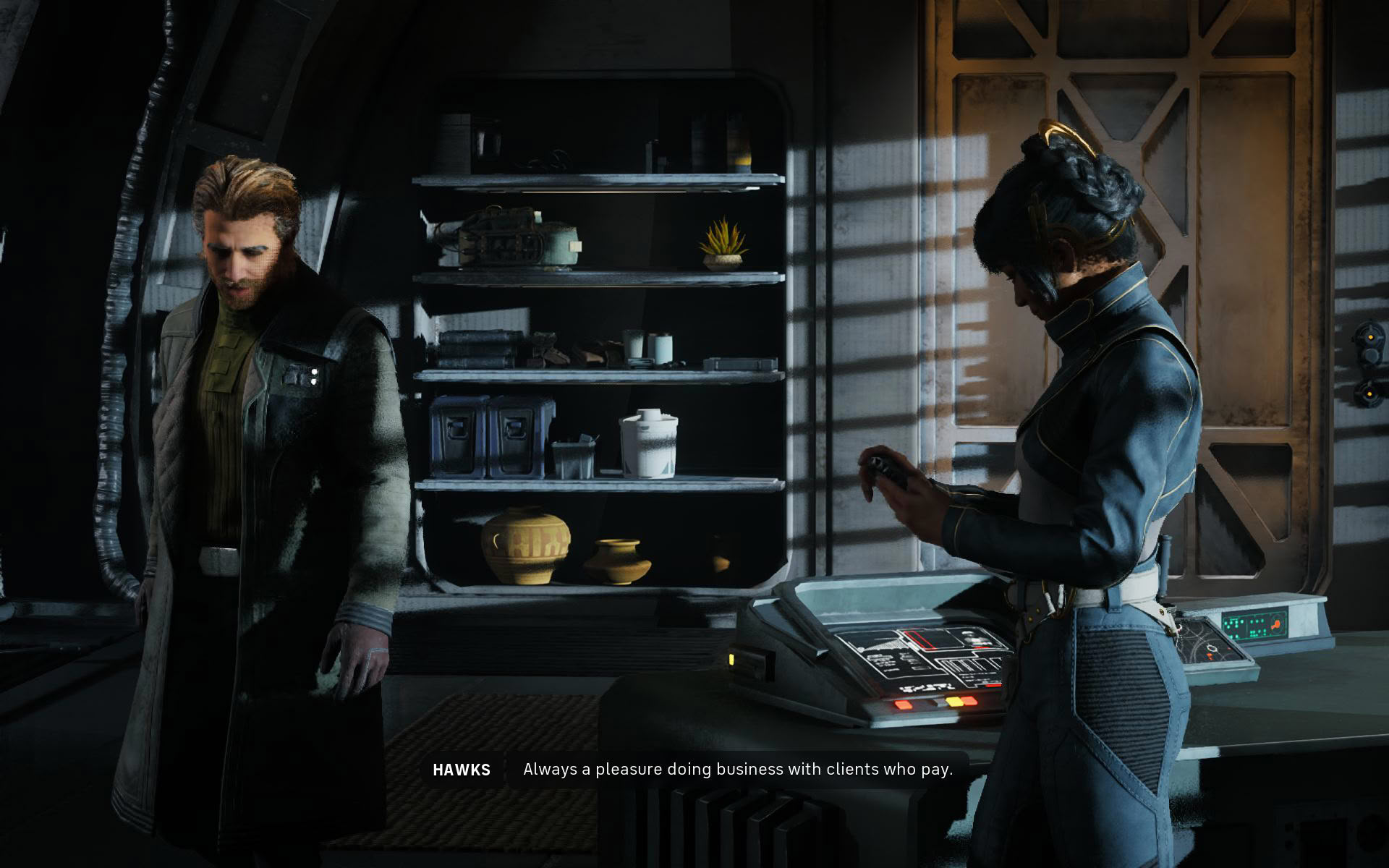
The Xbox Ally X can provide okayish performance that will drop below 30 FPS when panning the camera around and running around with Hawks (the main character) during exploration sections, but since this is a turn-based tactics title with real-time parts that don't include any action, we find this level of performance playable.
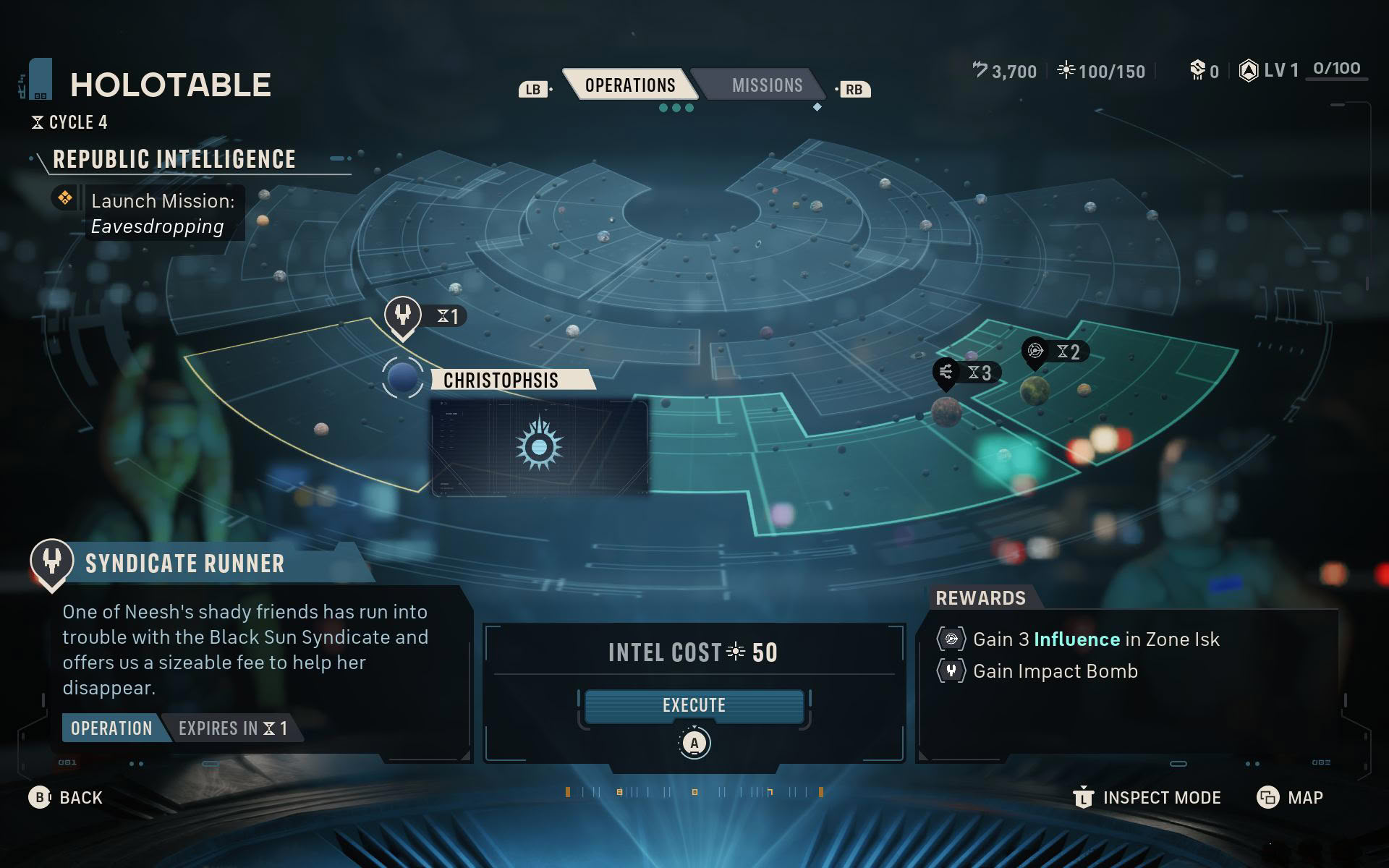
Optimized settings include upping the power to 25 W (the game scales poorly at higher TDP values on AMD handhelds), setting the resolution to 900p, selecting the Medium graphics preset with textures set to High (you can also use Ultra; we just don't know whether the VRAM buffer will overfill during multi-hour playing sessions), disabling Environment Geometry Detail, and setting XeSS to Ultra Quality. FSR is also an option, and it does provide a few more frames than XeSS at equivalent quality levels, but it looks noticeably worse, while TSR imposes a massive performance penalty compared to FSR and XeSS.
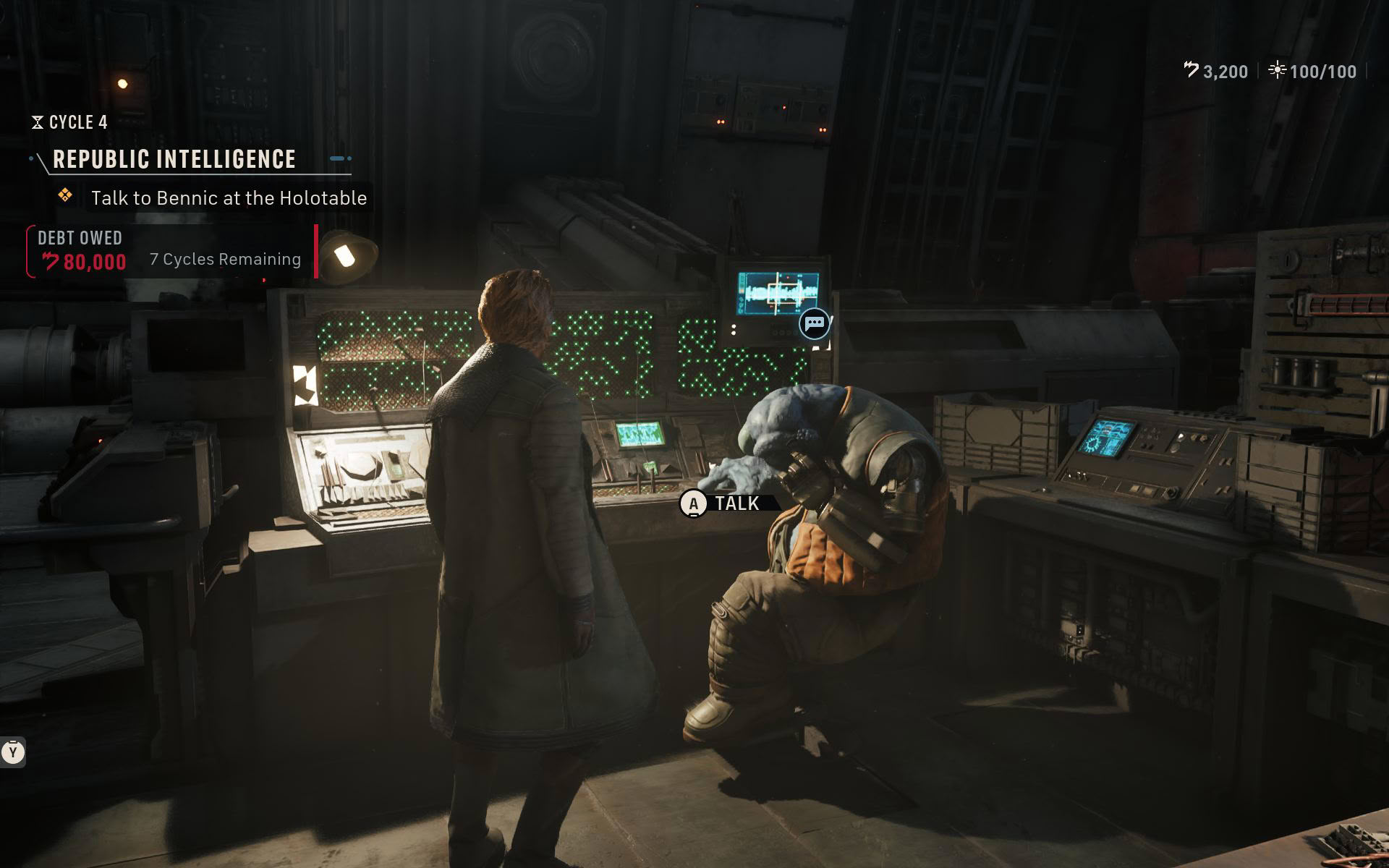
You can experiment with frame gen, but the constant hitching creates wild input latency swings that are probably the worst we've ever seen in our handheld reviews, making frame gen unusable despite this being a turn-based tactics game where frame gen should be usable even at lower base frame rates. Also, disabling Environment Geometry Detail makes most objects have noticeably less detail than with it on, but that's the price you have to pay to play the game on a PC handheld.
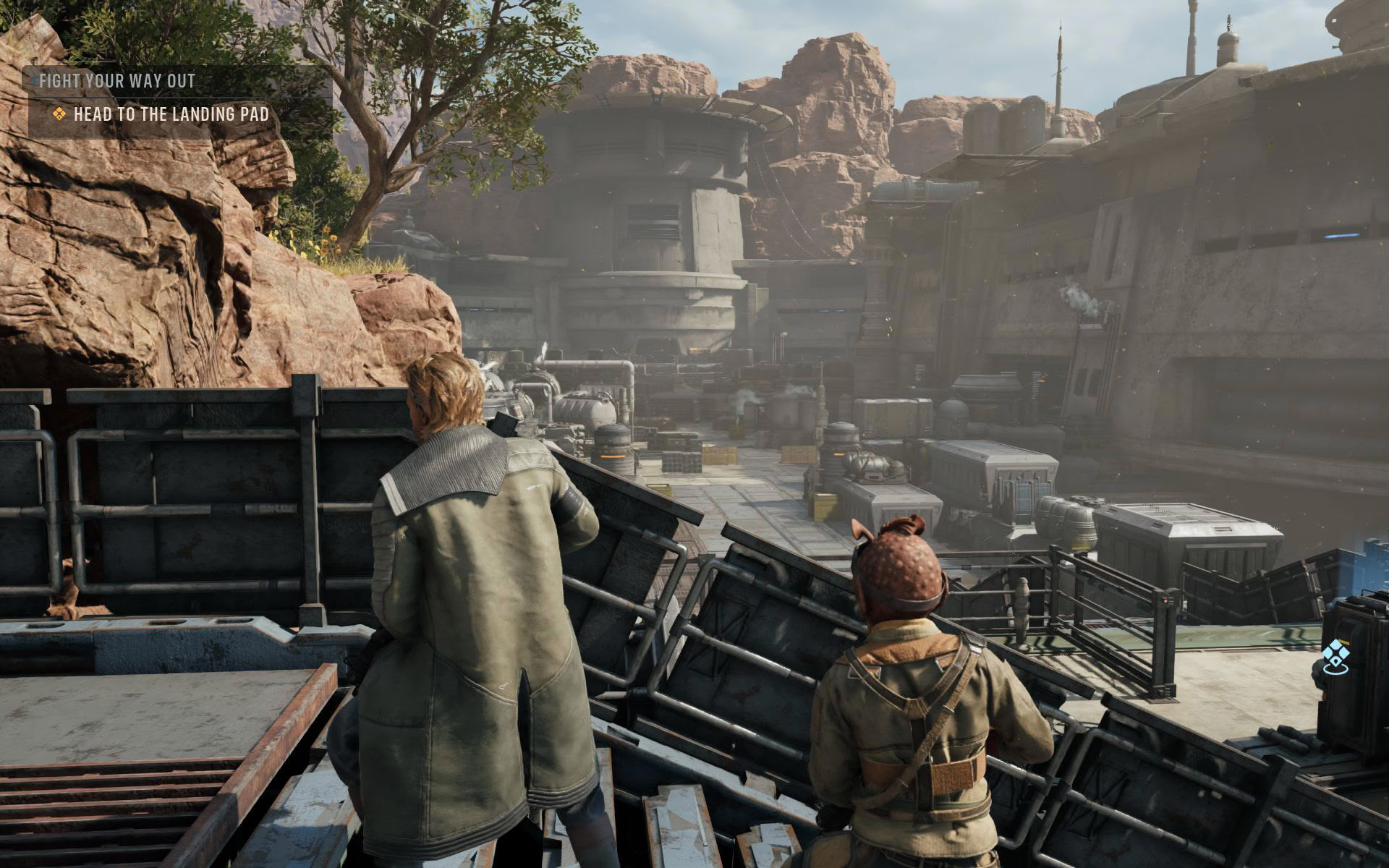
The ROG Ally X can also run the game okayish if you're okay with playing it at 720p with upscaling and constant drops to the 20s. We only find this playable because ZCOM is a turn-based title. Okay, so the settings we recommend include 25 W TDP, 720p resolution, the Low graphical preset with textures set to High (or Ultra, with the same caveat as on the Xbox Ally X), and the Environment Geometry Detail toggle disabled.
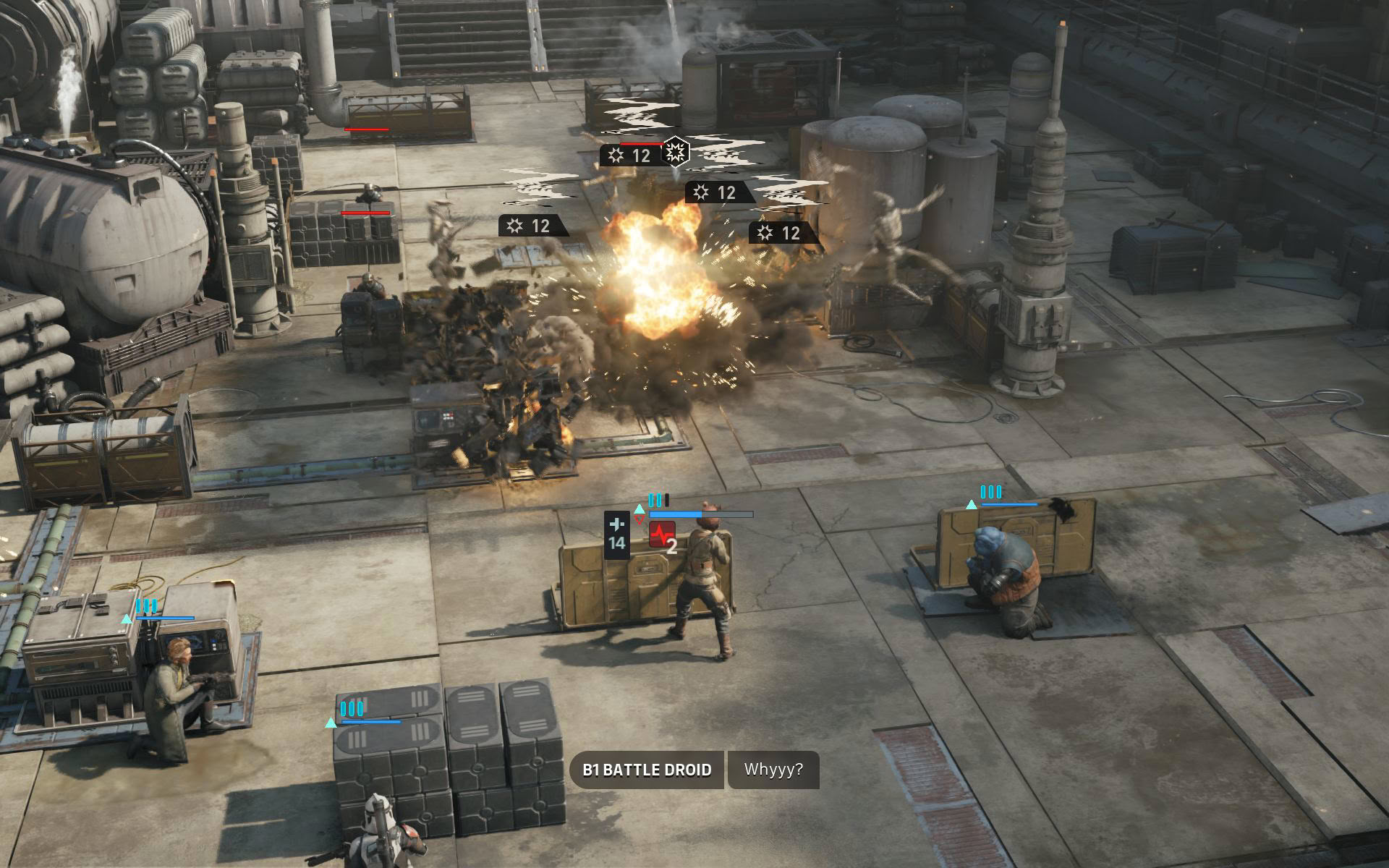
With these settings, you can expect about an hour and a half to two hours of playtime on both ROG Ally models before the battery gives out.
MSI Claw 8 EX and MSI Claw 8 Optimized Settings
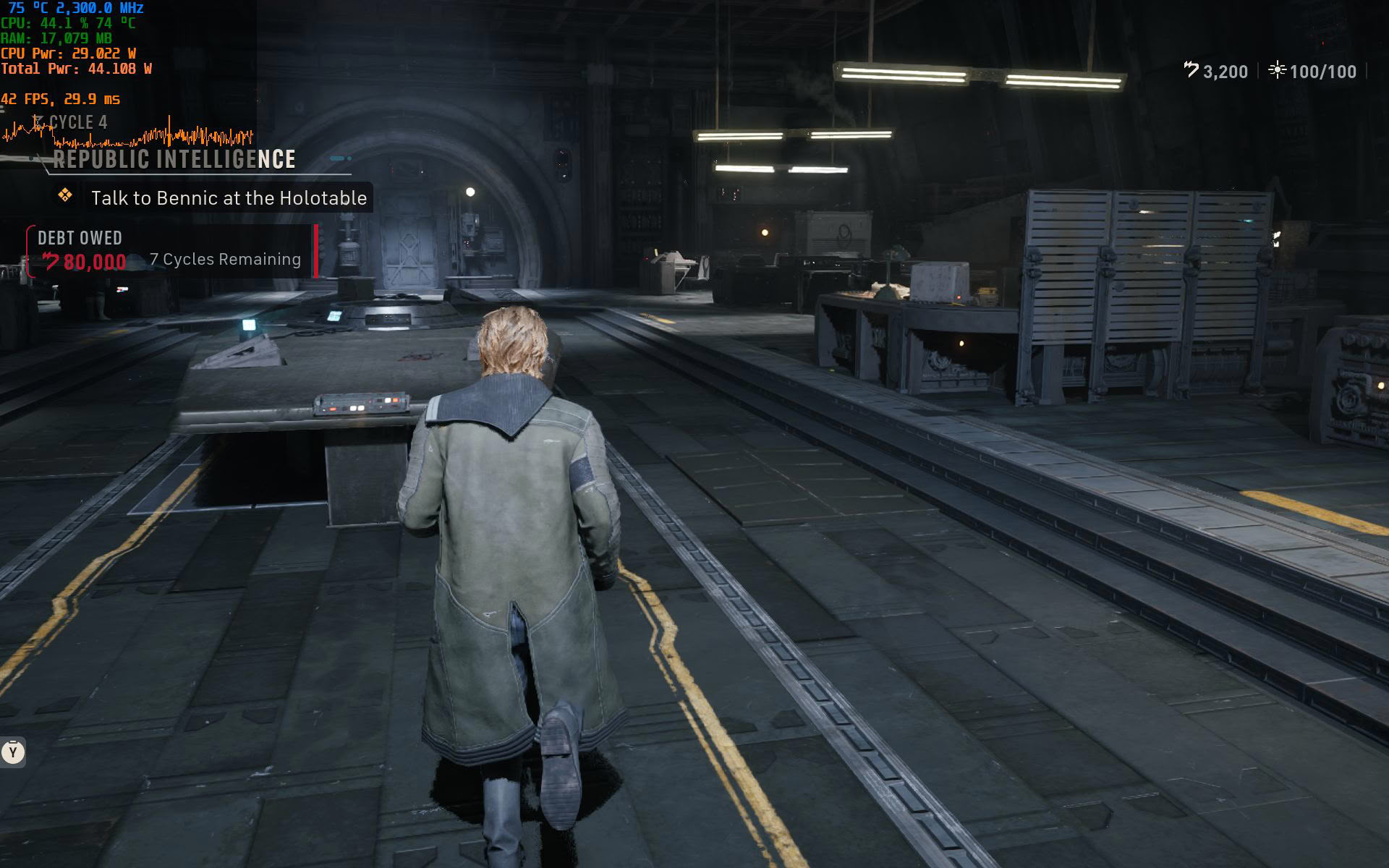
Star Wars Zero Company runs quite well on the MSI Claw 8 EX despite the hitches due to the sheer power the G3 Extreme provides. Even with the constant stuttering, the Claw 8 EX is beefy enough to always provide at least 30 FPS during turn-based sections, but most of the time you'll be looking at at least 40 FPS. When running around with Hawks, you might experience sub-30 FPS drops and tons of stuttering, especially when exploring your HQ, but you can do nothing about it because even dropping everything to Low and the resolution to 720p won't deal with those drops.
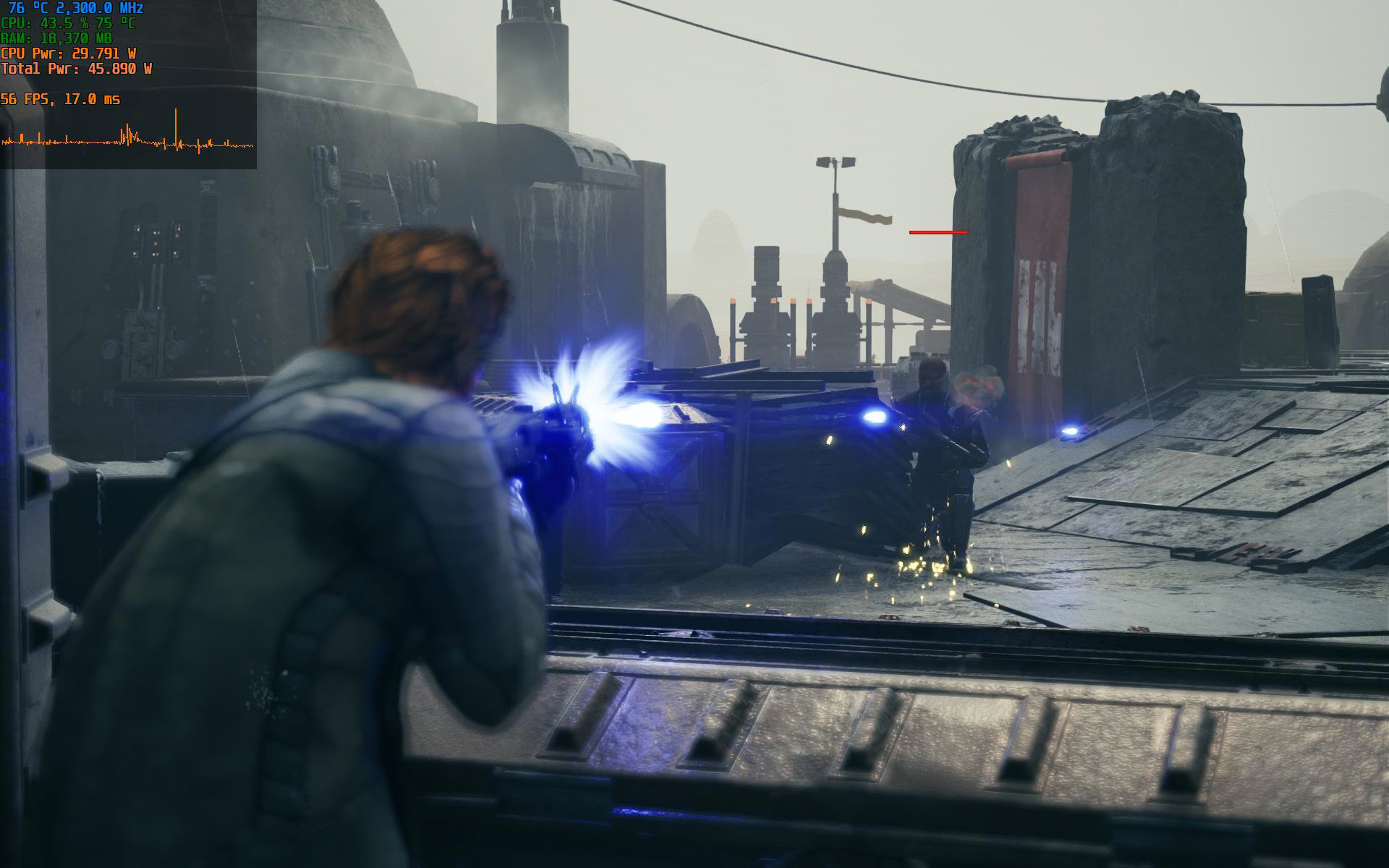
Anyway, you can set the TDP to 30 W, the resolution to 1200p, XeSS to Ultra Quality, select the Medium preset with Textures set to Ultra, Global Illumination set to High (this enables ray tracing), and the Environment Geometry Detail toggle disabled. Since frame gen doesn't work on Intel handhelds as of this writing, you can't use it. Despite this, the hitching is so prevalent that we reckon the experience would be very poor even on the Claw 8 EX.
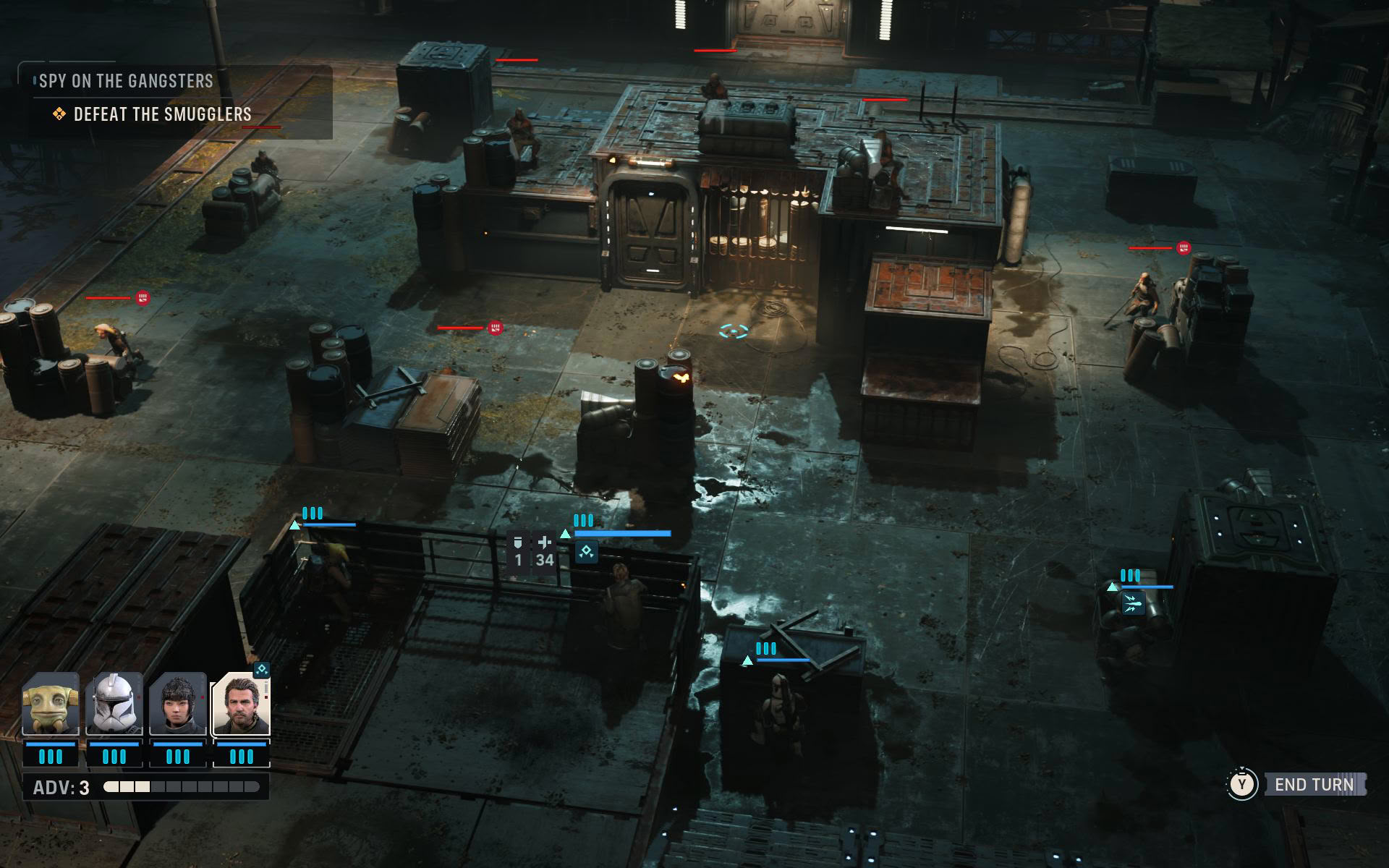
The Claw 8 also suffers from significantly more hitching than AMD handhelds, but since it doesn't have the same level of raw graphical power as its newer sibling, the game is barely playable on it. Personally, we'd wait for a patch or two before getting the game if you own the regular Claw 8 because the amount of stuttering is insane. But if you really want to play it, set the resolution to 1050p, TDP to 30 W, use the Low preset with Ultra textures and Environment Geometry Detail disabled, and set XeSS to Ultra Quality.
With our optimized settings, MSI's handhelds should last between an hour and a half and two hours before you'll need to plug them into a charger.
Nov 11th, 2026 20:28 CST
change timezone
New Forum Posts
- Classic Blizzard games (WarCraft 1-2, Diablo 1-2, StarCraft 1) (3)
- TPU's Nostalgic Hardware Club (22144)
- When you could finally run Crysis maxed out? (45)
- Your PC ATM (36401)
- Gacha Games - Discussions, Pulls, Updates, etc. (1149)
- Steam Deck Owners Clubhouse (618)
- Ryzen 7 8700G OC (0)
- Case to fit 2X Alphacool NexXxoS UT60 Rads (5)
- AAF Optimus Modded Driver For Windows 10 & 11 - Only for HDAUDIO Chips [WINDOWS 11 RECOMMENDED] (1153)
- Samsung 870 EVO - Beware, certain batches prone to failure! (1487)
Popular Reviews
- AMD Zen 6 Technical Deep Dive
- Upcoming Hardware Launches 2027 (Updated Nov 2026)
- XPG NIMBUS PLUS Review - Mid-range Chair With Strong Competitors
- NZXT H7 RGB+ Review
- NZXT H5 Review
- NZXT C1200 Platinum Review
- Phantom Blade Zero Performance Benchmark Review - 35 GPUs Tested
- Montech King 95 3D PRO Review
- Gigabyte Z890I Aorus Ultra Review
- INNOCN 45C1R Review - Two QHD Screens, Zero Bezels
TPU on YouTube
Controversial News Posts
- OpenAI CEO Argues Home PCs Waste the World's Limited DRAM Supply (152)
- NVIDIA Launches Investigation Into Jensen Huang's Relationship With Suspected Chinese Spy (136)
- Intel "Raptor Lake Next" 16-Core and 20-Core CPUs Surface (130)
- Legendary Game Studio BioWare Shuts Down Following EA Layoffs (104)
- Dell CEO Says the Memory Shortage Will Get Worse in 2027 (95)
- NVIDIA GeForce RTX 50-Series Scheduled for up to $500 Price Hike This Week (89)
- AMD Radeon Owners Can Now Run Nearly Every DLSS Feature Through Fan-Made Mod (80)
- Modder Fits RTX 5090 With Four 8-Pin Connectors, Halving Current per Wire (80)