 57
Ugreen NASync iDX6011 Pro Review
The Hardware Cont. »The Exterior
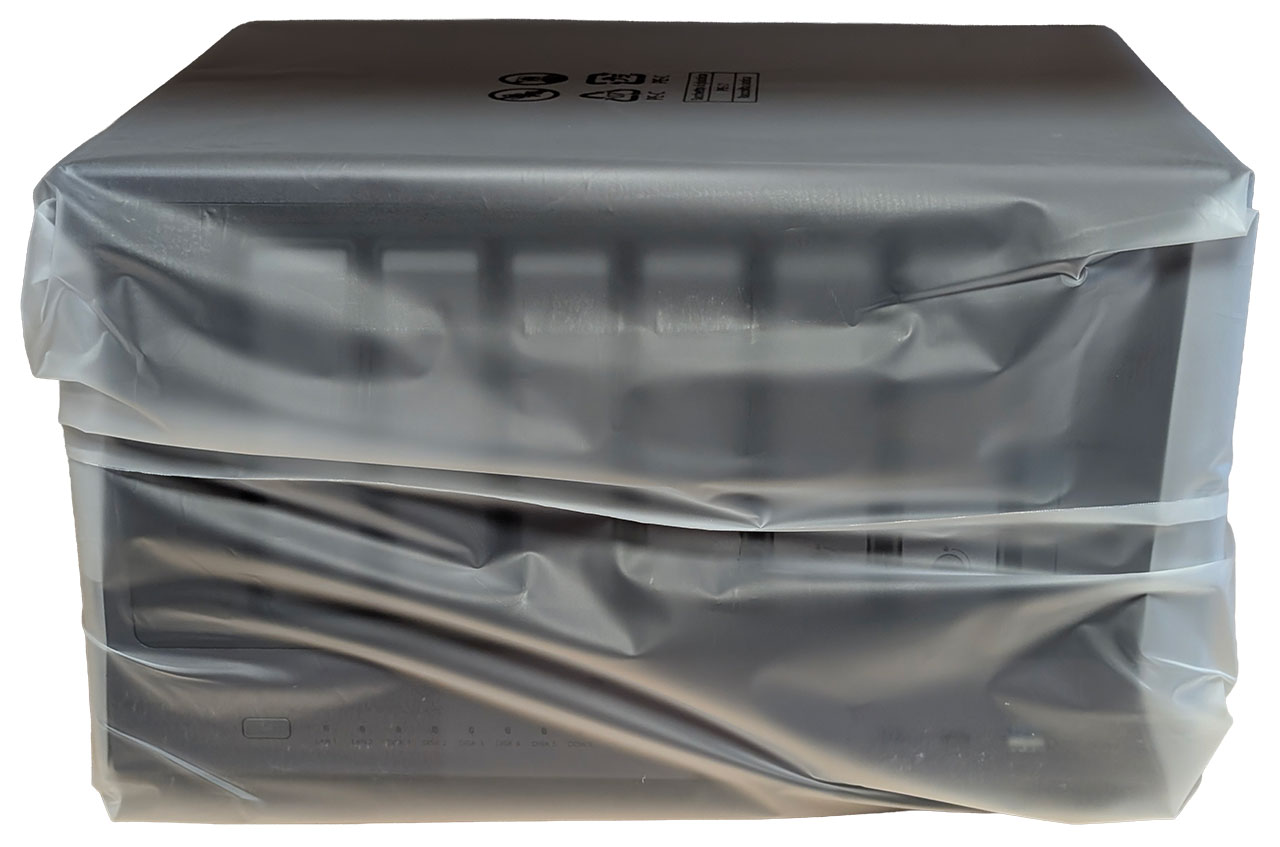
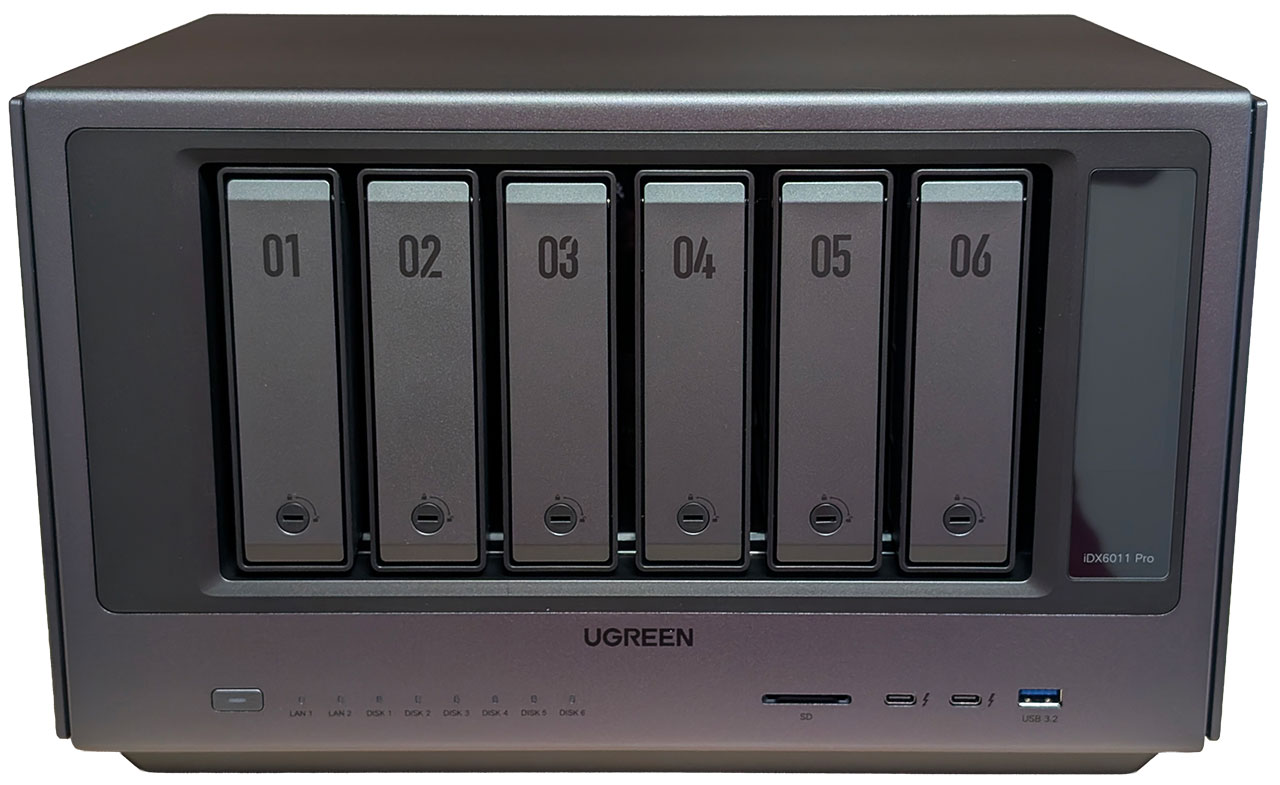
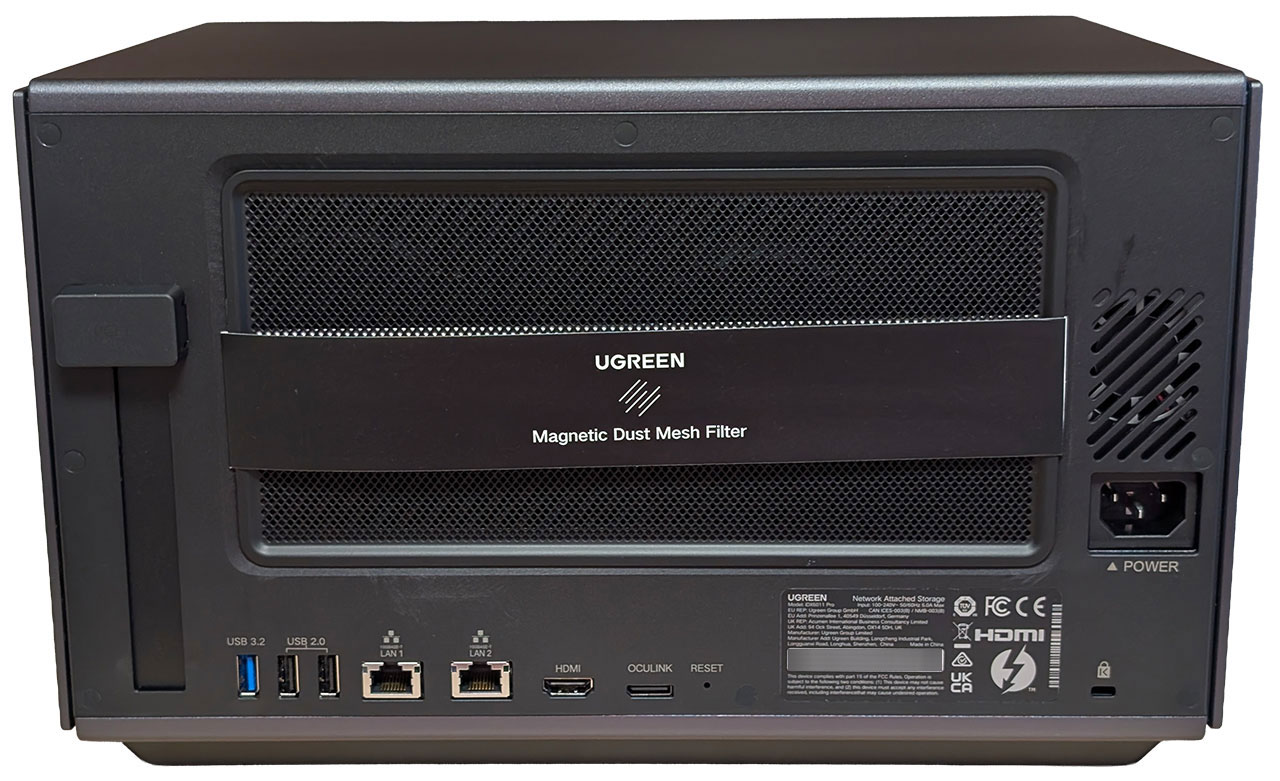
It's pretty obvious that the NASync iDX6011 Pro is an evolution of Ugreen's design language. While the cheaper non-Pro versions only received a new paint job in a darker color, the iDX6011 Pro is an entirely different beast. Everything from the drive caddies to the chassis has a refreshed design and while this means that there is no longer a unibody aluminium chassis, the build quality is still excellent, even in our pre-production unit. The frame of the chassis is still made from aluminium, but more parts are made from steel and plastic this time around. The plastic does at least feel higher-end than the material used in the DXP4800 Plus.
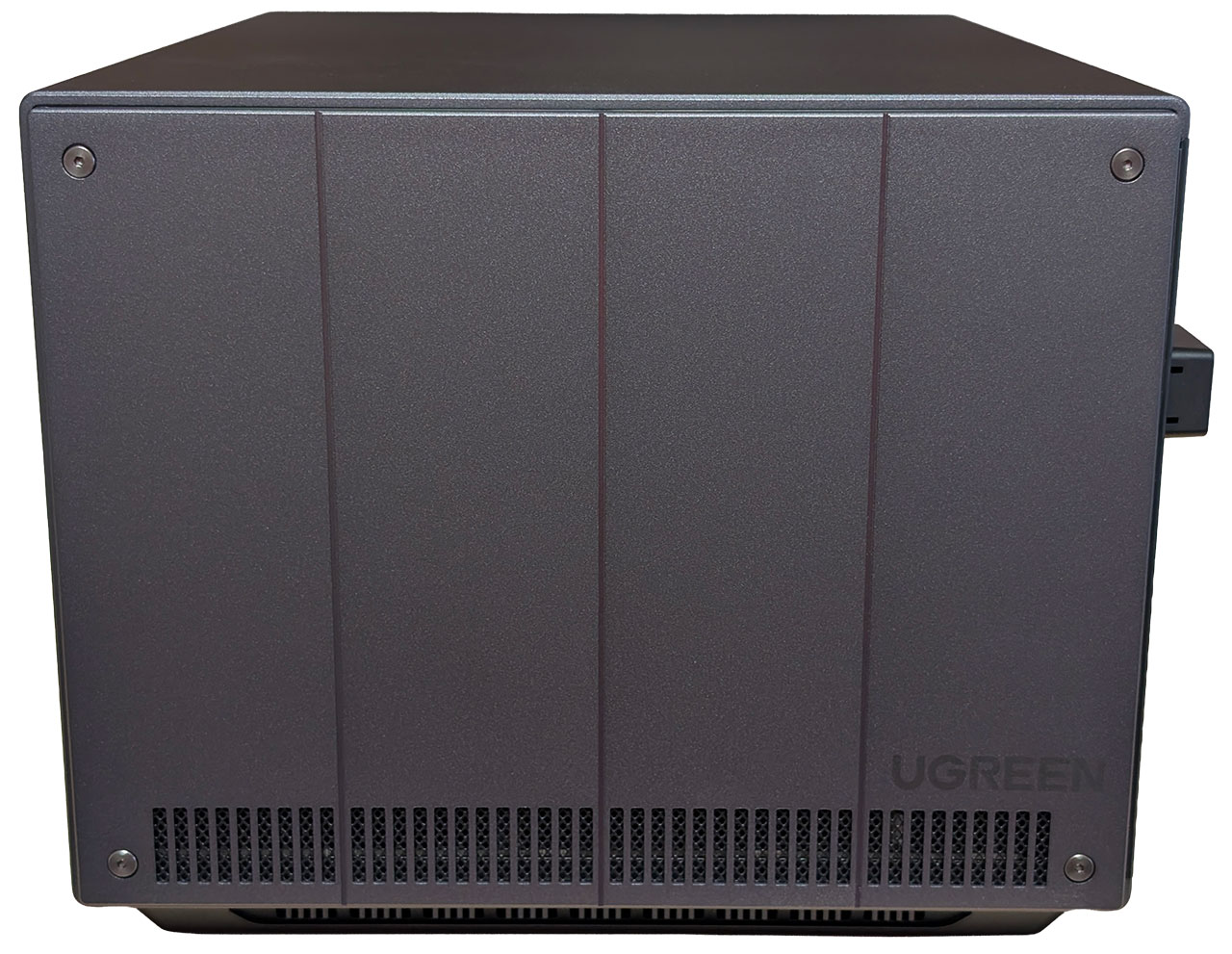
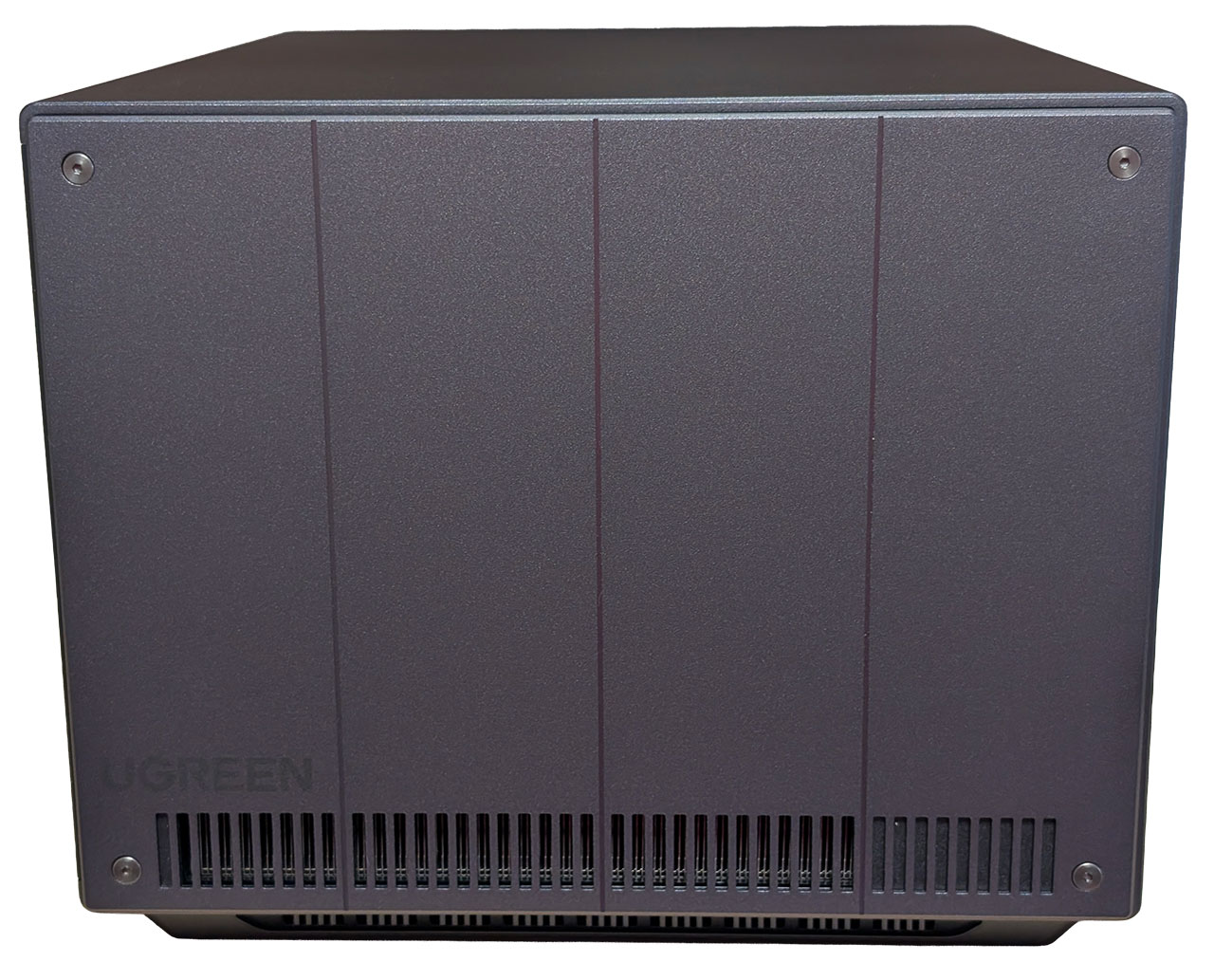
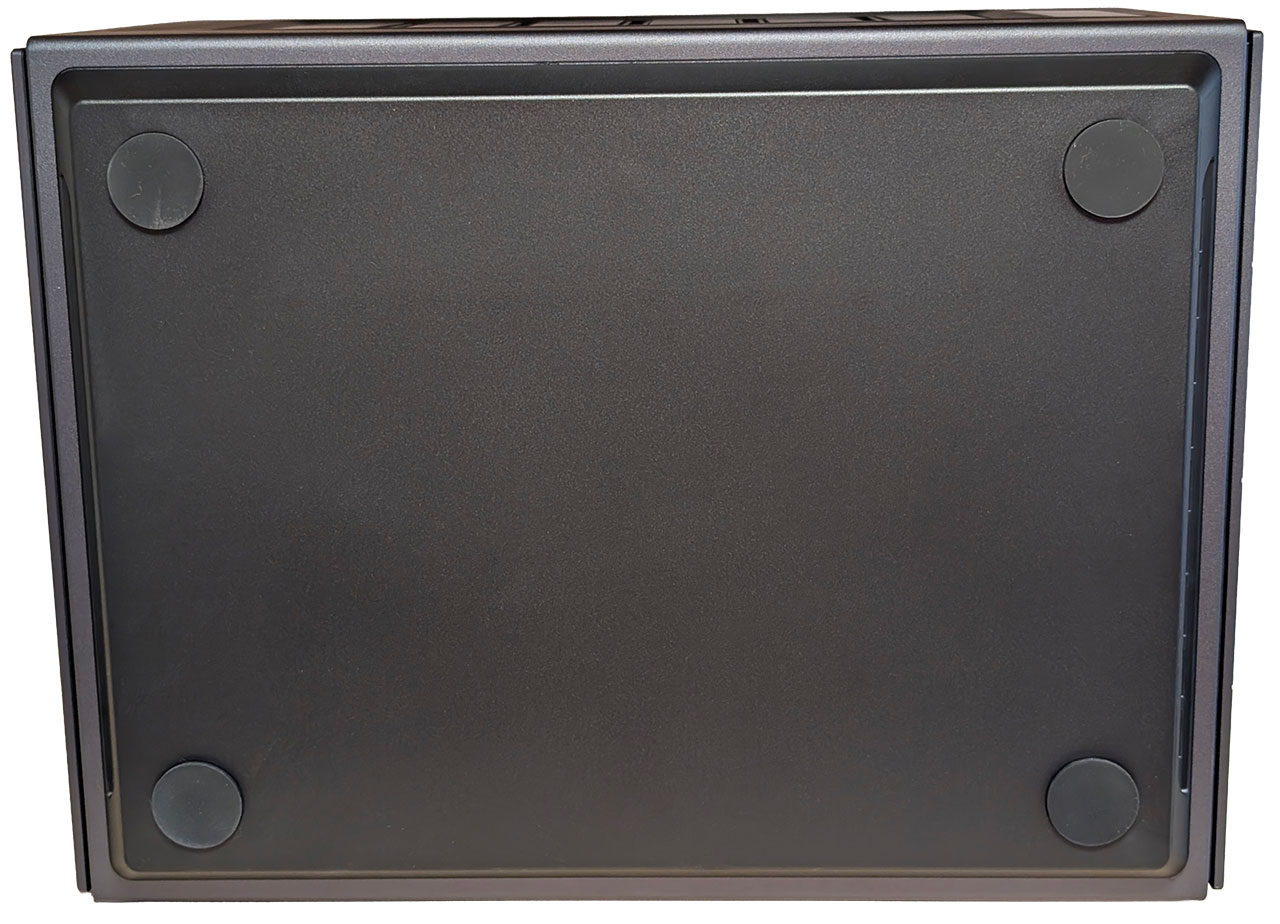
Both sides of the chassis can be removed and consist of a metal plate that is attached to a plastic back. Only the right side has a dust/particle guard, whereas the other side simply has slots for the air to exhaust. Each side is held in place with both clips and screws, where the screws have hex heads, but we'd like to have seen hex 2.5 rather than hex 2.0 screw heads. This is simply because it takes a fair bit of force to unscrew the screws and over time, it's likely that the screw heads will wear out, despite being hex screws. A minor annoyance, but one of many little things that can be improved upon, since at least the left side will only be coming off from time to time. The bottom is only home to four rubber feet this time around.
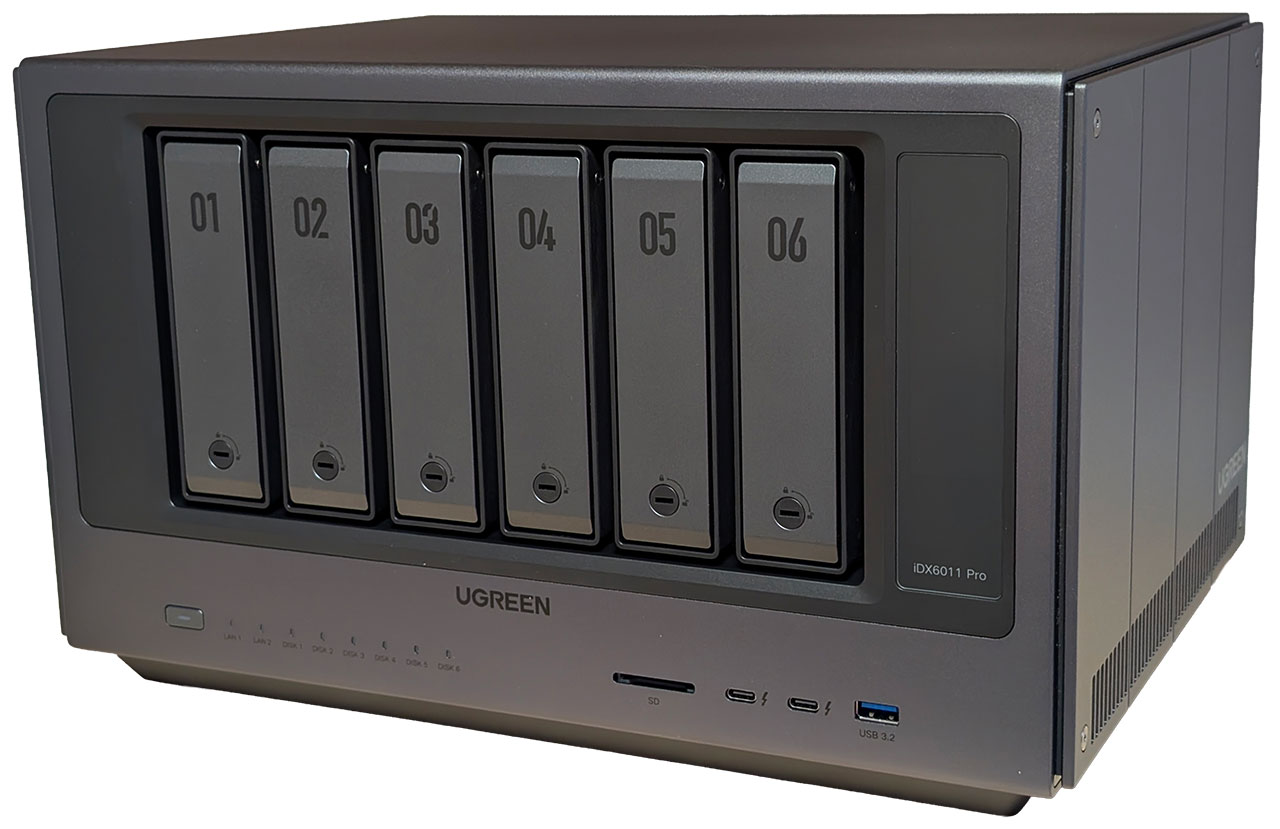
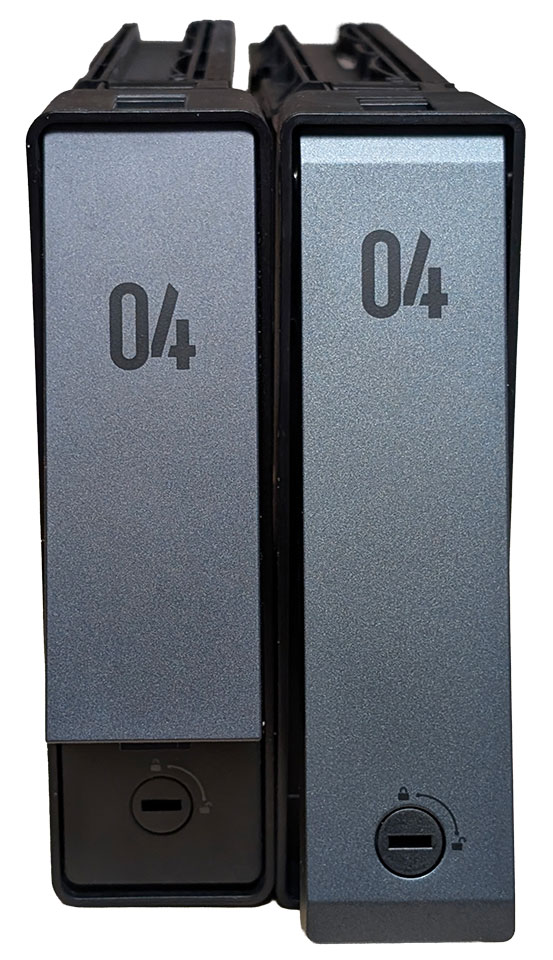
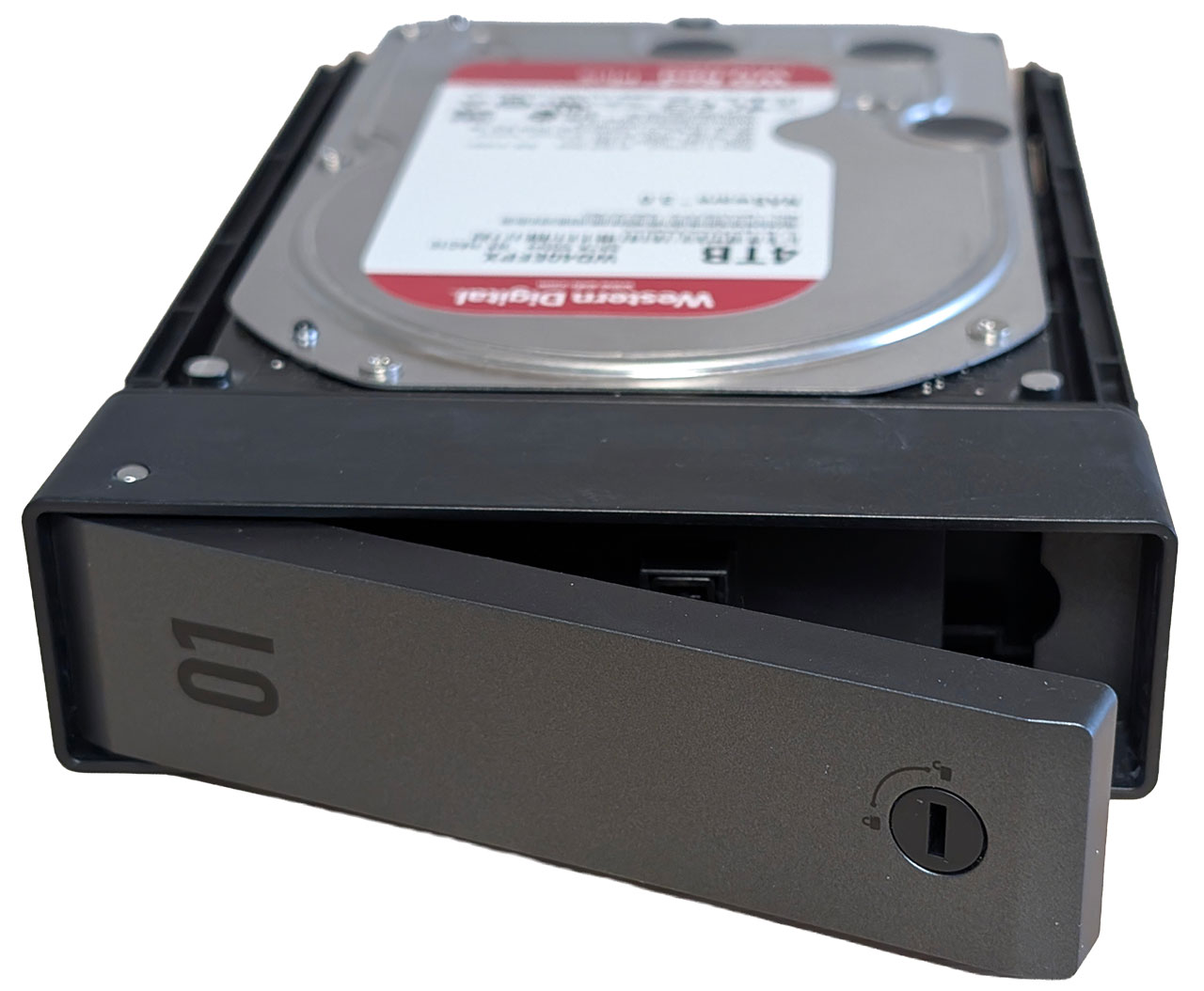
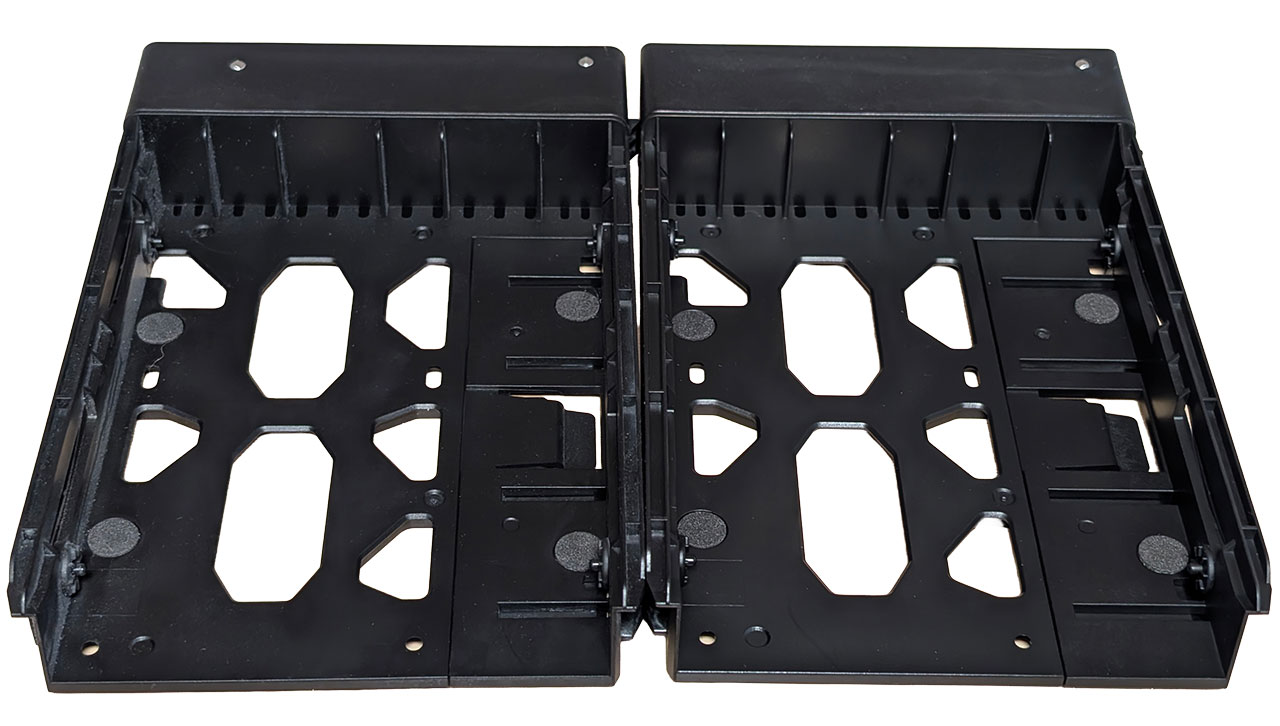
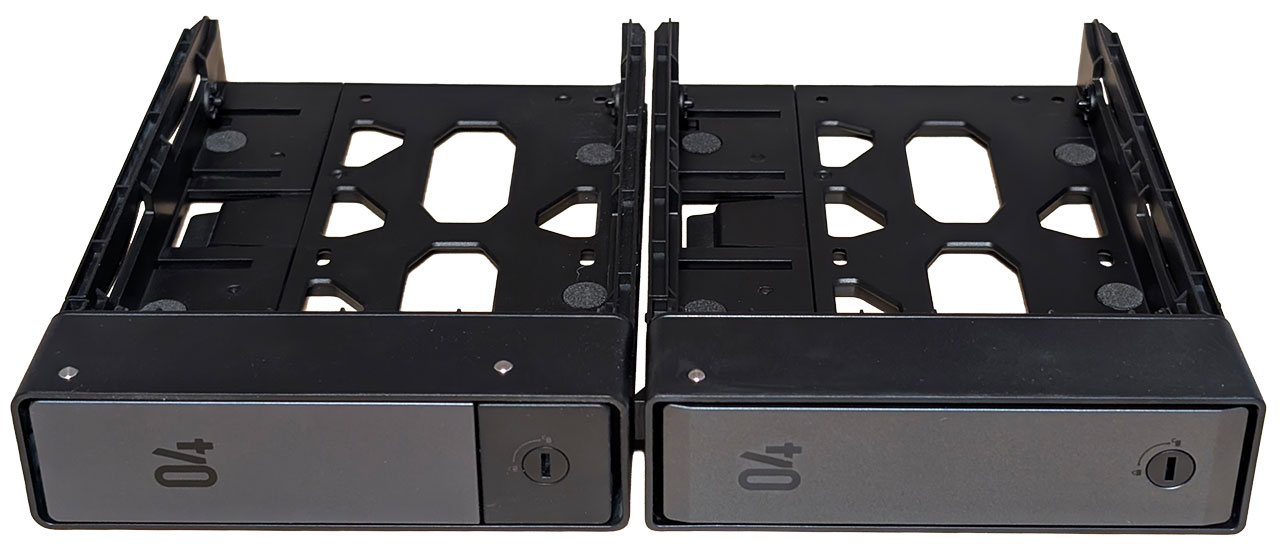
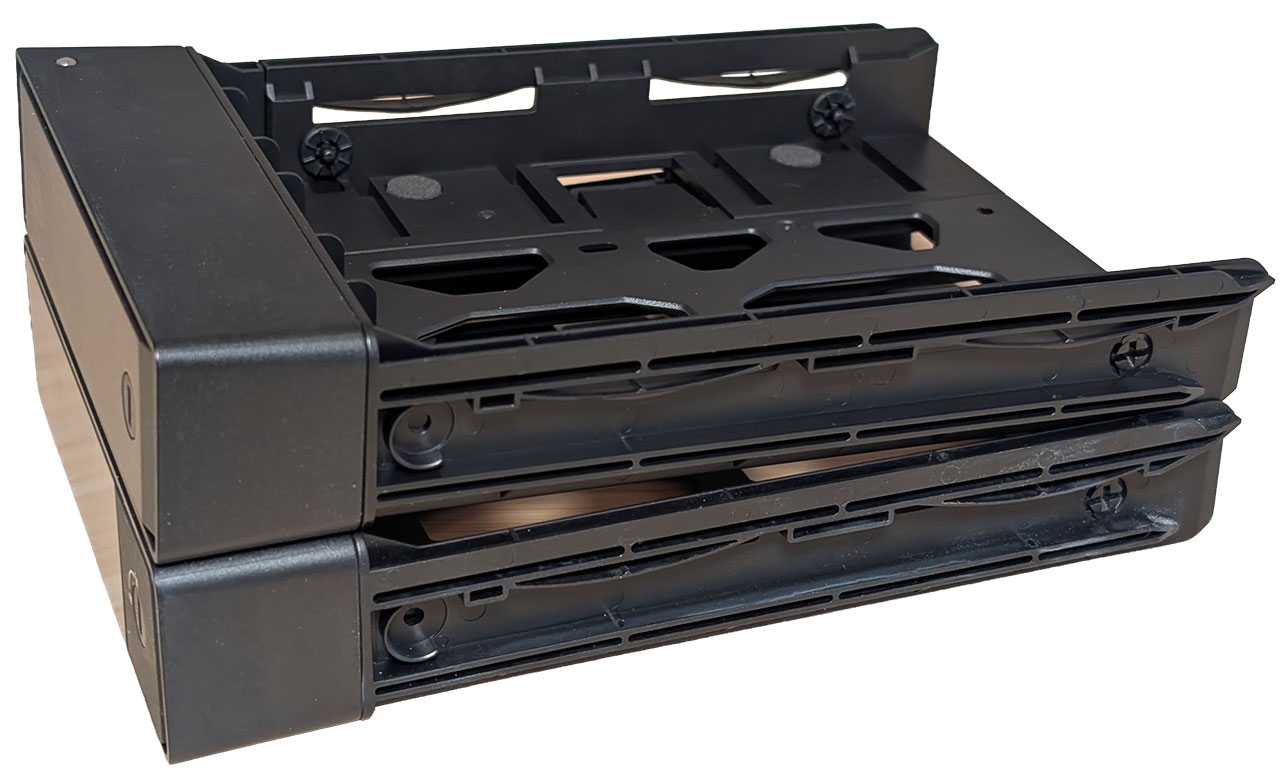
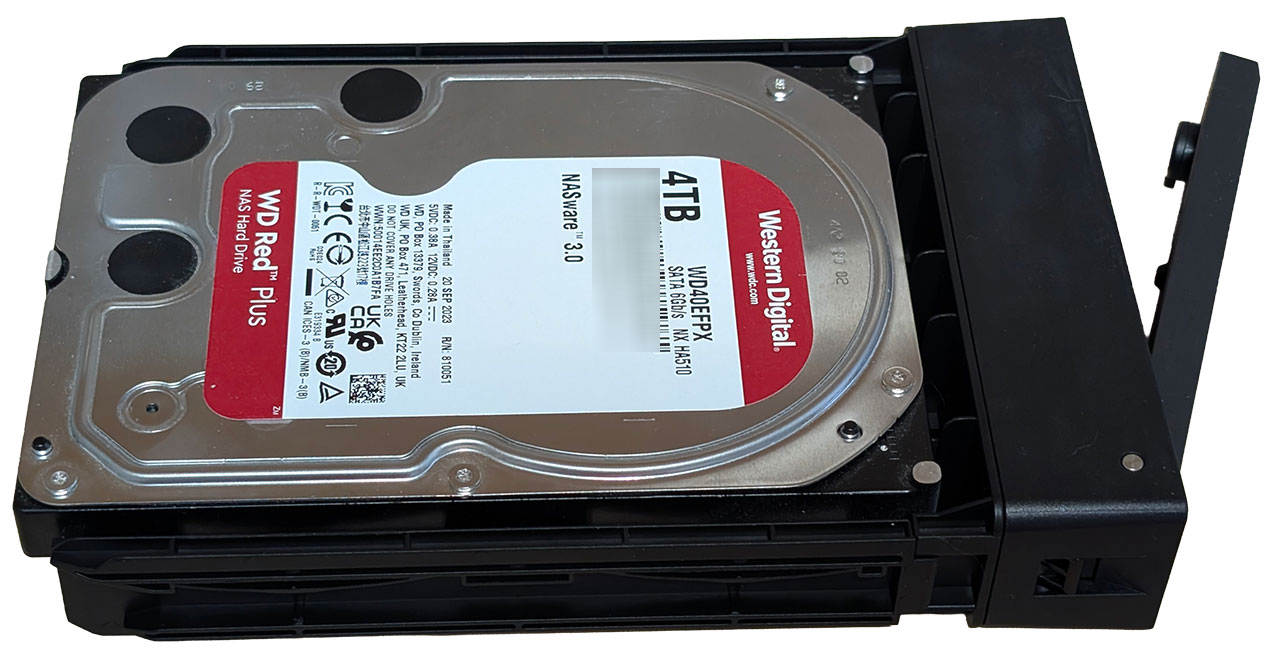
The front of the NASync iDX6011 Pro is home to six 3.5-inch drive caddies and as mentioned in the intro, these are now of a new type where the entire front pops out, whereas the older model has a fixed part for the locking mechanism. Beyond that, they're functionally identical. We included some pictures above of both types for comparison.
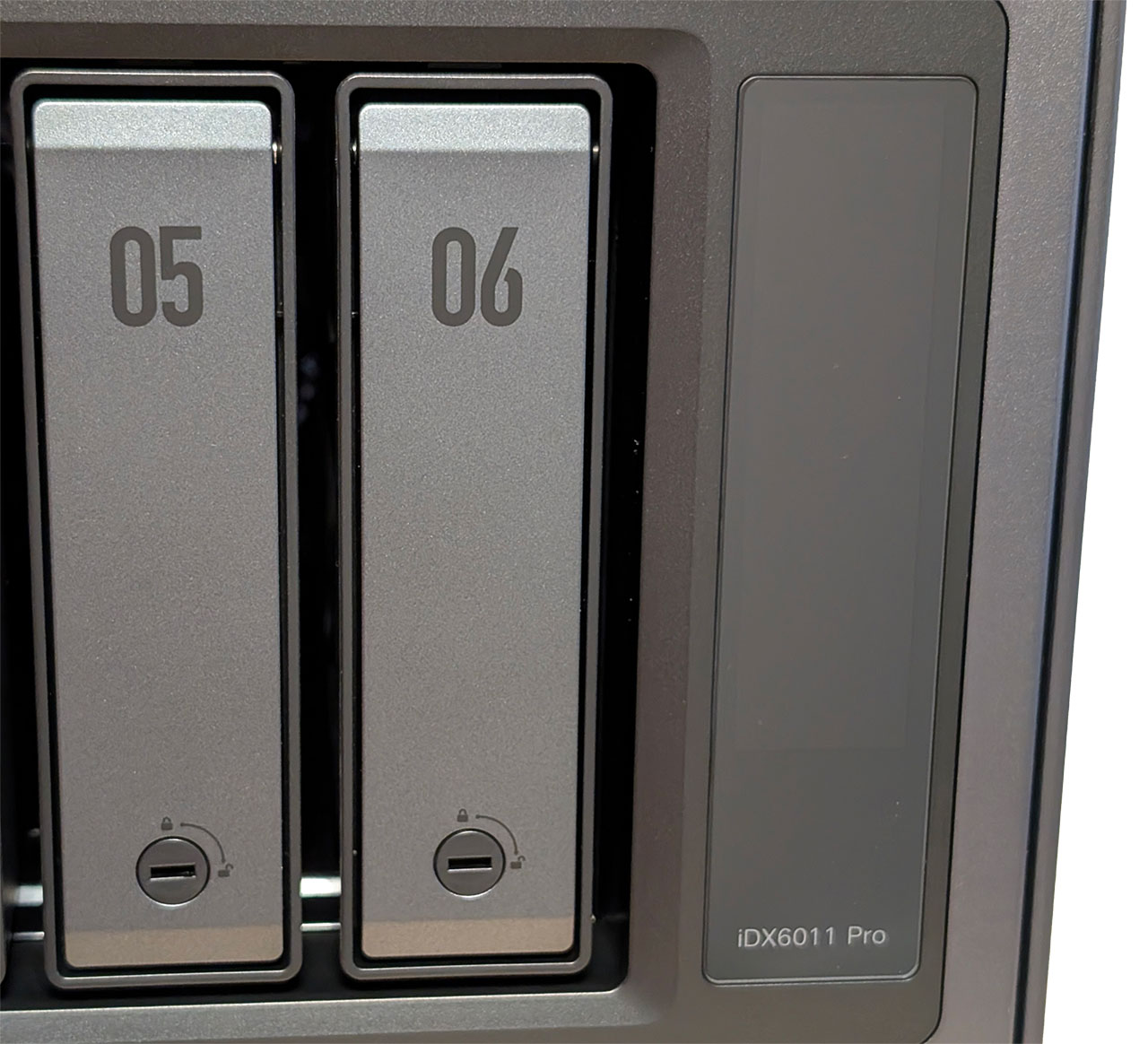
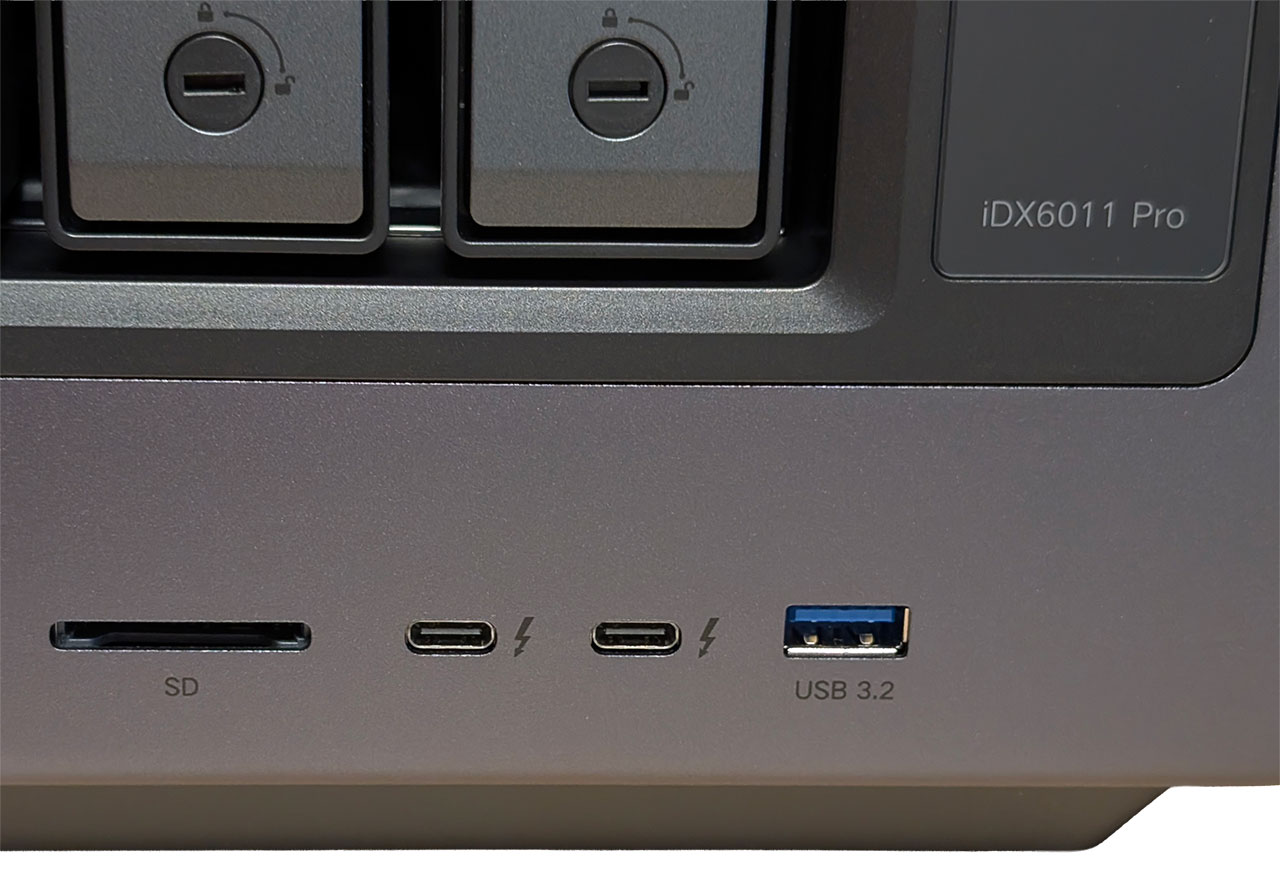
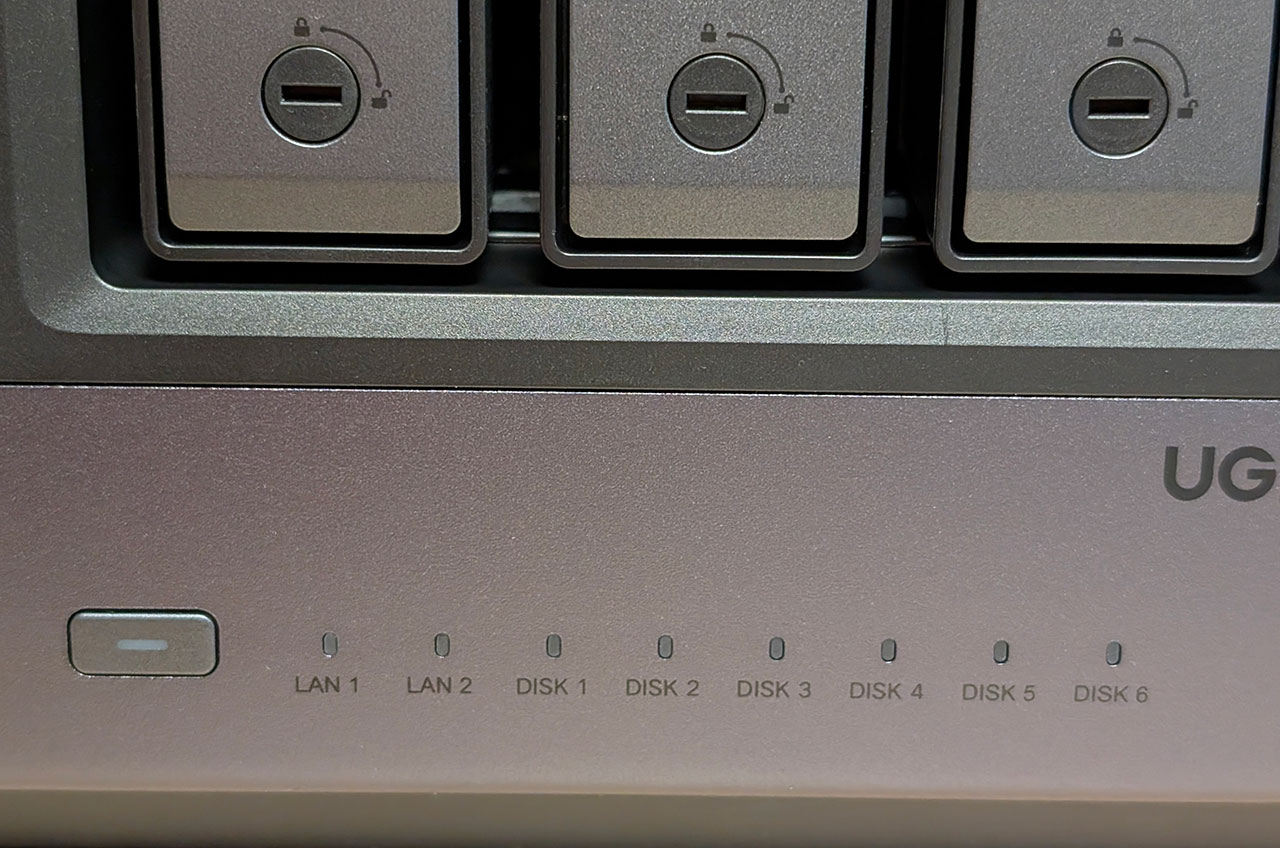
On the right of the drive caddies is a 3.71-inch vertical LCD screen with touch support that we'll go into more detail about a little bit later in the review. Below it is a USB 3.2 Gen 1 port, to the left of that is a pair of Thunderbolt 4 ports, and to the left of those is an SD card reader. On the bottom left side of the front is the power button, with a set of LAN and drive activity LEDs to the right of that.
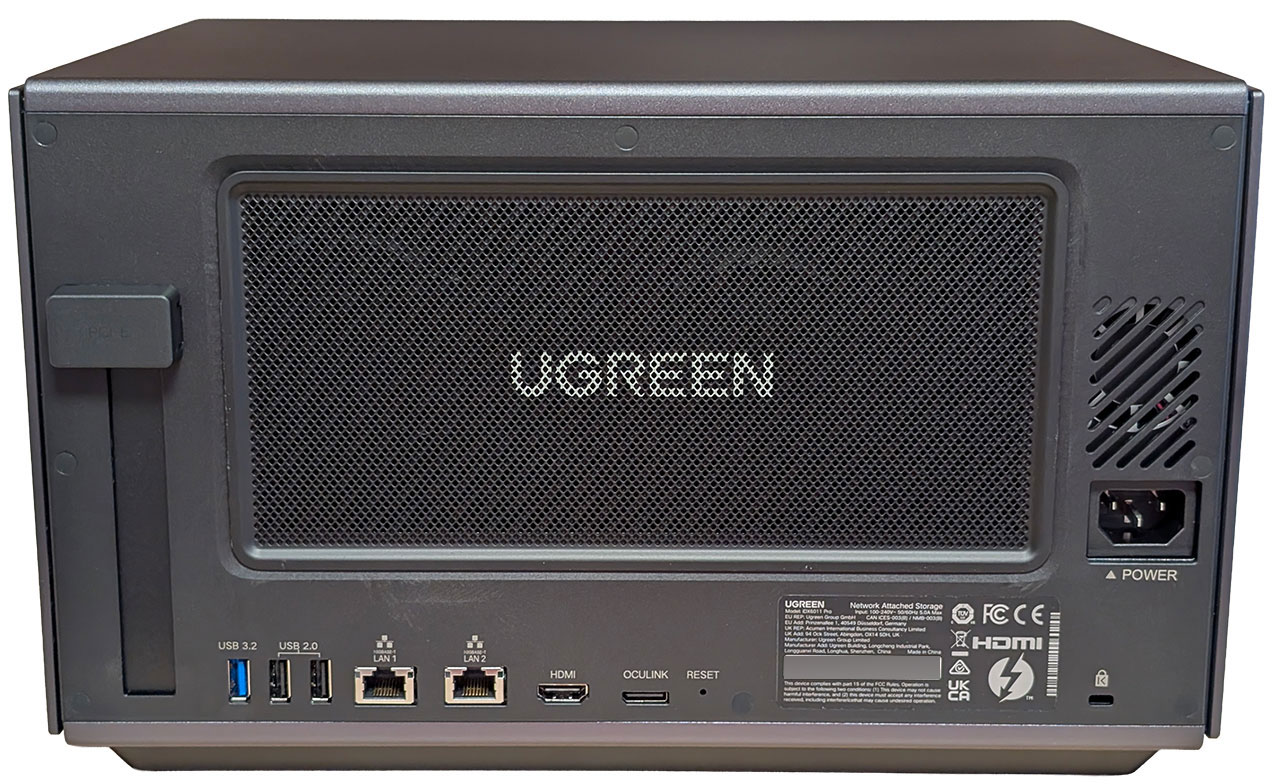
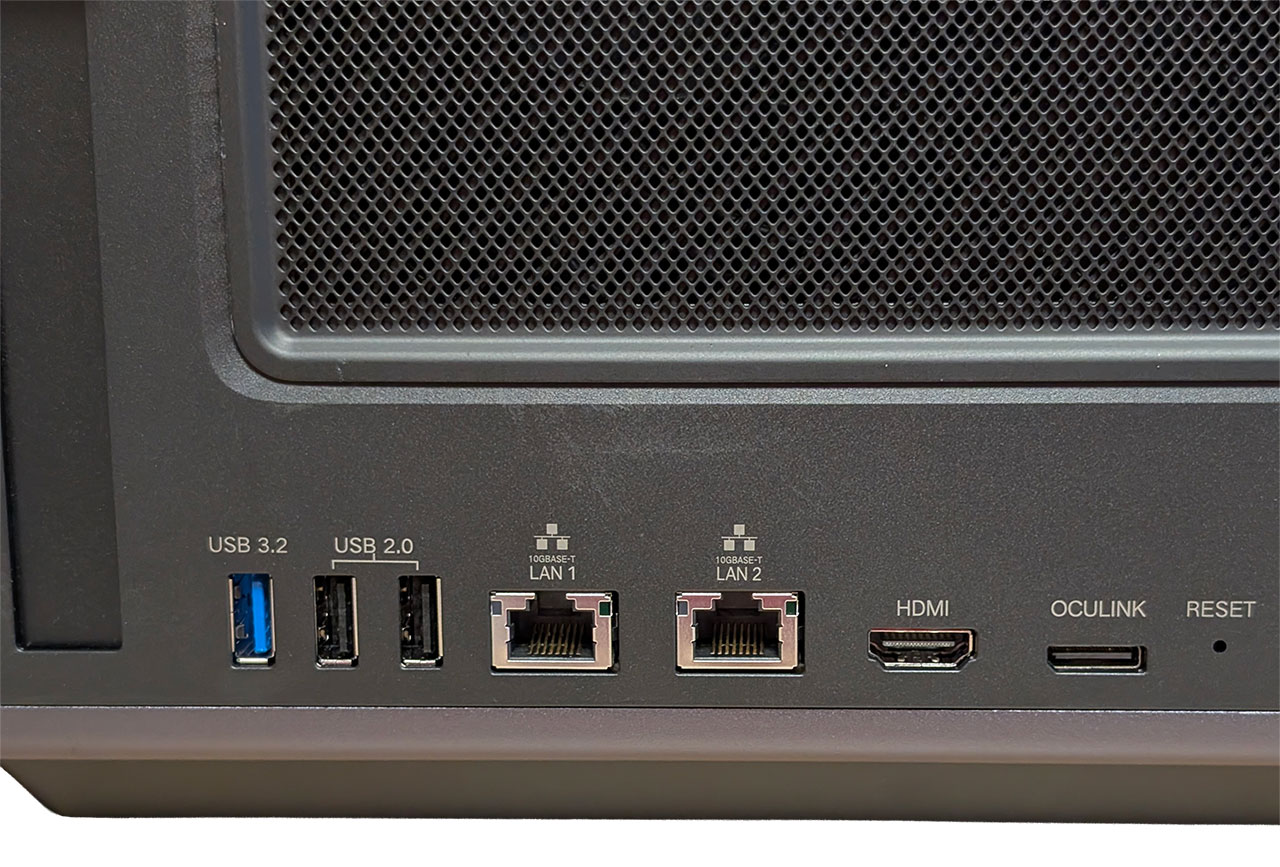
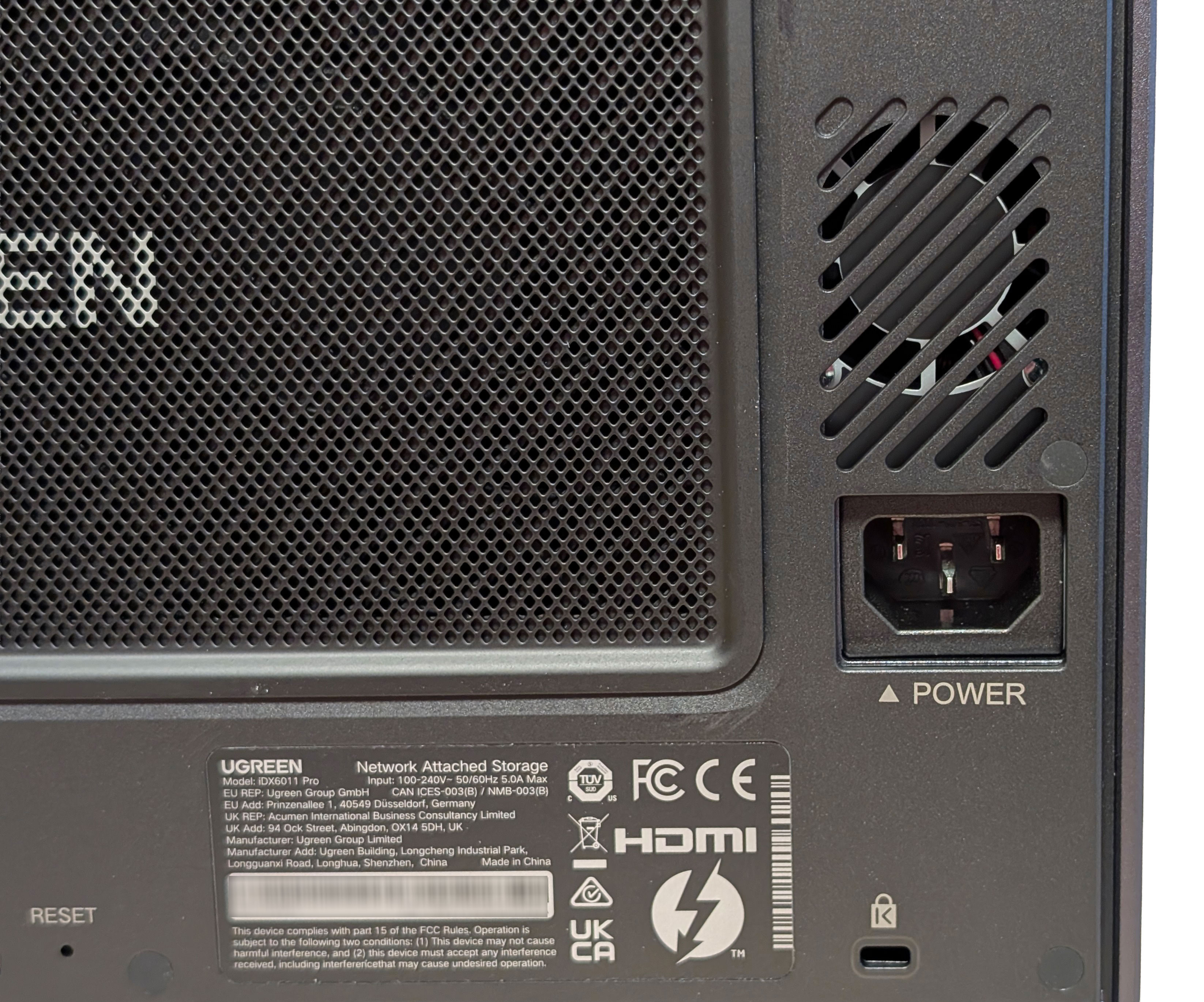
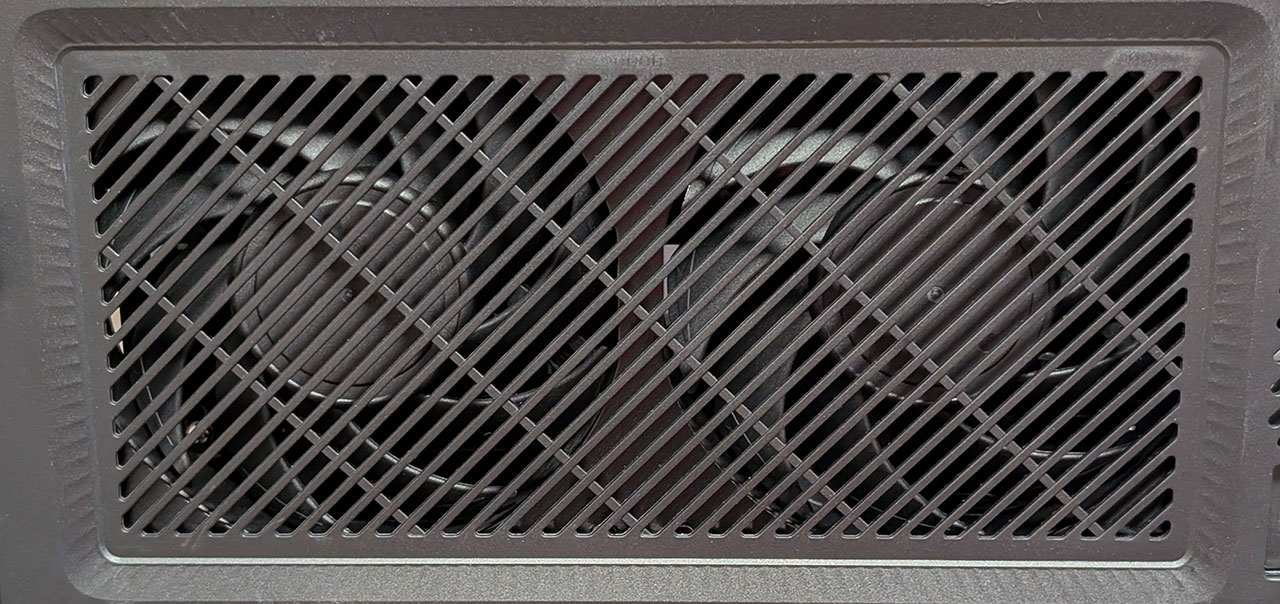
Around the rear, there's an expansion slot, another USB 3.2 Gen 1 port, two USB 2.0 ports, two 10 Gbps Ethernet ports, an 8K 60 Hz capable HDMI 2.1 port, an OCuLink port, and a reset pin-hole. On the right is the power connector and a Kensington lock slot. This is also where the two 120 mm fans are located, once again with a magnetic dust filter in front of them.
Nov 13th, 2026 23:30 CST
change timezone
Latest GPU Drivers
New Forum Posts
- no "PhysX" workable (9)
- What are you playing? (26215)
- Tell me about your favourite graphics card (32)
- AI generated images... (224)
- Crimson Desert (31)
- RenoDX HDR - how to view the differnce Before&After in game? (0)
- Displayport DP80 3M (10ft) cable that can achieve 80gbps stable? (5)
- I'll flash a ASUS ROG Strix RX480 O8G in Cause of Code 43, as a Newbie (1)
- Opinion on Monitor Replacement (6)
- TMOG - post your benchmark results here (16)
Popular Reviews
- AMD Zen 6 Technical Deep Dive
- Corsair HX1000i Shift Crystal Review
- NZXT C1200 Platinum Review
- Upcoming Hardware Launches 2027 (Updated Nov 2026)
- ASUS ROG Strix B850-I Gaming Wi-Fi7 W Review
- Montech King 95 3D PRO Review
- NZXT H7 RGB+ Review
- NZXT H5 Review
- Phantom Blade Zero Performance Benchmark Review - 35 GPUs Tested
- XPG NIMBUS PLUS Review - Mid-range Chair With Strong Competitors
TPU on YouTube
Controversial News Posts
- NVIDIA Co-Founder and CEO Jensen Huang Officially Resigns (380)
- OpenAI CEO Argues Home PCs Waste the World's Limited DRAM Supply (152)
- NVIDIA Launches Investigation Into Jensen Huang's Relationship With Suspected Chinese Spy (136)
- Intel "Raptor Lake Next" 16-Core and 20-Core CPUs Surface (130)
- Legendary Game Studio BioWare Shuts Down Following EA Layoffs (104)
- Dell CEO Says the Memory Shortage Will Get Worse in 2027 (95)
- NVIDIA GeForce RTX 50-Series Scheduled for up to $500 Price Hike This Week (89)
- Modder Fits RTX 5090 With Four 8-Pin Connectors, Halving Current per Wire (80)