 57
Ugreen NASync iDX6011 Pro Review
Initial Setup & Storage »Cool, but not so useful
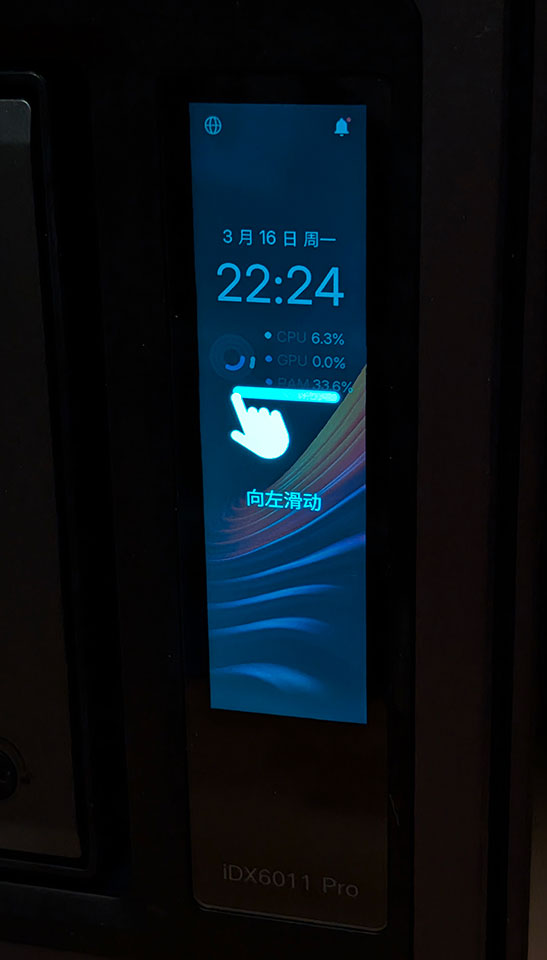
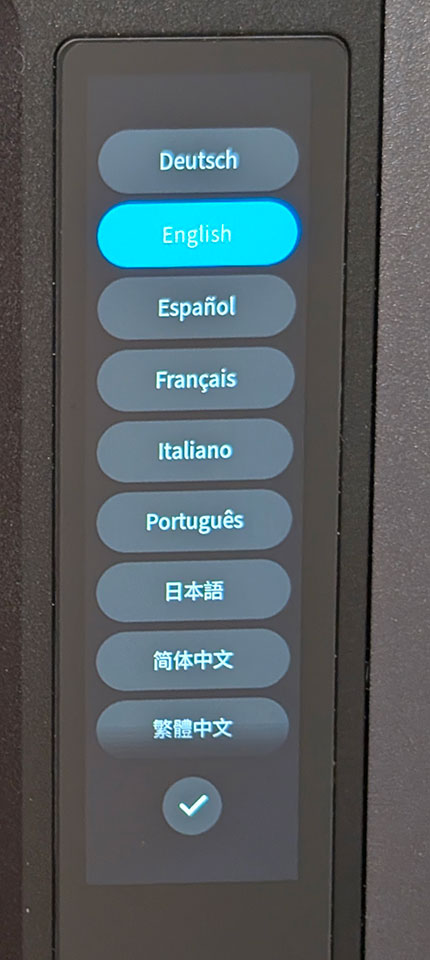
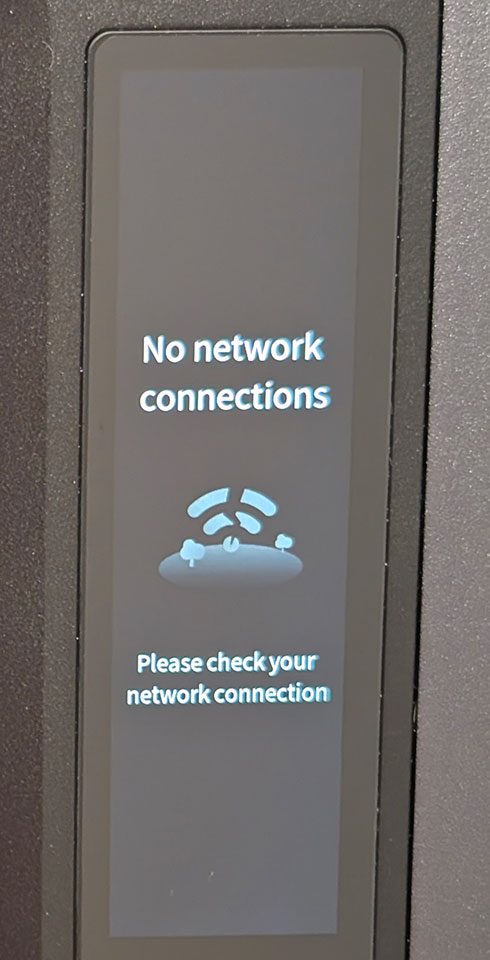
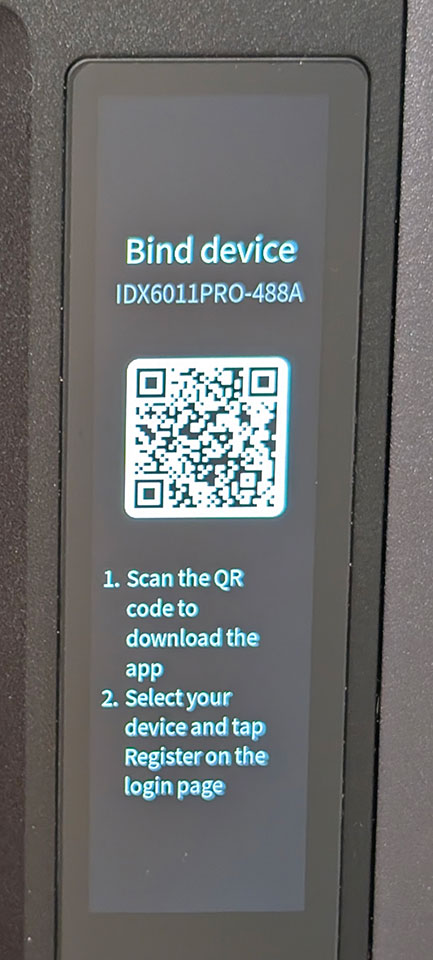
The NASync iDX6011 Pro isn't the first NAS to feature a front mounted display, but the vertical 3.71-inch display is most likely one of the best ones on a NAS to date, at least quality wise, as it has very wide viewing angles. During the setup process, you can select the language you want to use, but it quickly brings up a QR code for you to scan in the Ugreen app to continue the setup.
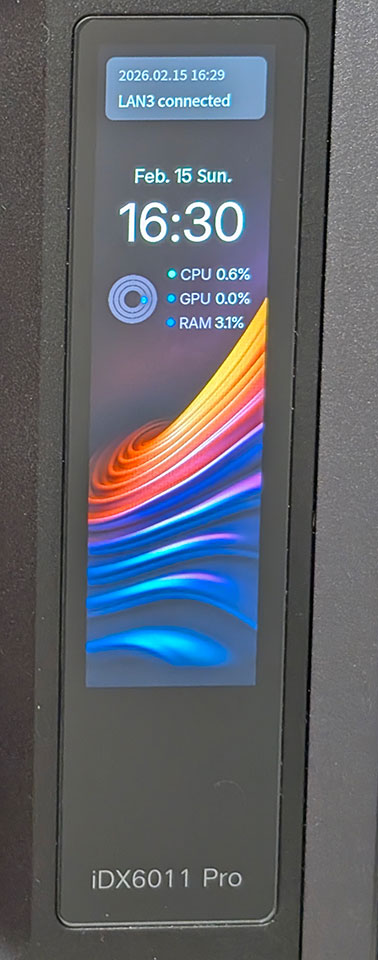
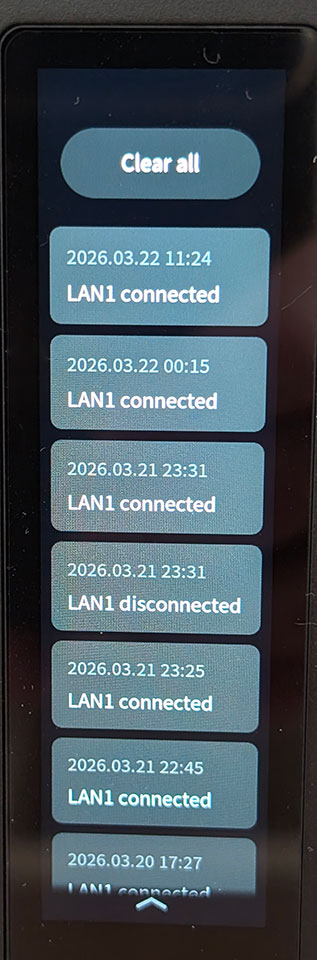
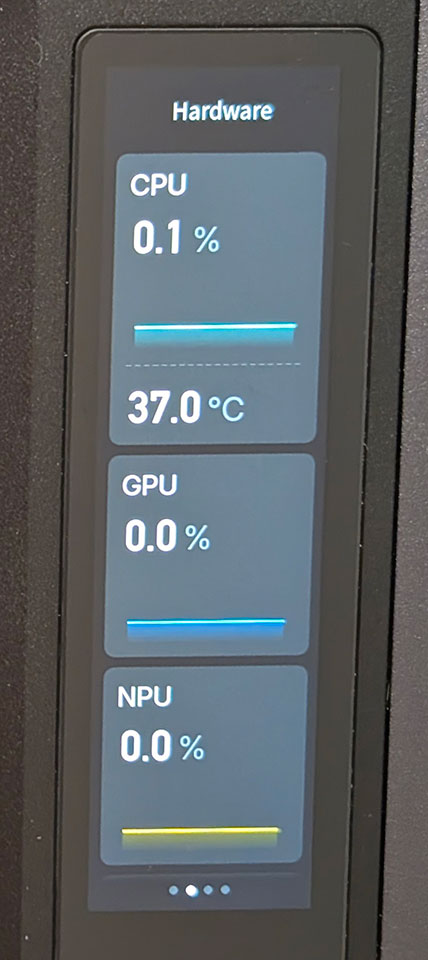
Once you've gone through the setup, the display offers some basic system information, as well as the time and date on the default screen. You can also read system notifications here, which may or may not be useful. The next screen shows a bit more detailed system information, with usage graphs and the CPU temperature.
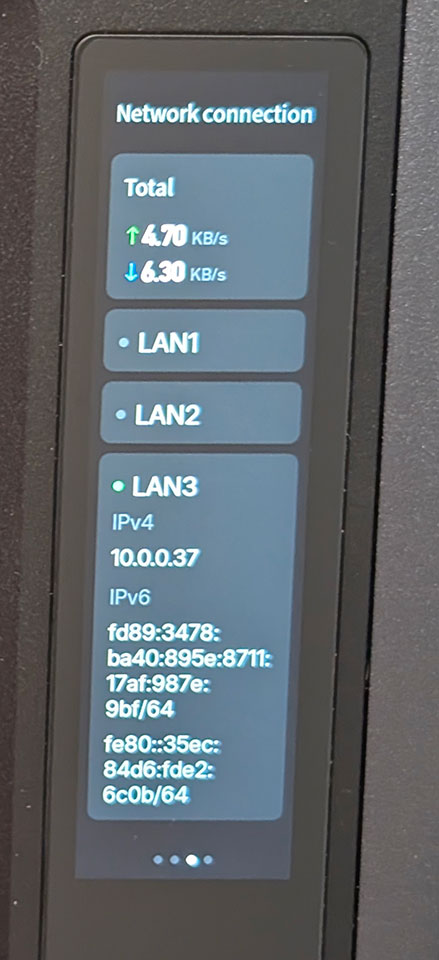
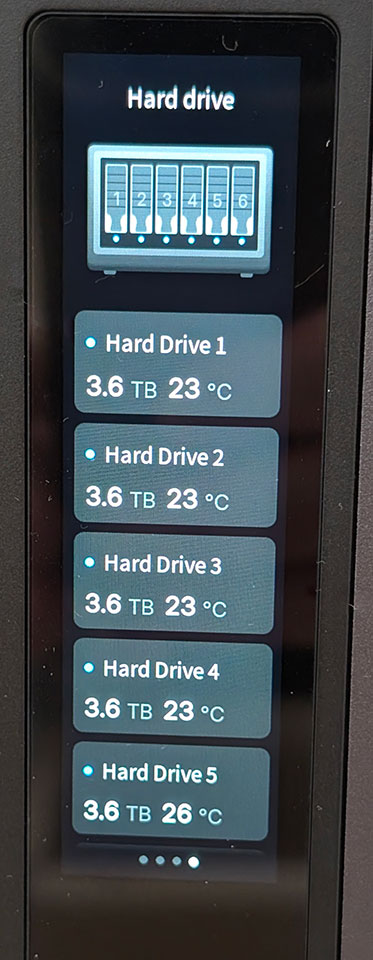
The third screen shows the network throughput as well as some network interface details, such as the IP address, which could be handy if your NAS was assigned a DHCP address during the setup. The fourth and final screen shows drive information, but we're not sure that it's useful to be able to see the size of your drives here. At least it shows the drive temperature, which can be handy for some quick monitoring. There's no way of tapping on an individual drive to get more details about it here. Also, you can't swipe left from the main display to go to the drive details, which is a bit annoying.
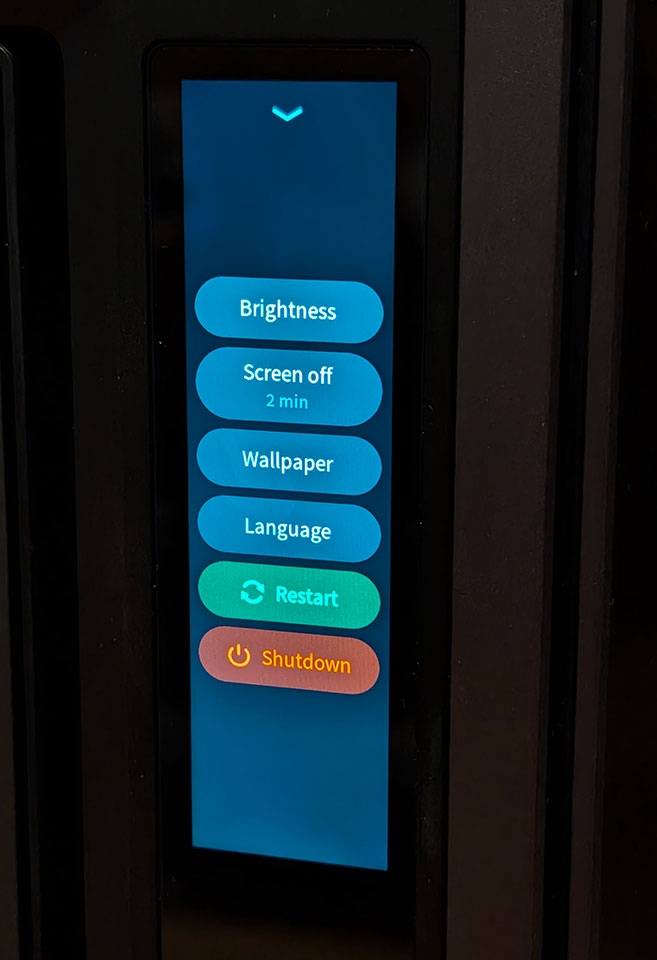
Swiping down shows you notifications and swiping up, brings up some settings. You can adjust the screen brightness and timeout here, as well as change between four different "wallpapers" and 10 different languages. We have one concern here though, you can reboot and power off the NAS via the touch screen, which we really feel are features that shouldn't be here, but at the same time, there's no way of disabling the power button on the front of the iDX6011 Pro, so it might not matter if these features are here or not.
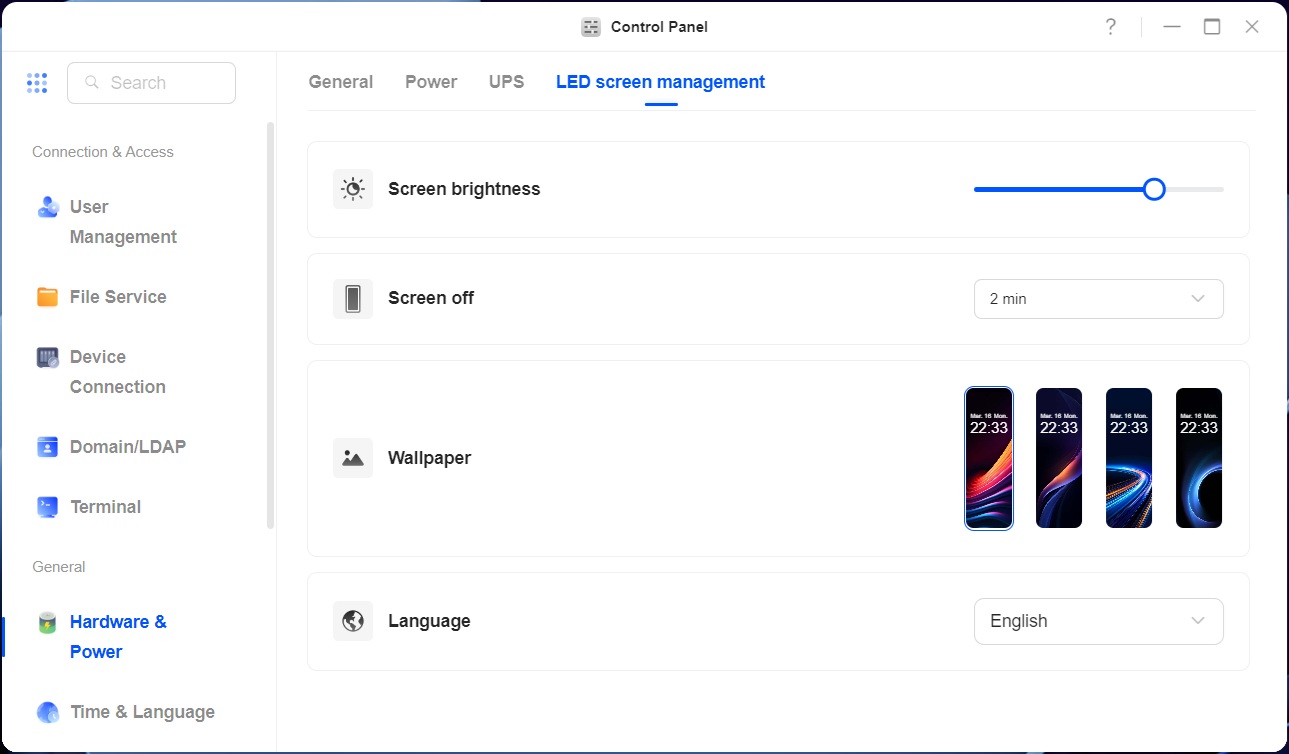
You can also control all the display options from the LED screen management options in the control panel in UGOS, but there's no means of disabling or password protecting the display. This is something we hope Ugreen will add before the product ships out to its customers.
Overall, we'd say this is a cool feature, but it really doesn't add a ton of usefulness, at least not in the way that Ugreen has it configured right now. There also doesn't appear to be any simple way to customize what's shown on the display, which is also a shame, as not everyone is going to want to display the same information.
Nov 13th, 2026 23:08 CST
change timezone
Latest GPU Drivers
New Forum Posts
- no "PhysX" workable (9)
- What are you playing? (26215)
- Tell me about your favourite graphics card (32)
- AI generated images... (224)
- Crimson Desert (31)
- RenoDX HDR - how to view the differnce Before&After in game? (0)
- Displayport DP80 3M (10ft) cable that can achieve 80gbps stable? (5)
- I'll flash a ASUS ROG Strix RX480 O8G in Cause of Code 43, as a Newbie (1)
- Opinion on Monitor Replacement (6)
- TMOG - post your benchmark results here (16)
Popular Reviews
- AMD Zen 6 Technical Deep Dive
- Corsair HX1000i Shift Crystal Review
- NZXT C1200 Platinum Review
- Upcoming Hardware Launches 2027 (Updated Nov 2026)
- ASUS ROG Strix B850-I Gaming Wi-Fi7 W Review
- Montech King 95 3D PRO Review
- NZXT H7 RGB+ Review
- NZXT H5 Review
- Phantom Blade Zero Performance Benchmark Review - 35 GPUs Tested
- XPG NIMBUS PLUS Review - Mid-range Chair With Strong Competitors
TPU on YouTube
Controversial News Posts
- NVIDIA Co-Founder and CEO Jensen Huang Officially Resigns (380)
- OpenAI CEO Argues Home PCs Waste the World's Limited DRAM Supply (152)
- NVIDIA Launches Investigation Into Jensen Huang's Relationship With Suspected Chinese Spy (136)
- Intel "Raptor Lake Next" 16-Core and 20-Core CPUs Surface (130)
- Legendary Game Studio BioWare Shuts Down Following EA Layoffs (104)
- Dell CEO Says the Memory Shortage Will Get Worse in 2027 (95)
- NVIDIA GeForce RTX 50-Series Scheduled for up to $500 Price Hike This Week (89)
- Modder Fits RTX 5090 With Four 8-Pin Connectors, Halving Current per Wire (80)