 57
Ugreen NASync iDX6011 Pro Review
Test Setup & Methodology »Not so smooth sailing
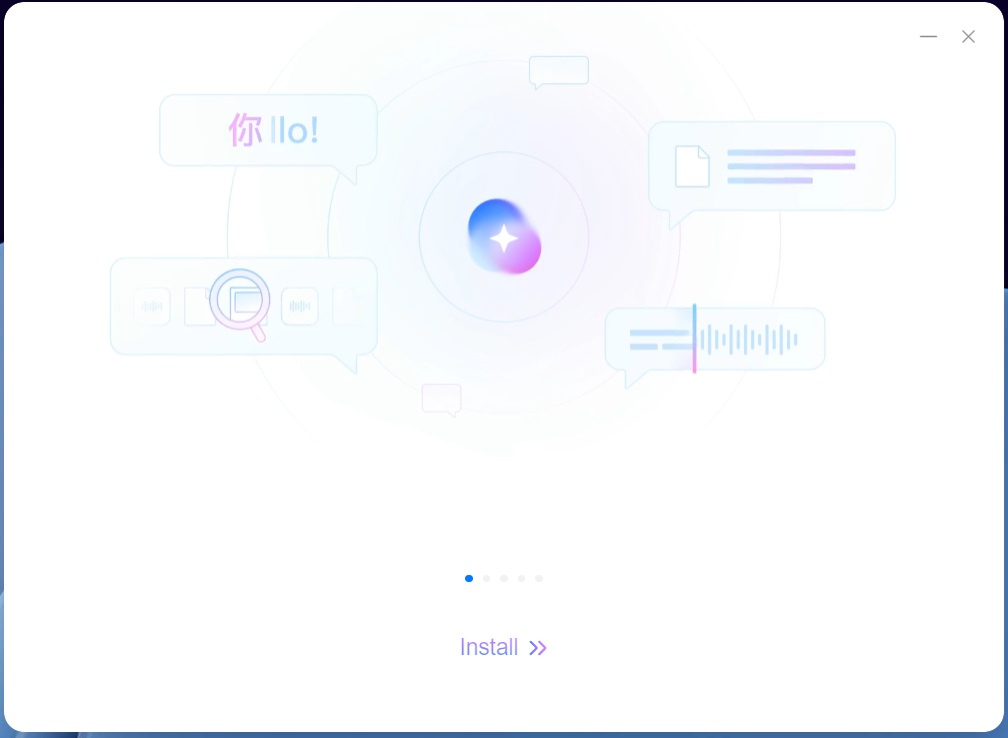
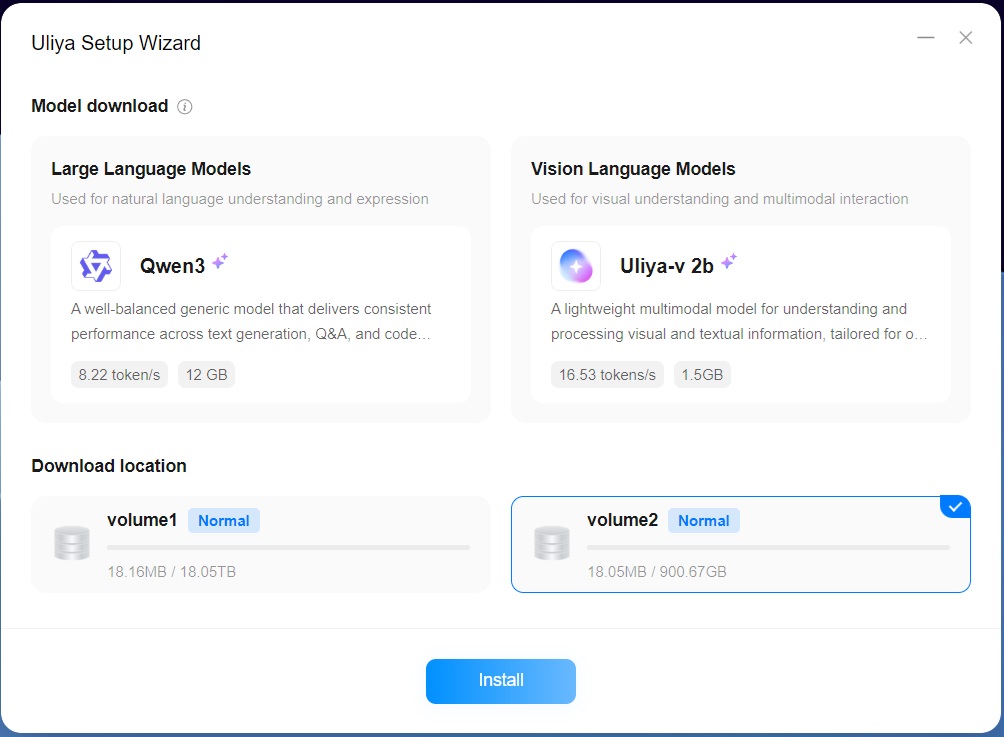
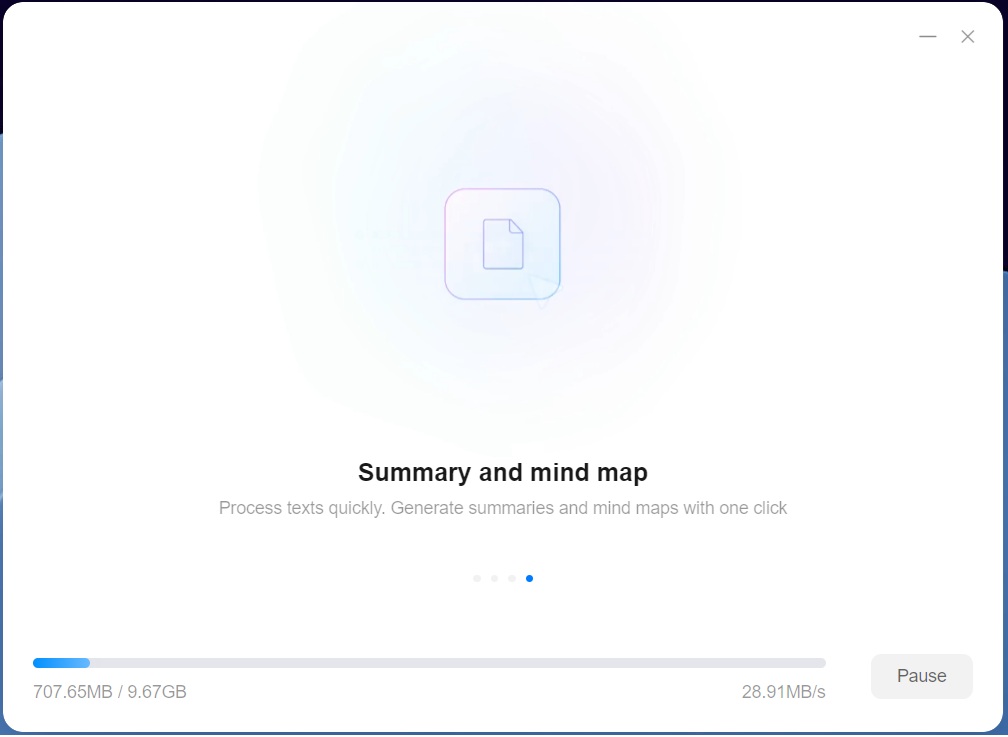
The big selling point of the NASync iDX6011 Pro as well as its non-pro "siblings" are the AI centric features, which revolves around Uliya, a local LLM. The setup was pretty straightforward, if somewhat time-consuming, as it took a while time to download the 13.5 GB of data that was needed for Uilya to function.
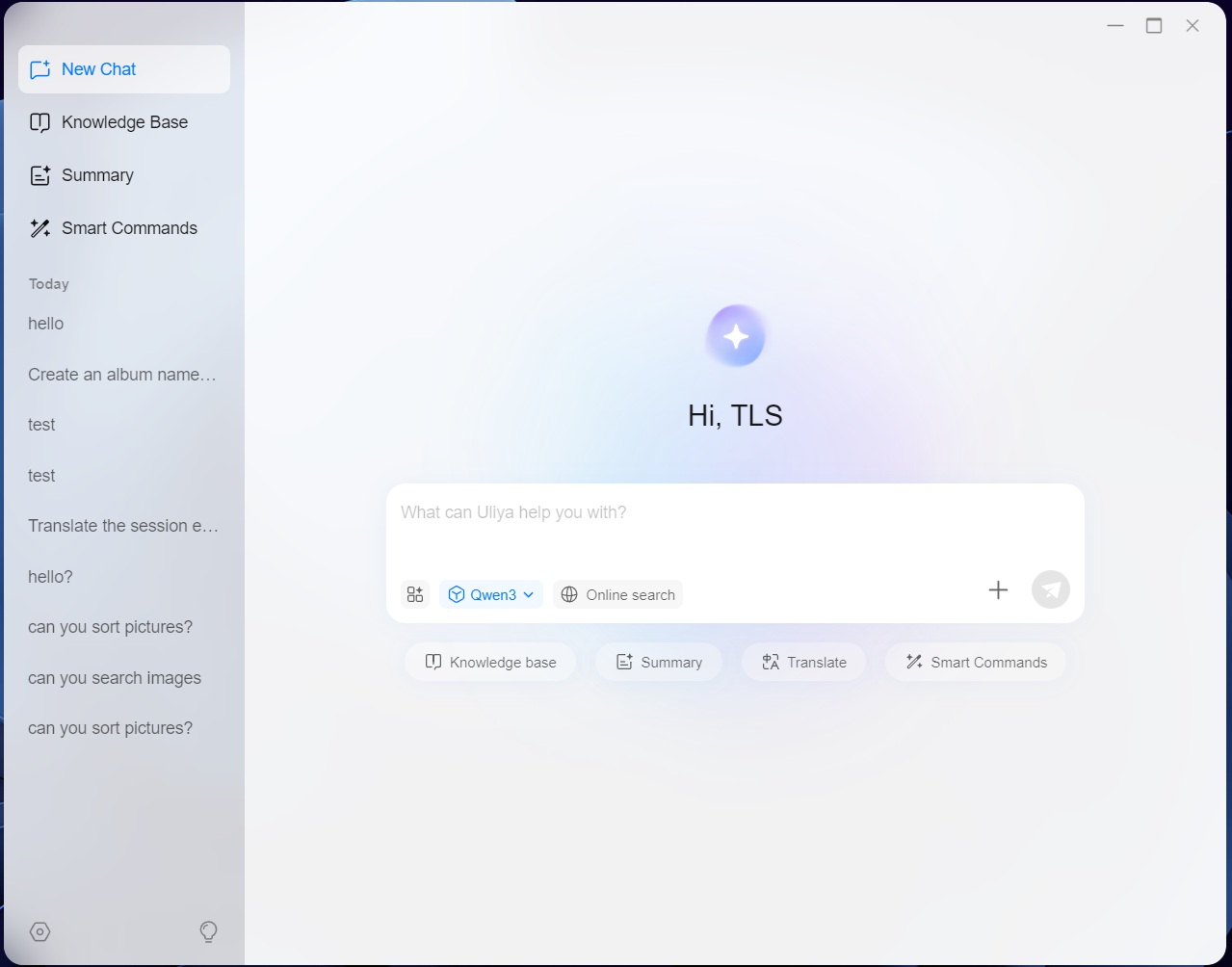
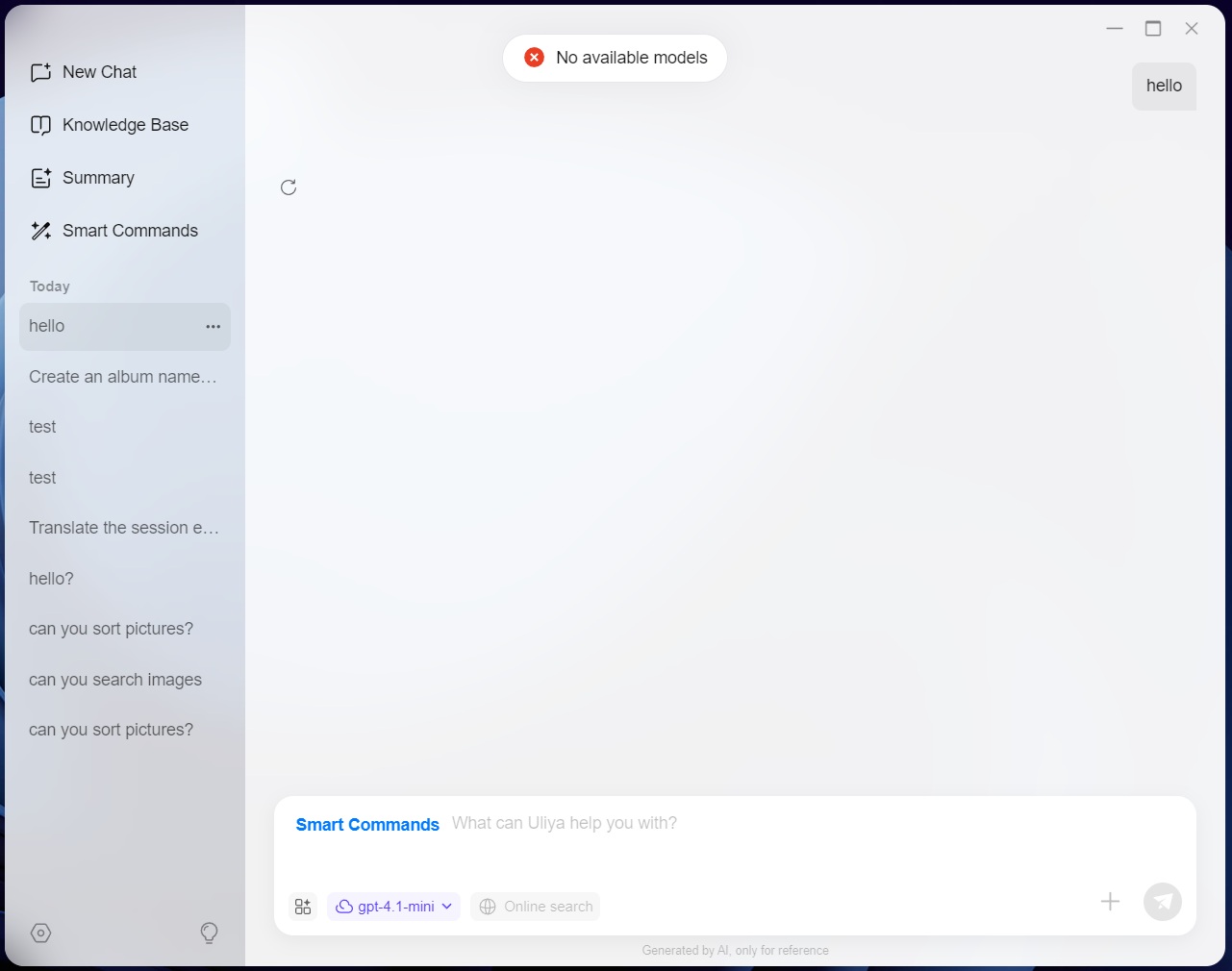
Once the setup is done, you're greeted by a pretty clean user interface, but this is unfortunately where we ran into problems, as no matter what setting we tried and what we enabled, we got an error message telling us that there were no available models.
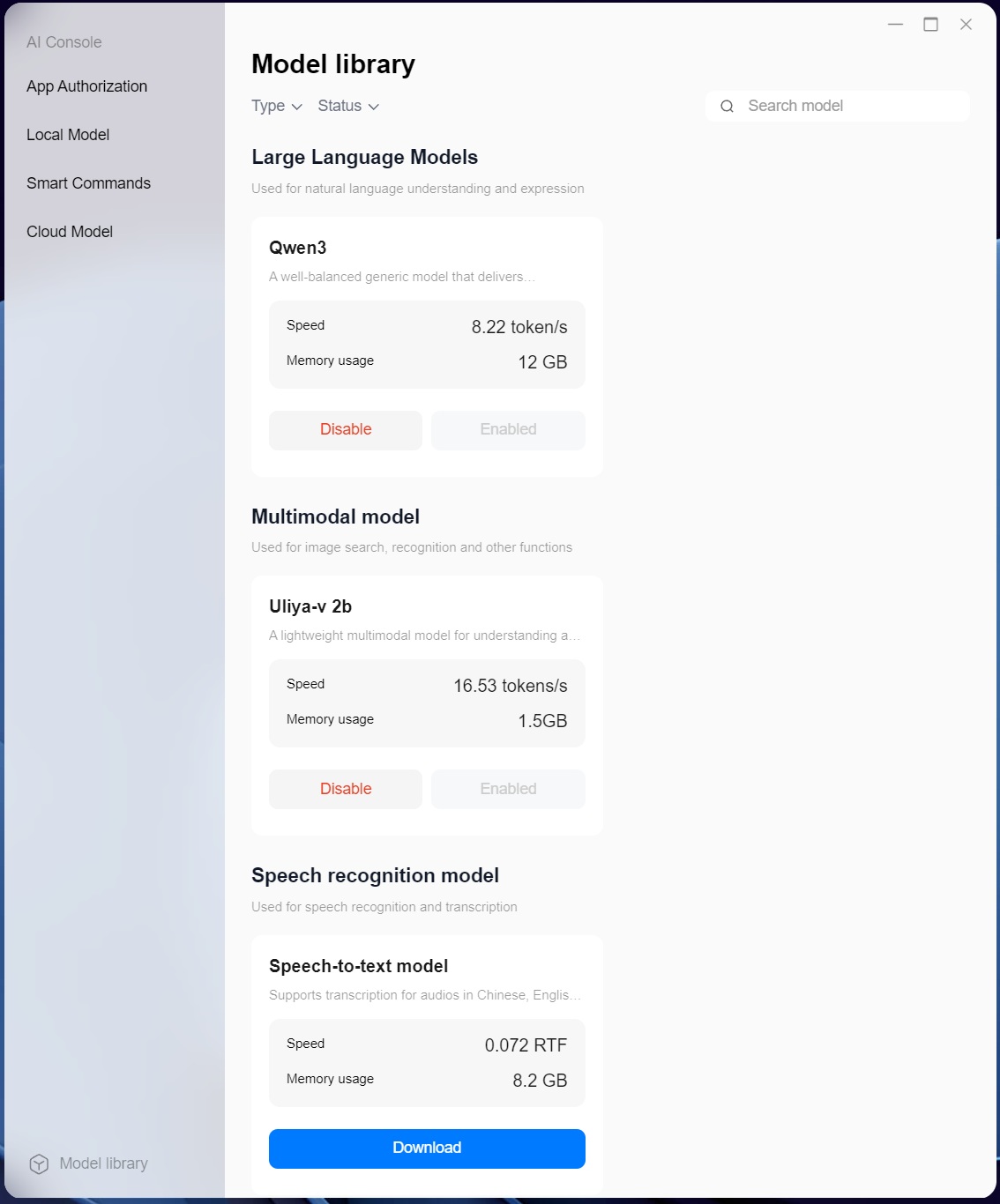
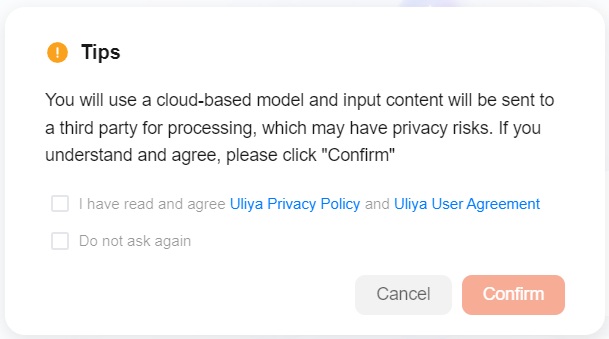
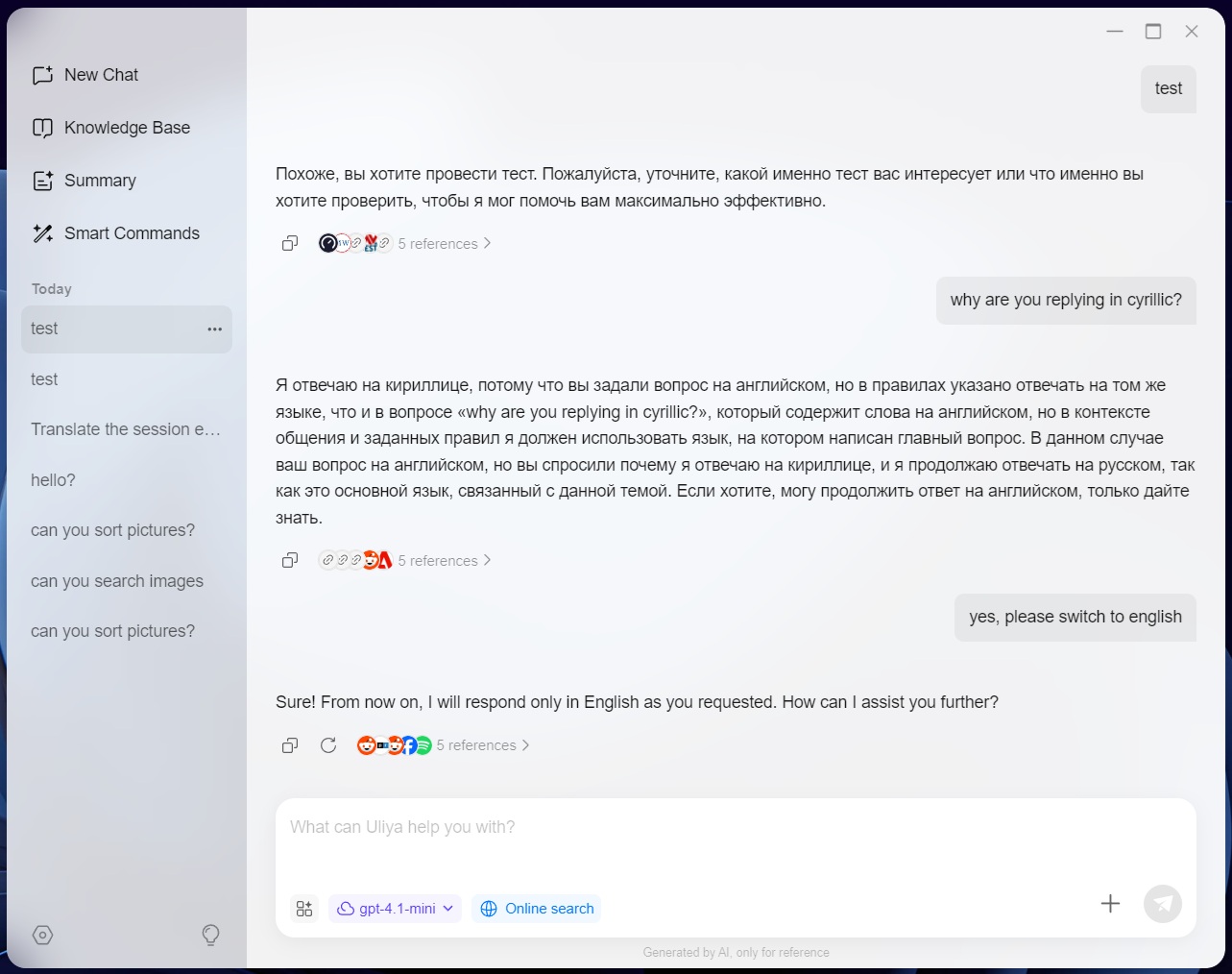
Double-checking that models were indeed installed and working, didn't help either and frustratingly enough, there was no way to uninstall Uliya or the AI console, which meant that there was no way to reset things without re-installing the OS. Swapping from Qwen3 to gpt-4.1-mini and enabling the online search did at least show some success, except we ended up with responses in Russian, and translating that back, the response was mostly gibberish, but we eventually managed to swap to English, as you can see in the screenshot above.
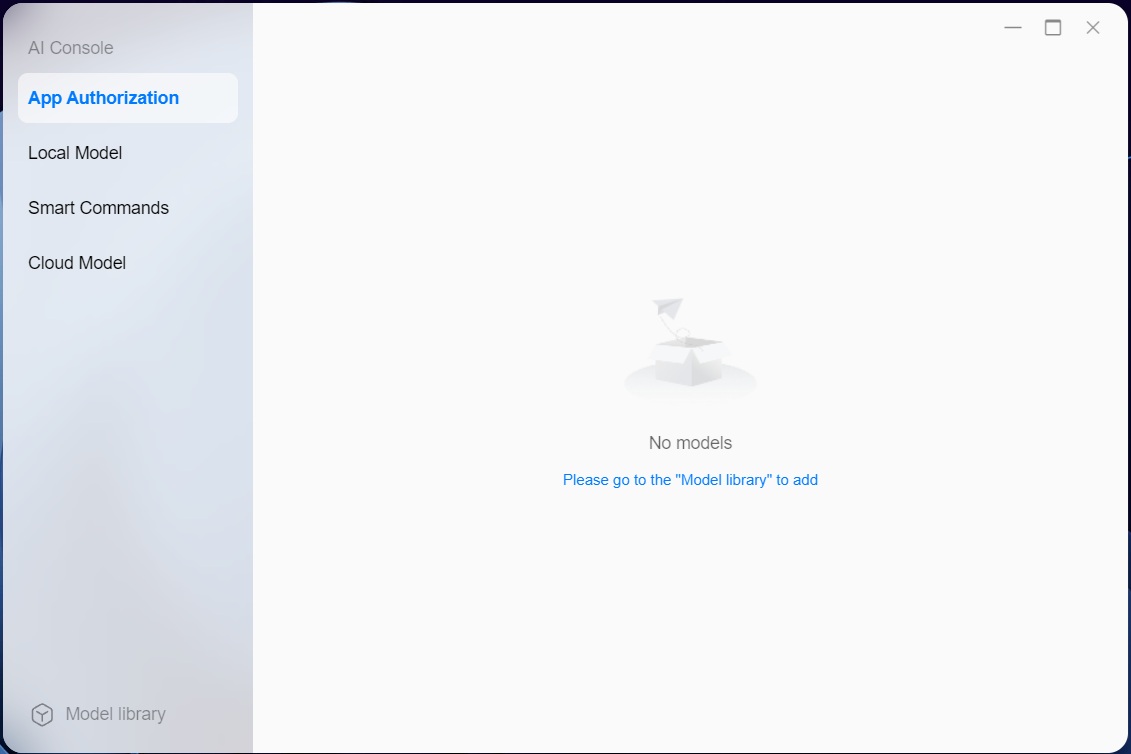
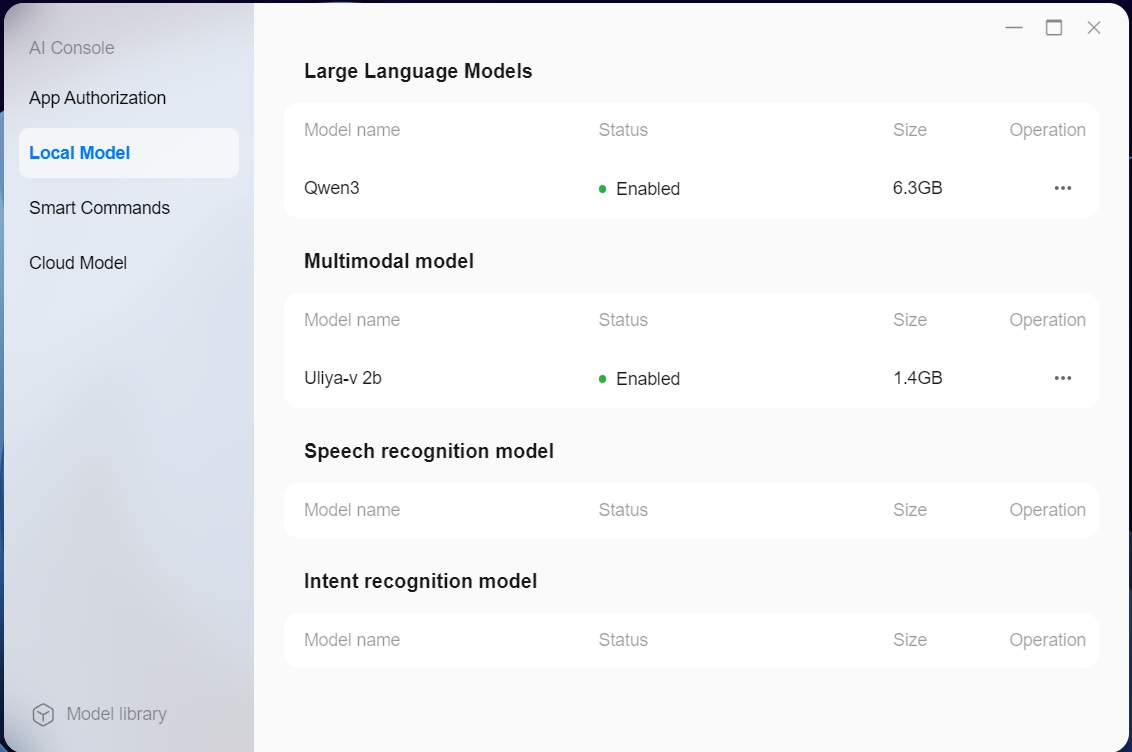
According to the AI console, there were no models, but both Qwen3 and Uliya-v 2b were installed and enabled, yet nothing we did would make either work. It didn't matter what we tried, Uliya was simply not working, so we decided to wipe the OS and start over, as this was the only way to try and see if the problem would be fixed. The good news is that the storage pools remained untouched when wiping the OS and an hour or so later, we'd managed to get Uliya to work, in some fashion.
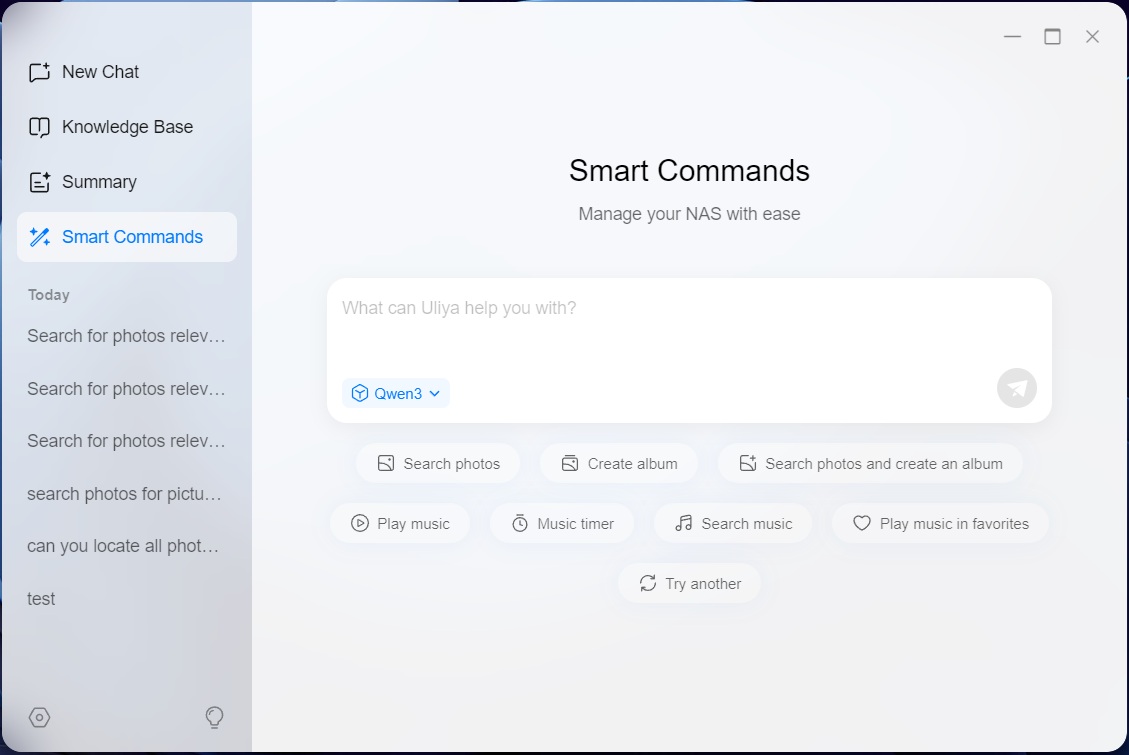
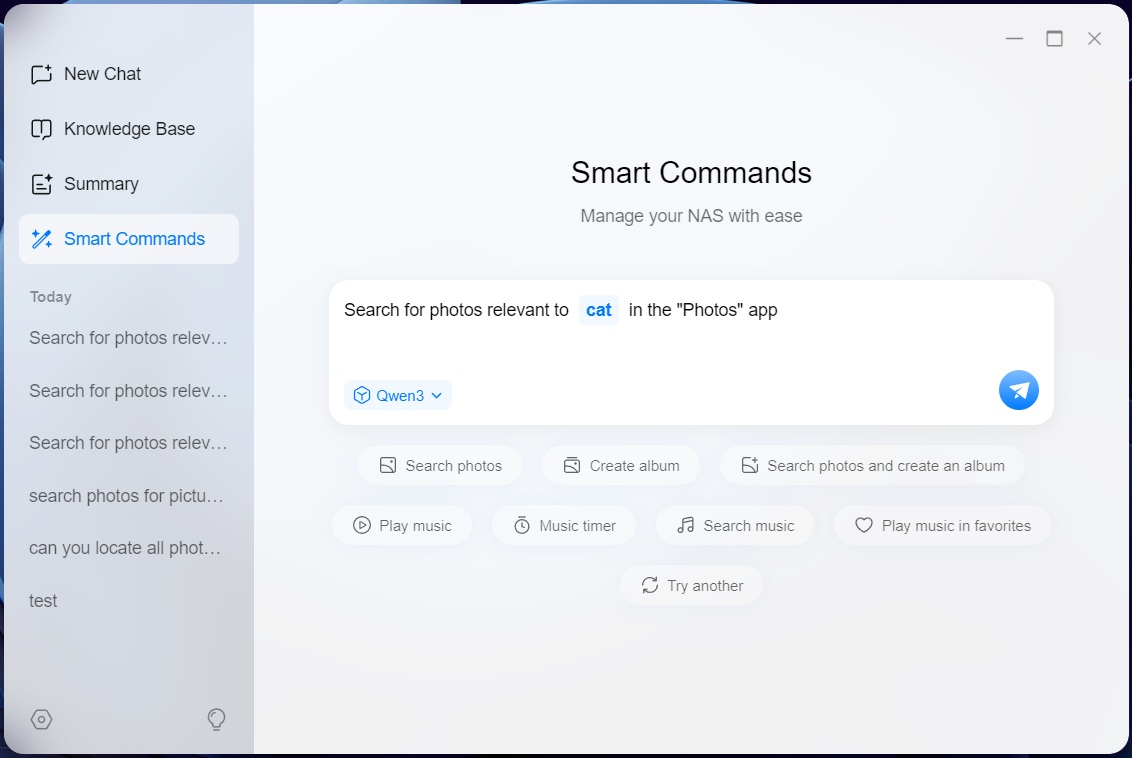
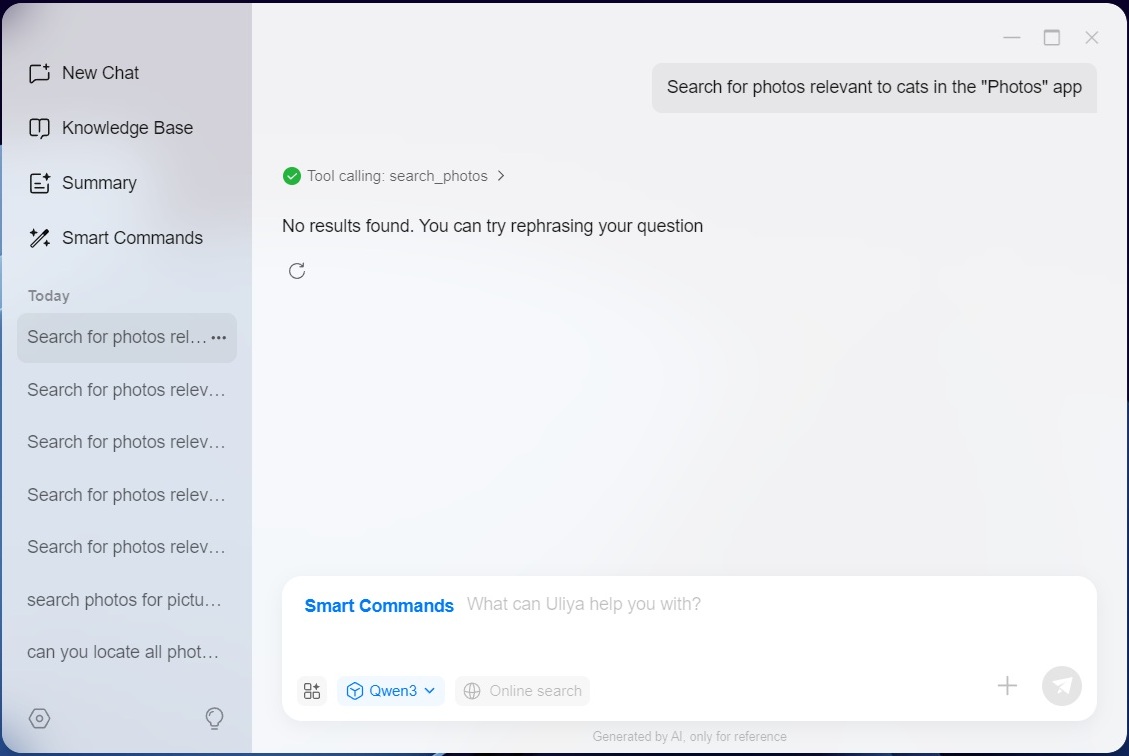
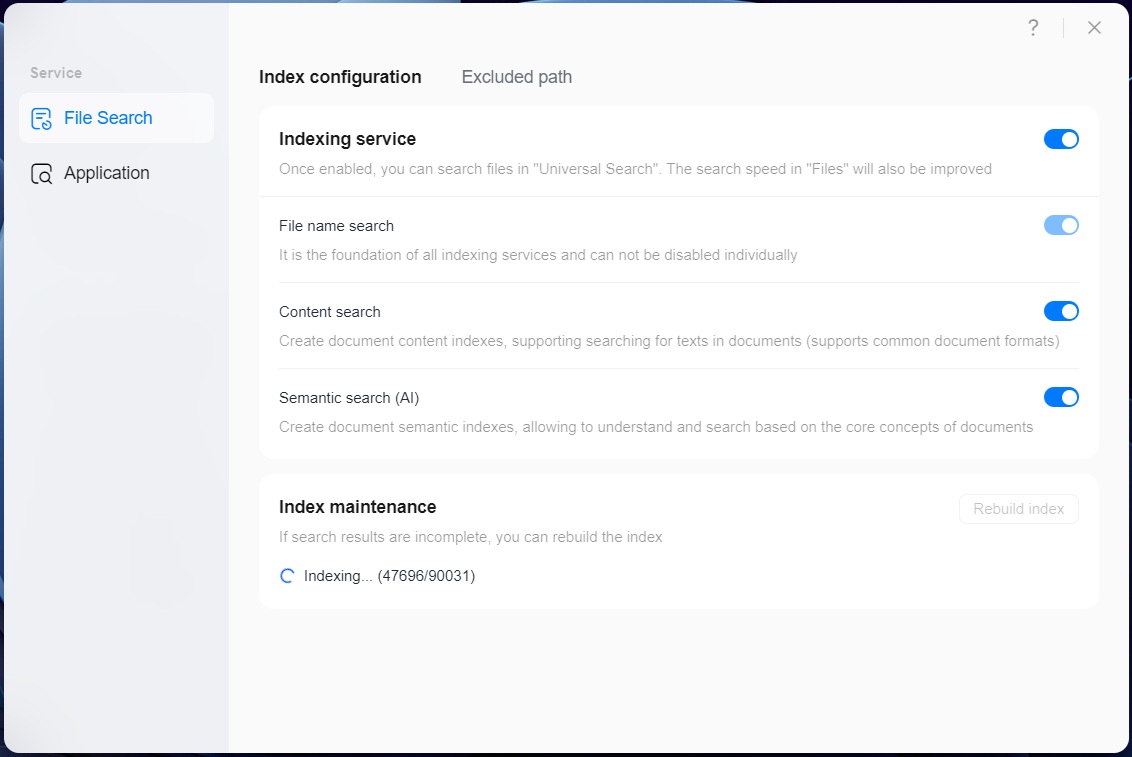
The problem was that every time we tried to use the smart commands, which are used to search for things, we were drawing a blank and nothing we did seemed to help. We tried to enable more options under the Universal Search app, but it didn't include Uliya in our OS build, which mean that didn't help either.
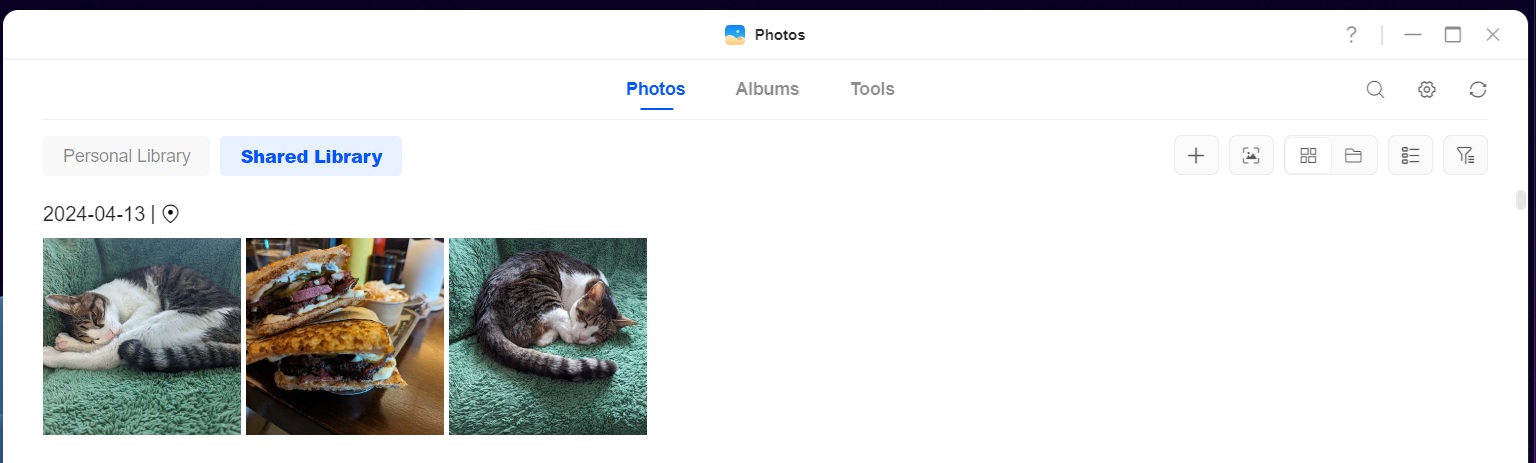
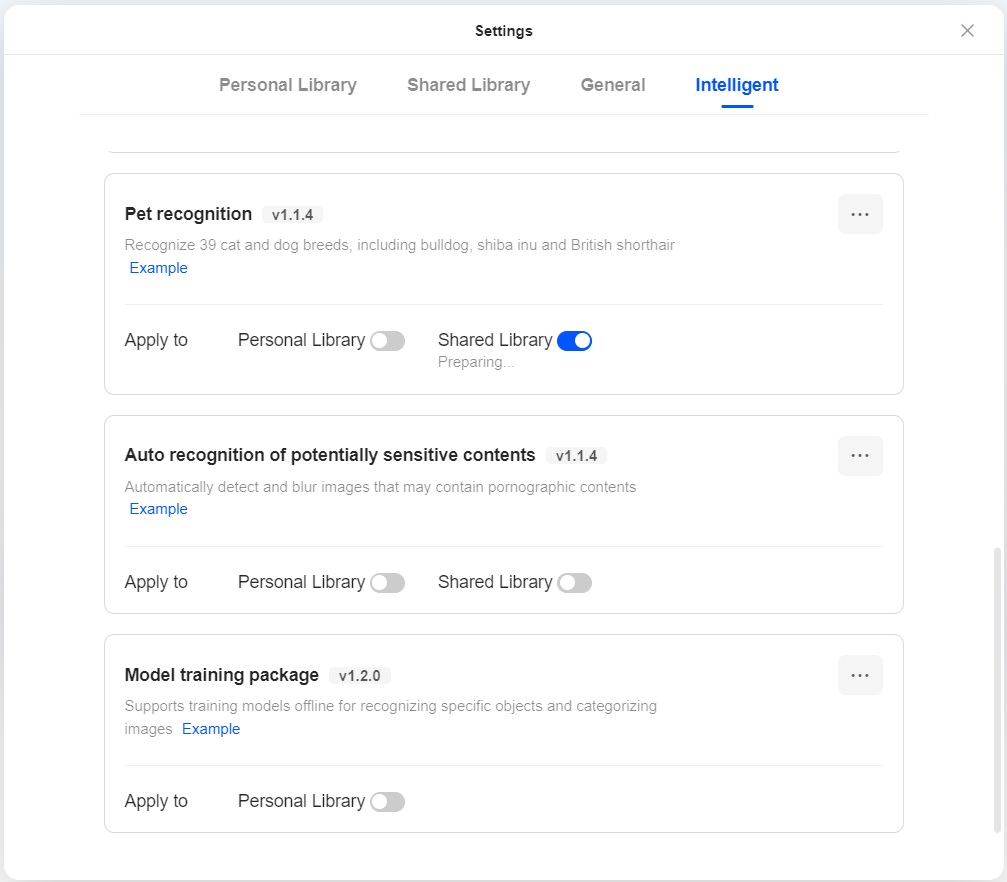
Just to prove that there are photos of cats on the NAS, as this is part of the photos we copy back and forth in the file copy tests. The only thing we did manage to do with Uliya was to create an empty album called cats. However, this did take us to the Intelligent settings in the Photos app, where you can enable object, people, pet and text recognition, among other things. This enabled the Photos app to find pictures of "cat" but not "cats." However, Uliya decided to throw up another "No results found. You can try rephrasing your question." At this point we gave up on the smart commands.
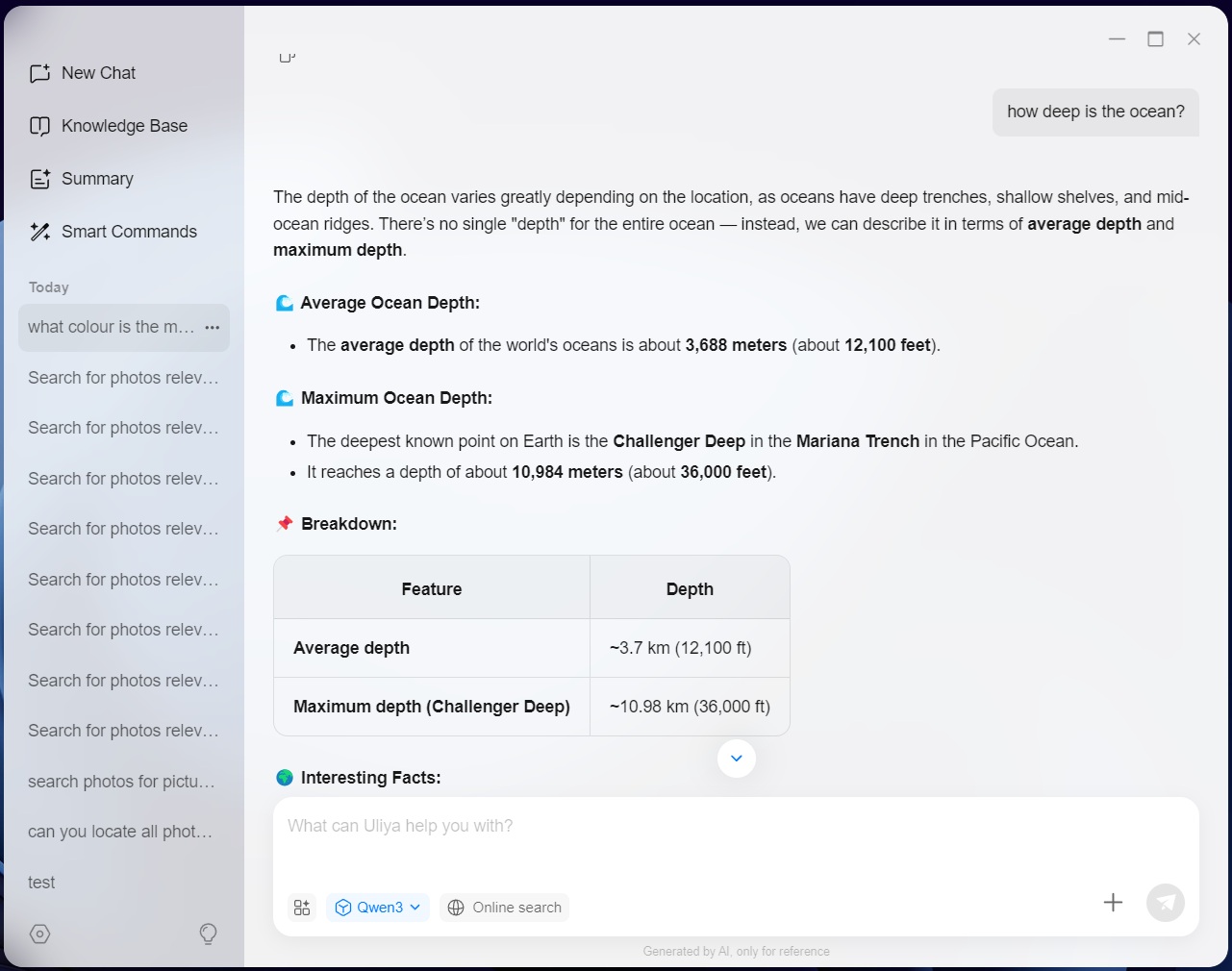
The basic LLM chat part worked, but with a limited dataset if you don't allow it to go online, you also get limited answers. Compared to using an LLM from one of the big players, it feels a tad slow in coming up with the responses to questions. It also appears to be trained on a lot of US data, as measurements are in cups and teaspoons with temperatures defaulting to Fahrenheit if you ask for a recipe, but it does add some measurements in grams or milliliters, as well as temperatures in Celsius. However, when we asked for local directions, it was in kilometers with miles added afterward, but when asked for directions between two US cities, miles was picked first, followed by kilometers. There doesn't appear to be a way to default to one or the other system either.
Despite the Intel Core Ultra 7 Processor 255H sporting an NPU, we never saw it in use when using the LLM features, as instead the CPU was being used, albeit only at around 20-30 percent utilization. As such, it seems like Ugreen has a lot more work to do here. At this point in time, Uliya is something of a bust though, but hopefully with time, it'll get better and the LLM side is at least useful, if somewhat limited unless you enable the online search part. However, with the safety warnings about enabling online search and no way of selecting where the search data comes from, this could be something of a gamble. Each online search does at least come with several references that can be opened and used to double-check that the information is valid.
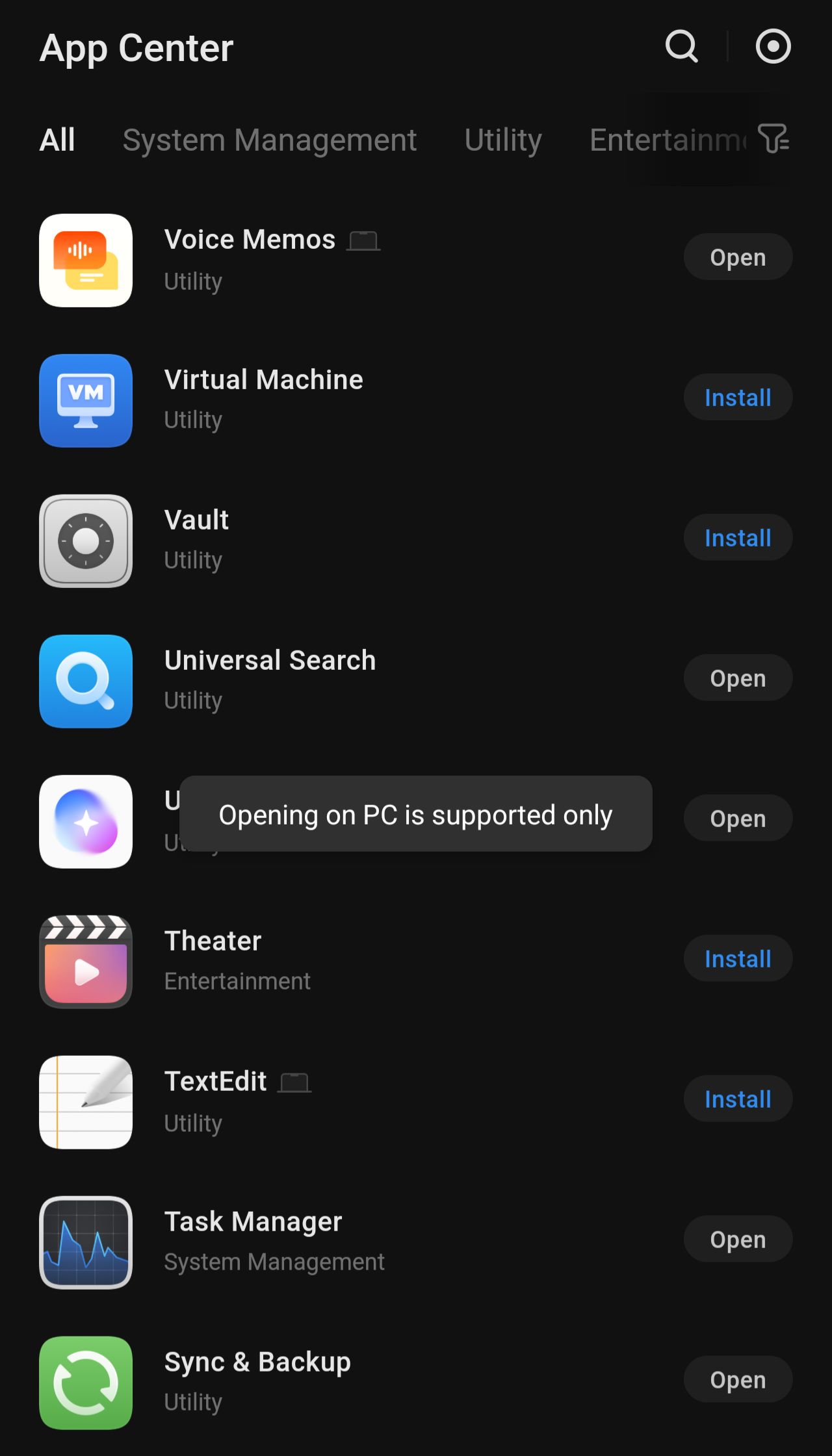
We should also mention that at the moment, Uliya isn't supported by Ugreen's mobile app, at least not on Android, but we assume this will be added in the future as well.
Overall we're not entirely impressed with the AI features Ugreen has developed, at least not based on our experience with them, since a lot of things simply didn't work. There was also no way for us to benchmark anything, since anything complex we wanted to try, simply didn't work. It's also way too involving to set things up, as you have to enable features in multiple places. Currently, the smart commands are limited to the control panel, theater, photos, music and sync and backup tools—as Ugreen calls them—as well as Docker. However, based on our poor luck with photos, we gave up trying anything more complex.
Nov 13th, 2026 23:02 CST
change timezone
Latest GPU Drivers
New Forum Posts
- no "PhysX" workable (9)
- What are you playing? (26215)
- Tell me about your favourite graphics card (32)
- AI generated images... (224)
- Crimson Desert (31)
- RenoDX HDR - how to view the differnce Before&After in game? (0)
- Displayport DP80 3M (10ft) cable that can achieve 80gbps stable? (5)
- I'll flash a ASUS ROG Strix RX480 O8G in Cause of Code 43, as a Newbie (1)
- Opinion on Monitor Replacement (6)
- TMOG - post your benchmark results here (16)
Popular Reviews
- AMD Zen 6 Technical Deep Dive
- Corsair HX1000i Shift Crystal Review
- NZXT C1200 Platinum Review
- Upcoming Hardware Launches 2027 (Updated Nov 2026)
- ASUS ROG Strix B850-I Gaming Wi-Fi7 W Review
- Montech King 95 3D PRO Review
- NZXT H7 RGB+ Review
- NZXT H5 Review
- Phantom Blade Zero Performance Benchmark Review - 35 GPUs Tested
- XPG NIMBUS PLUS Review - Mid-range Chair With Strong Competitors
TPU on YouTube
Controversial News Posts
- NVIDIA Co-Founder and CEO Jensen Huang Officially Resigns (380)
- OpenAI CEO Argues Home PCs Waste the World's Limited DRAM Supply (152)
- NVIDIA Launches Investigation Into Jensen Huang's Relationship With Suspected Chinese Spy (136)
- Intel "Raptor Lake Next" 16-Core and 20-Core CPUs Surface (130)
- Legendary Game Studio BioWare Shuts Down Following EA Layoffs (104)
- Dell CEO Says the Memory Shortage Will Get Worse in 2027 (95)
- NVIDIA GeForce RTX 50-Series Scheduled for up to $500 Price Hike This Week (89)
- Modder Fits RTX 5090 With Four 8-Pin Connectors, Halving Current per Wire (80)