 57
Ugreen NASync iDX6011 Pro Review
Performance: Synthetic Benchmarks »NAS Configuration
| NAS Configuration | |
|---|---|
| Internal Disks: | 4× WD Red Plus 4 TB 2× Seagate IronWolf 4 TB 2× Phison E18 PCIe 4.0 x4 NVMe SSDs |
| Firmware: | UGOS 1.13.1.0125 |
Test Setup for Single-Client Tests
The test system (client PC) for single-client tests consists of the following components:| Test System Configuration | |
|---|---|
| Processor | AMD Ryzen 7 7800X3D (96 MB Cache, 5 GHz) |
| Mainboard | Gigabyte X670E Aorus Master |
| Chipset | AMD X670E Chipset |
| Graphics | NVIDIA GeForce RTX 4080 |
| Memory | 32 GB Team T-Create Expert DDR5-6000 MHz (2× 16 GB) |
| Storage | SSD: Corsair MP600 PRO NH 2 TB |
| Networking | Aquantia AQC-107 10 Gbps |
| PSU | be quiet! Pure Power 12 M 850 W |
| Software | Windows 11 Pro 25H2 |
| Ethernet Switch | TP-Link TL-SX105 10 GbE Switch |
Methodology
We have a varied range of tests that we run on NAS devices, starting with a set of synthetic benchmarks to measure the theoretical performance and then a set of data copying tests with various file types to get some real world performance figures. The synthetic benchmarks consist of CrystalDiskMark, iPerf3, NAS performance tester and Helios LanTest. This time we tested with four WD Red Plus 4 TB drives and a pair of Seagate IronWolf ST4000VN006 4 TB drives, as this was the only way we could fill all six drive bays. This makes the test results a little bit different, but we wanted to test with all drive bays filled. We also used a pair of Phison E18 based SSDs for the SSD tests and the SSD caching tests.
CrystalDiskMark is a popular Japanese drive benchmark that tests sequential and random read and write performance of a drive. We're using version 9.0.1 and CDM is a bit quirky with mapped drives, so instead you have to browse the network for the location you want to test when it comes to network shares of any kind.
iPerf3 is a command line network throughput test that is a simple yet powerful way of testing network throughput. Although it's possible to perform drive performance tests with iPerf, it's normally only used for testing raw network throughput, which is what we use it for in our NAS reviews. It's also a good way to make sure that there are no network configuration issues which would cause slowdowns of any kind.
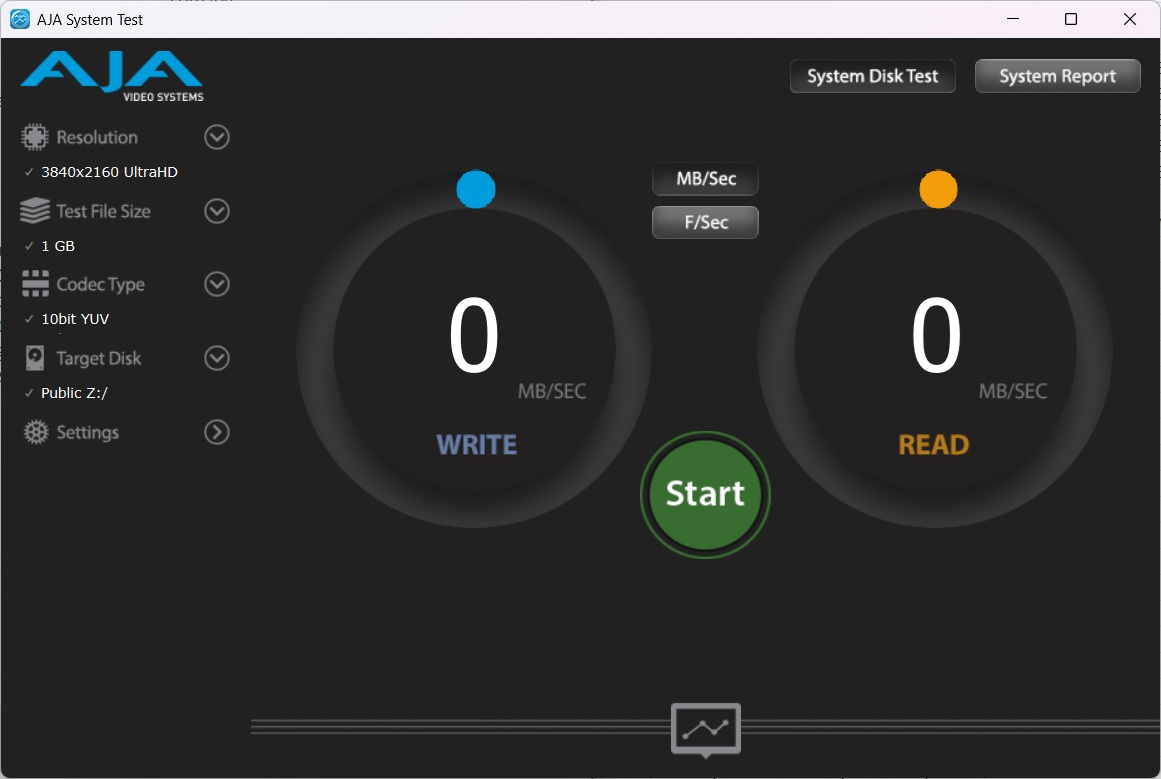
New for 2026 is the addition of the AJA System Test, which is another synthetic benchmark that works similar to CrystalDiskMark, but with a focus on video files. We set it up to emulate a 4K video file using a 10-bit YUV codec and tested with both a 1 GB and a 64 GB file size.
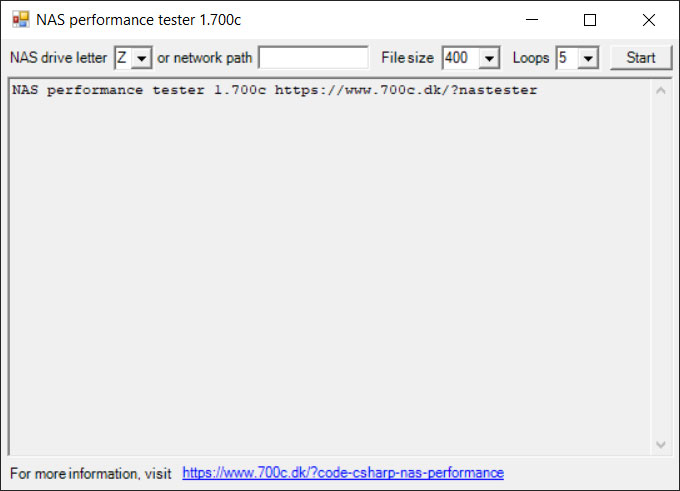
The NAS performance tester is an open source tool for testing NAS appliances. It creates a file that is written or read from the NAS, then deleted to prevent any kind of caching happening, as normally this test is looped at least five times and an average is calculated of the five runs. We chose to use a large data set of 8 GB here, which puts some strain on the NAS under testing.
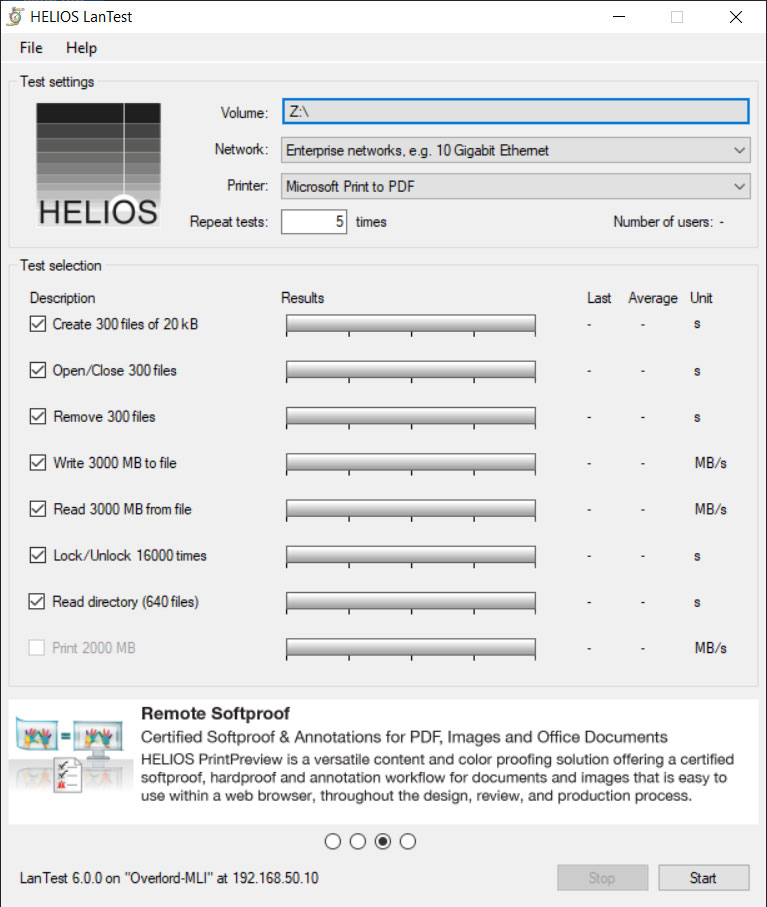
The Helios LanTest is another NAS benchmarking tool, but this time around we're looking at a tool that performs multiple tests. It has five response time tests of increasing difficulty as well as two sequential performance tests. It also has a default setting for 10 Gbps Ethernet, which we use for all of our testing, as the 1 Gbps test is simply not enough of a challenge. In case of the responsiveness/latency tests, a lower number is always better, and obviously it's the opposite for the sequential read and write tests.
This is then followed by three data copying tests. The first of these three tests is a game library that consists of 10,458 files for a total of 96.2 GB worth of data. The second test is a single 66.9 GB file and the third test is 4,084 photos which in total adds up to 10.6 GB worth of data. These files are copied from an SSD to the NAS and then from the NAS back to the SSD. On the models that support SSD caching, we run each test five times, to make sure the caching has kicked in properly. The results are in minutes and seconds that we convert to an average MB/s transfer rate. Note that the actual transfer rate can vary a lot during these tests, especially in the first test due to both very large and very small files being copied and when using mechanical drives, the performance can drop to mere MB/s due to the limitations of mechanical drives. In other words, these tests also end up testing the ability to cache smaller files by the NAS to a certain degree.
Nov 13th, 2026 23:08 CST
change timezone
Latest GPU Drivers
New Forum Posts
- no "PhysX" workable (9)
- What are you playing? (26215)
- Tell me about your favourite graphics card (32)
- AI generated images... (224)
- Crimson Desert (31)
- RenoDX HDR - how to view the differnce Before&After in game? (0)
- Displayport DP80 3M (10ft) cable that can achieve 80gbps stable? (5)
- I'll flash a ASUS ROG Strix RX480 O8G in Cause of Code 43, as a Newbie (1)
- Opinion on Monitor Replacement (6)
- TMOG - post your benchmark results here (16)
Popular Reviews
- AMD Zen 6 Technical Deep Dive
- Corsair HX1000i Shift Crystal Review
- NZXT C1200 Platinum Review
- Upcoming Hardware Launches 2027 (Updated Nov 2026)
- ASUS ROG Strix B850-I Gaming Wi-Fi7 W Review
- Montech King 95 3D PRO Review
- NZXT H7 RGB+ Review
- NZXT H5 Review
- Phantom Blade Zero Performance Benchmark Review - 35 GPUs Tested
- XPG NIMBUS PLUS Review - Mid-range Chair With Strong Competitors
TPU on YouTube
Controversial News Posts
- NVIDIA Co-Founder and CEO Jensen Huang Officially Resigns (380)
- OpenAI CEO Argues Home PCs Waste the World's Limited DRAM Supply (152)
- NVIDIA Launches Investigation Into Jensen Huang's Relationship With Suspected Chinese Spy (136)
- Intel "Raptor Lake Next" 16-Core and 20-Core CPUs Surface (130)
- Legendary Game Studio BioWare Shuts Down Following EA Layoffs (104)
- Dell CEO Says the Memory Shortage Will Get Worse in 2027 (95)
- NVIDIA GeForce RTX 50-Series Scheduled for up to $500 Price Hike This Week (89)
- Modder Fits RTX 5090 With Four 8-Pin Connectors, Halving Current per Wire (80)