Monday, March 2nd 2026
Yunzii Releases M1 Lightweight Tri-Mode Wireless Mouse
Rich color options, powerful features, and an ultra-lightweight build—the Yunzii M1 is designed to deliver exceptional comfort and precision in every move. With its sleek design and pro-level performance, it's the perfect upgrade for your gaming desk setup and daily workflow alike.
Versatile Connectivity
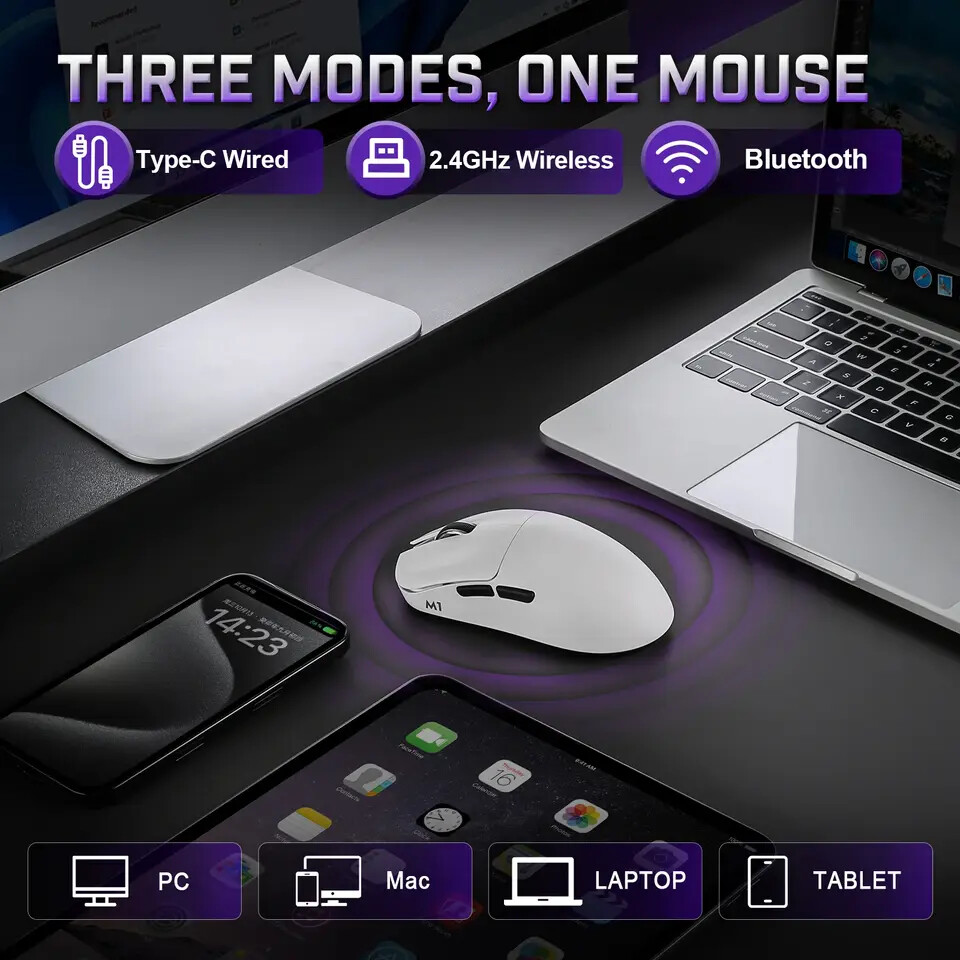
The Yunzii M1 supports 2.4 GHz wireless, Bluetooth, and USB-C wired modes, offering flexible and low-latency performance across different usage scenarios. Compatible with both Windows and macOS, it transitions seamlessly between gaming, office work, and travel setups. Each package includes the Yunzii M1 mouse, a Type-C cable, a 2.4G receiver with a built-in storage compartment, and a user manual—everything you need right out of the box.
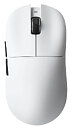
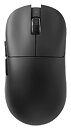
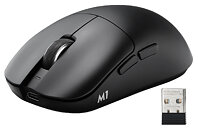

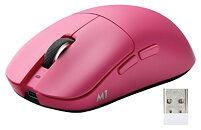 High-Performance Sensor
Powered by the PAW3311 sensor, the M1 delivers 300 IPS tracking speed and 35G acceleration for responsive and accurate movement. It supports a stable 1000 Hz polling rate with 1 ms latency, along with four adjustable polling rates (125 Hz, 250 Hz, 500 Hz, and 1000 Hz). This ensures smooth tracking and consistent performance, even during fast-paced gameplay.
Precision Control
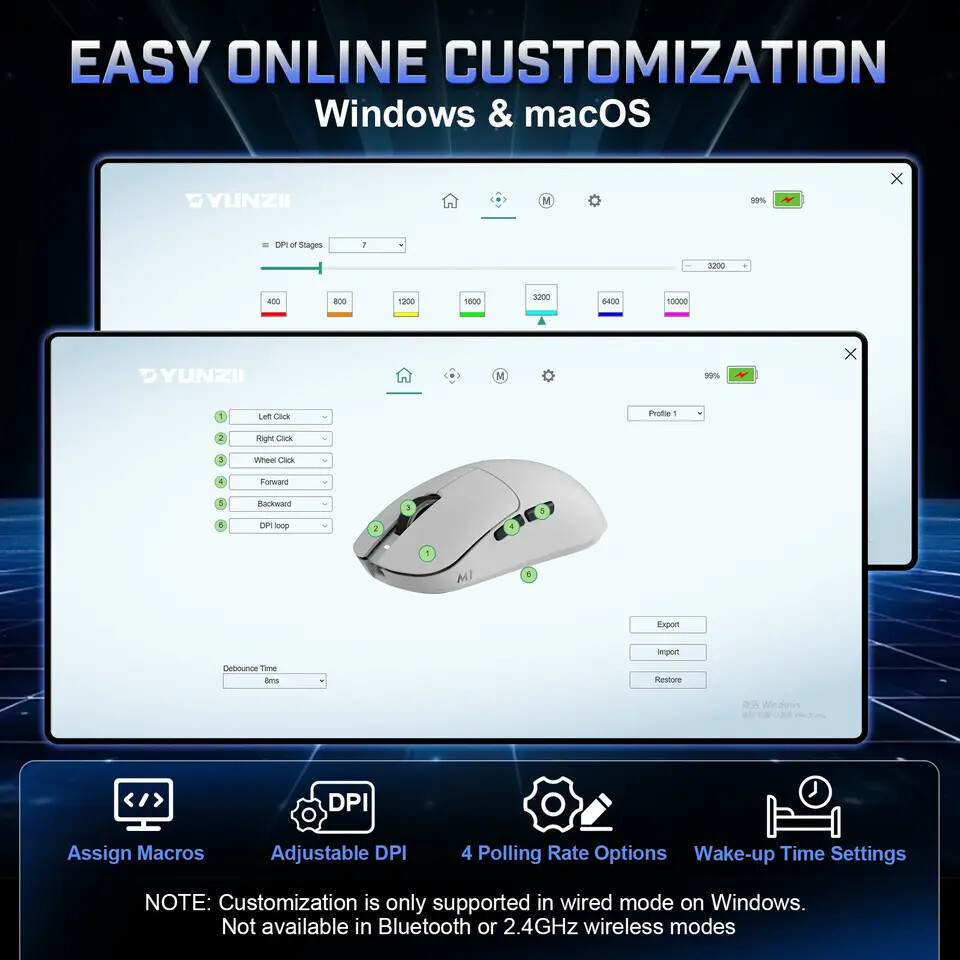
The M1 features seven preset DPI levels—400, 800, 1200, 1600, 3200, 6400, and 10000—which can be instantly switched via the bottom button, with each level indicated by a distinct LED color. Through the official software or web interface, users can further customize DPI between 50 and 22,000, delivering the flexibility needed for both detailed creative work and competitive gaming.


 Smart Power & Customization
Equipped with a built-in 500mAh rechargeable battery, the M1 includes intelligent power management with a default 10-minute idle sleep mode that can be adjusted as needed. Clear battery indicators provide real-time status, including low-battery alerts and charging updates. Users can also customize button functions, polling rate, DPI settings, and sleep time through the official software or web interface to create a fully personalized experience.
 Lightweight Ergonomic Design
Weighing just 60 grams, the Yunzii M1 reduces wrist strain during extended sessions while maintaining structural durability. Its ergonomic contour follows the natural curve of the hand and supports multiple grip styles. Five responsive buttons and a tactile scroll wheel provide precise and comfortable control, whether for competitive gaming or everyday productivity.



Source:
Yunzii M1 (product page)
Versatile Connectivity
The Yunzii M1 supports 2.4 GHz wireless, Bluetooth, and USB-C wired modes, offering flexible and low-latency performance across different usage scenarios. Compatible with both Windows and macOS, it transitions seamlessly between gaming, office work, and travel setups. Each package includes the Yunzii M1 mouse, a Type-C cable, a 2.4G receiver with a built-in storage compartment, and a user manual—everything you need right out of the box.


Powered by the PAW3311 sensor, the M1 delivers 300 IPS tracking speed and 35G acceleration for responsive and accurate movement. It supports a stable 1000 Hz polling rate with 1 ms latency, along with four adjustable polling rates (125 Hz, 250 Hz, 500 Hz, and 1000 Hz). This ensures smooth tracking and consistent performance, even during fast-paced gameplay.
Precision Control
The M1 features seven preset DPI levels—400, 800, 1200, 1600, 3200, 6400, and 10000—which can be instantly switched via the bottom button, with each level indicated by a distinct LED color. Through the official software or web interface, users can further customize DPI between 50 and 22,000, delivering the flexibility needed for both detailed creative work and competitive gaming.



Equipped with a built-in 500mAh rechargeable battery, the M1 includes intelligent power management with a default 10-minute idle sleep mode that can be adjusted as needed. Clear battery indicators provide real-time status, including low-battery alerts and charging updates. Users can also customize button functions, polling rate, DPI settings, and sleep time through the official software or web interface to create a fully personalized experience.

Weighing just 60 grams, the Yunzii M1 reduces wrist strain during extended sessions while maintaining structural durability. Its ergonomic contour follows the natural curve of the hand and supports multiple grip styles. Five responsive buttons and a tactile scroll wheel provide precise and comfortable control, whether for competitive gaming or everyday productivity.



8 Comments on Yunzii Releases M1 Lightweight Tri-Mode Wireless Mouse
I take it back, of the last 10 mice reviewed here the "median" mouse only costs $160 and has polling issues at 8000Hz.
- $149, 8000Hz
- $165, 8000Hz (but unstable at 8000Hz)
- $159, 8000Hz (polling instability below 8000Hz)
- $120, 4000Hz
- $170, 8000Hz (minor instability at 8000Hz)
- $90, 8000Hz
- $160, 8000Hz (polling unstable over 2000Hz!)
- $25, 1000Hz, wired
- $159, 8000Hz (minor polling instability)
- $159, 8000Hz (polling unstable over 2000Hz!)
Who realistically wants to spend more than a hundred bucks on a mouse for a feature that doesn't even work properly? Most of the pro gamers use old 1000Hz mice they're familiar with. Who even asked for 8000Hz polling in the first place?!That said, advent of 360hz+ display is changing that, it's just they're not super common yet.
If the typical click to display latency of an online game is 40-50ms, shaving a fraction of a millisecond off that with 8000Hz polling seems like the ultimate waste of effort.