Monday, June 1st 2026

MSI Demos M-Mate App for Fine-Tuning Display and Colors on its Premium Monitors
MSI in its Computex 2026 booth showcased M-Mate, an application for its Pro Max displays that lets creative professionals fine-tune display settings and color accuracy suitable to their environment, for the most accurate color reproduction. The app also has the M-Sync feature that lets your MacBook control display settings such as color and brightness. The application is currently exclusive to Pro Max 341qpxw14g.
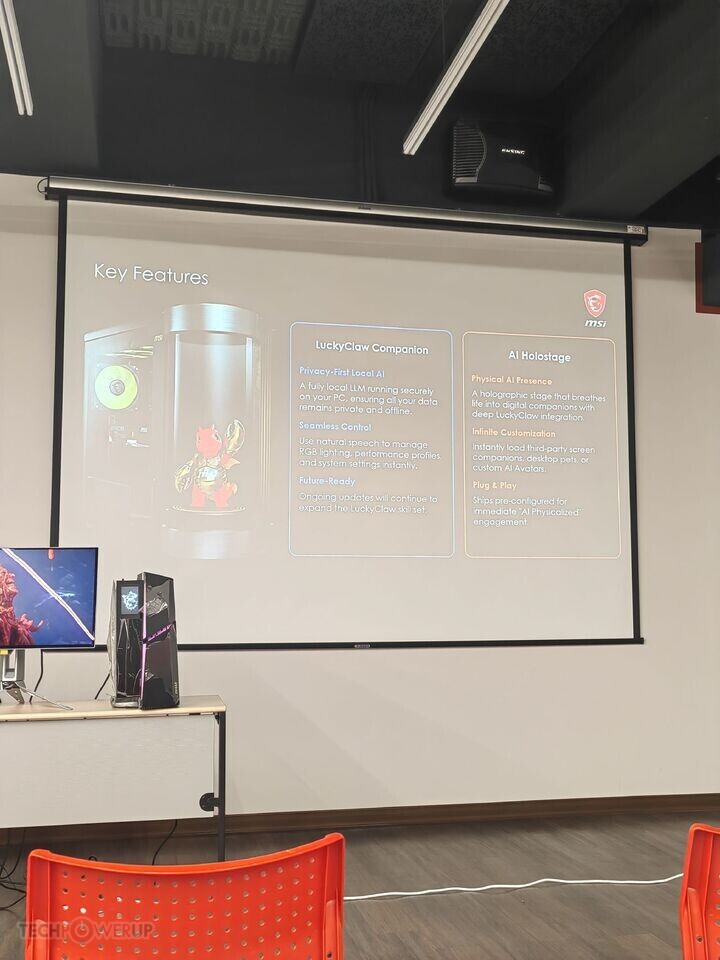
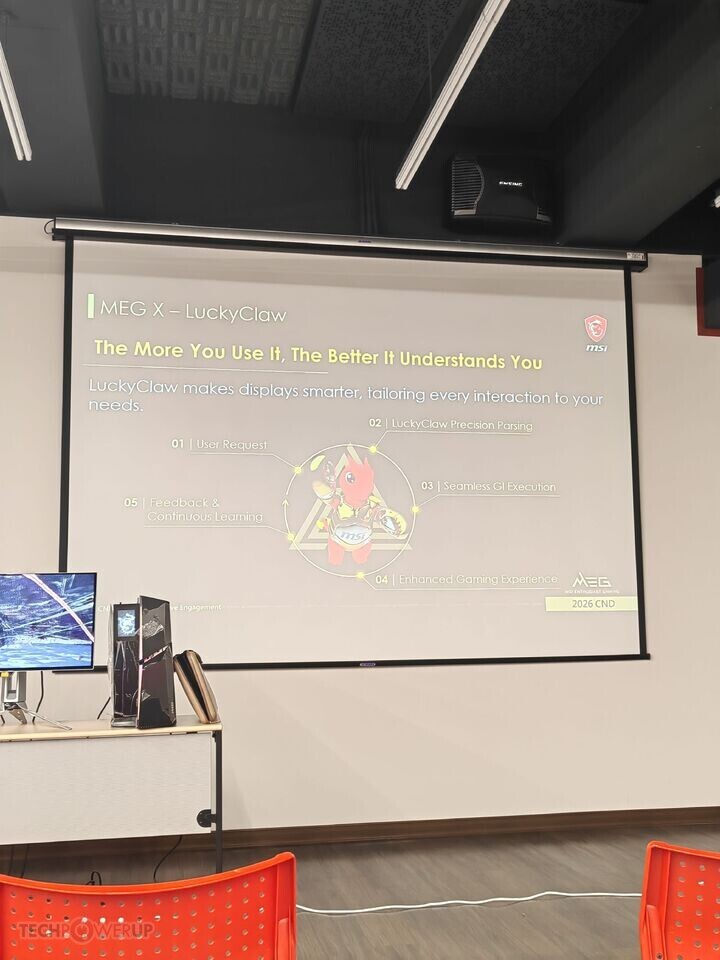
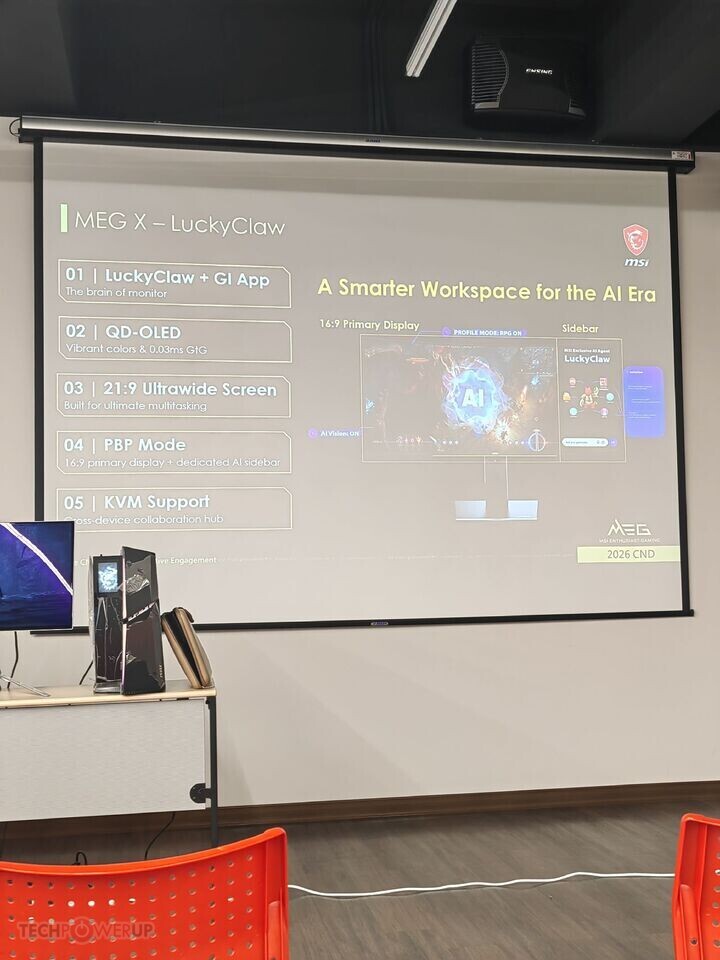
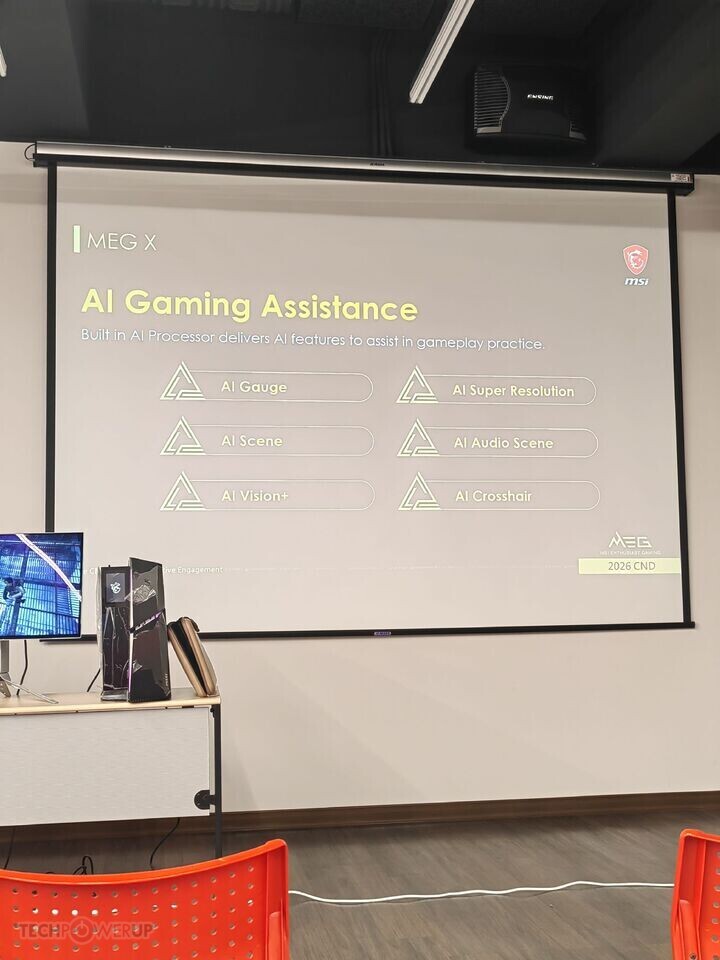
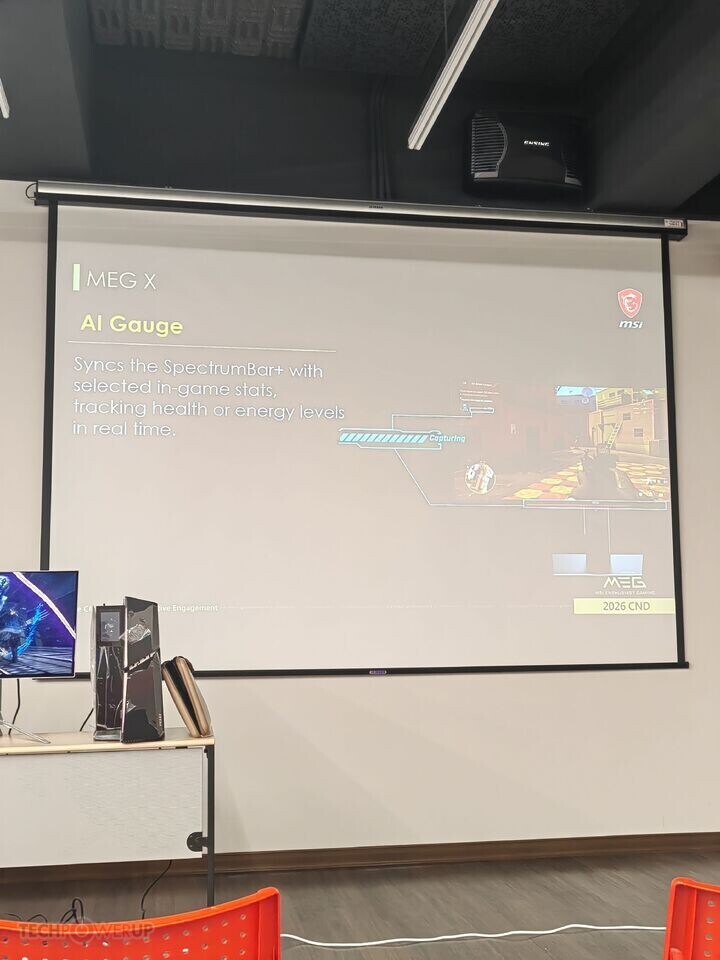
The company also showcased AI Vision+, an application for its MEG X gaming monitor that lets you tune your monitor to your gaming environment for the best possible competitive edge without triggering OS-level anti-cheats, using an OSD-level feature called Optix Scope+. The AI Audio Scene is a software DSP that detects your display and automatically adjusts the EQ and effects of your audio output. AI SR is a super resolution feature built into the monitor, similar to a feature LG introduced last year. It works completely independently of the graphics driver. AI Gauge detects numerical HUD stats and draws bar graphs on the screen in real-time. Lastly, the company showcased an on-screen version of Lucky Claw, an animated agentic assistant based on OpenClaw.


 More pictures follow.
The company also showcased AI Vision+, an application for its MEG X gaming monitor that lets you tune your monitor to your gaming environment for the best possible competitive edge without triggering OS-level anti-cheats, using an OSD-level feature called Optix Scope+. The AI Audio Scene is a software DSP that detects your display and automatically adjusts the EQ and effects of your audio output. AI SR is a super resolution feature built into the monitor, similar to a feature LG introduced last year. It works completely independently of the graphics driver. AI Gauge detects numerical HUD stats and draws bar graphs on the screen in real-time. Lastly, the company showcased an on-screen version of Lucky Claw, an animated agentic assistant based on OpenClaw.


3 Comments on MSI Demos M-Mate App for Fine-Tuning Display and Colors on its Premium Monitors