 11
QNAP TS-432X Review - Arm Based NAS
A Quick Look at QTS 5.2.x »Configuring the Storage Pool
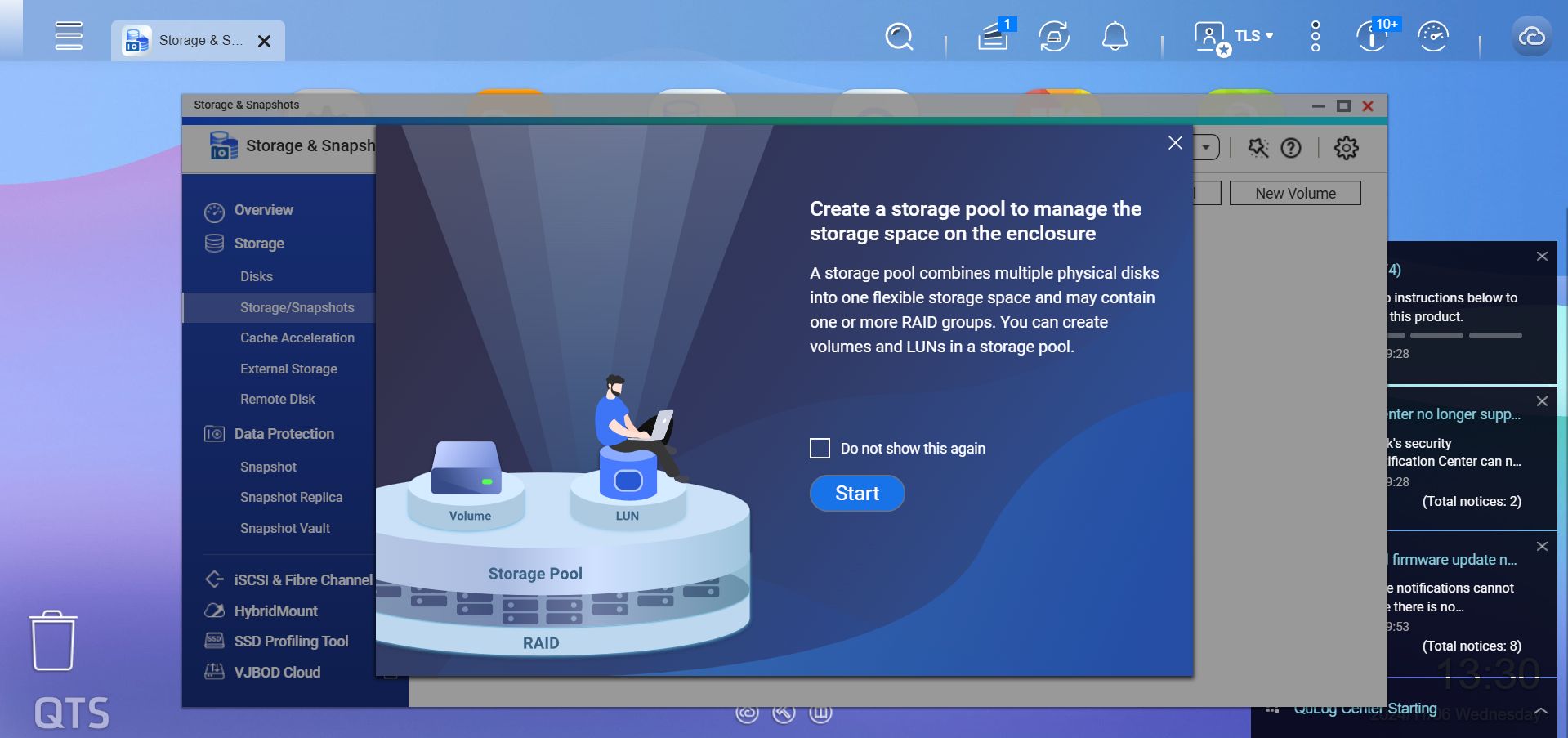
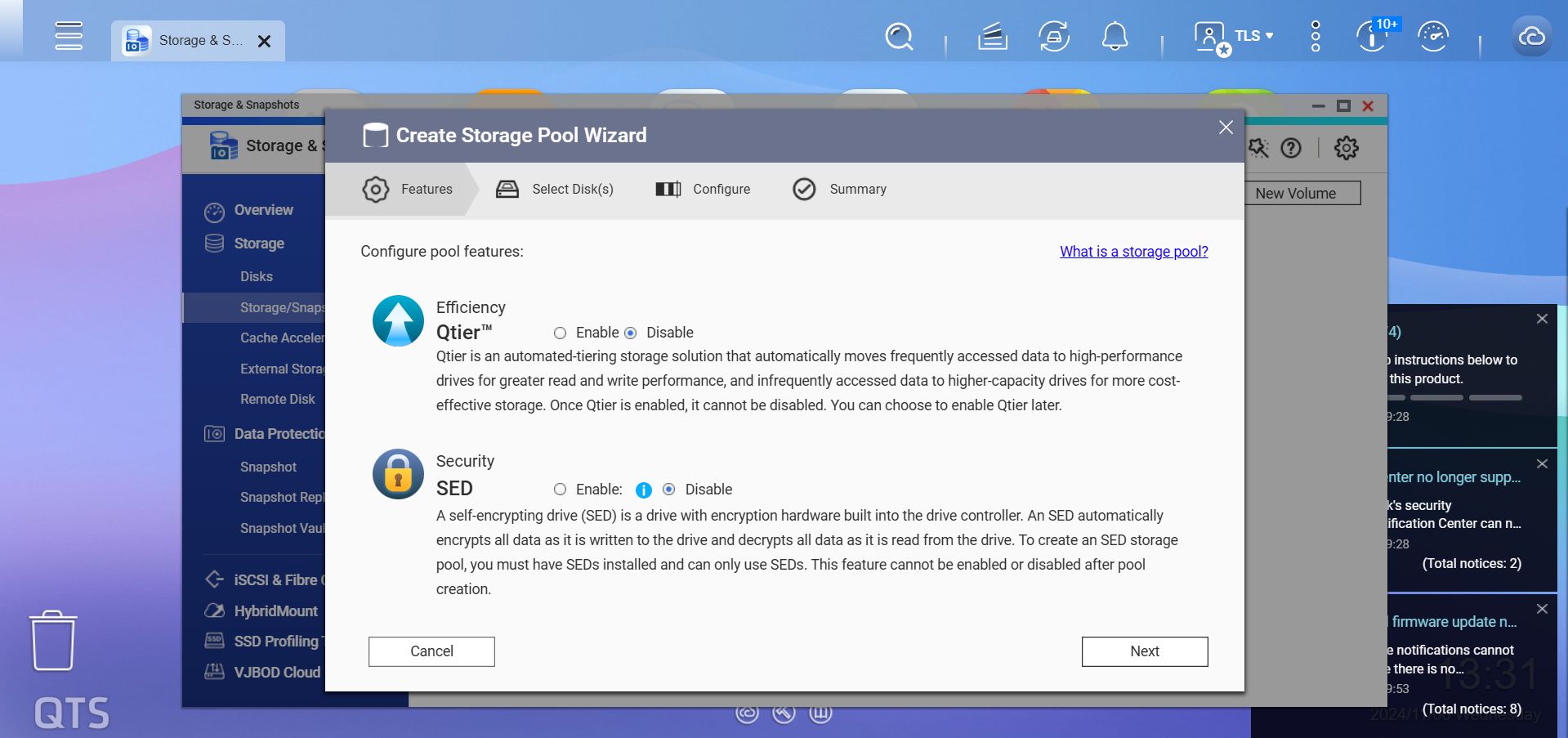
When it comes to creating a storage pool, you can tell that QNAP is in a different league compared to the new entrants in the NAS market space, as even a consumer model like the TS-432X comes with more options than any sane consumer is ever going to need. Sure, some of these options are going to be useful for small businesses, which the TS-432X also targets, but even a small business would need a lot of in-house know-how when it comes to some of the features on offer.
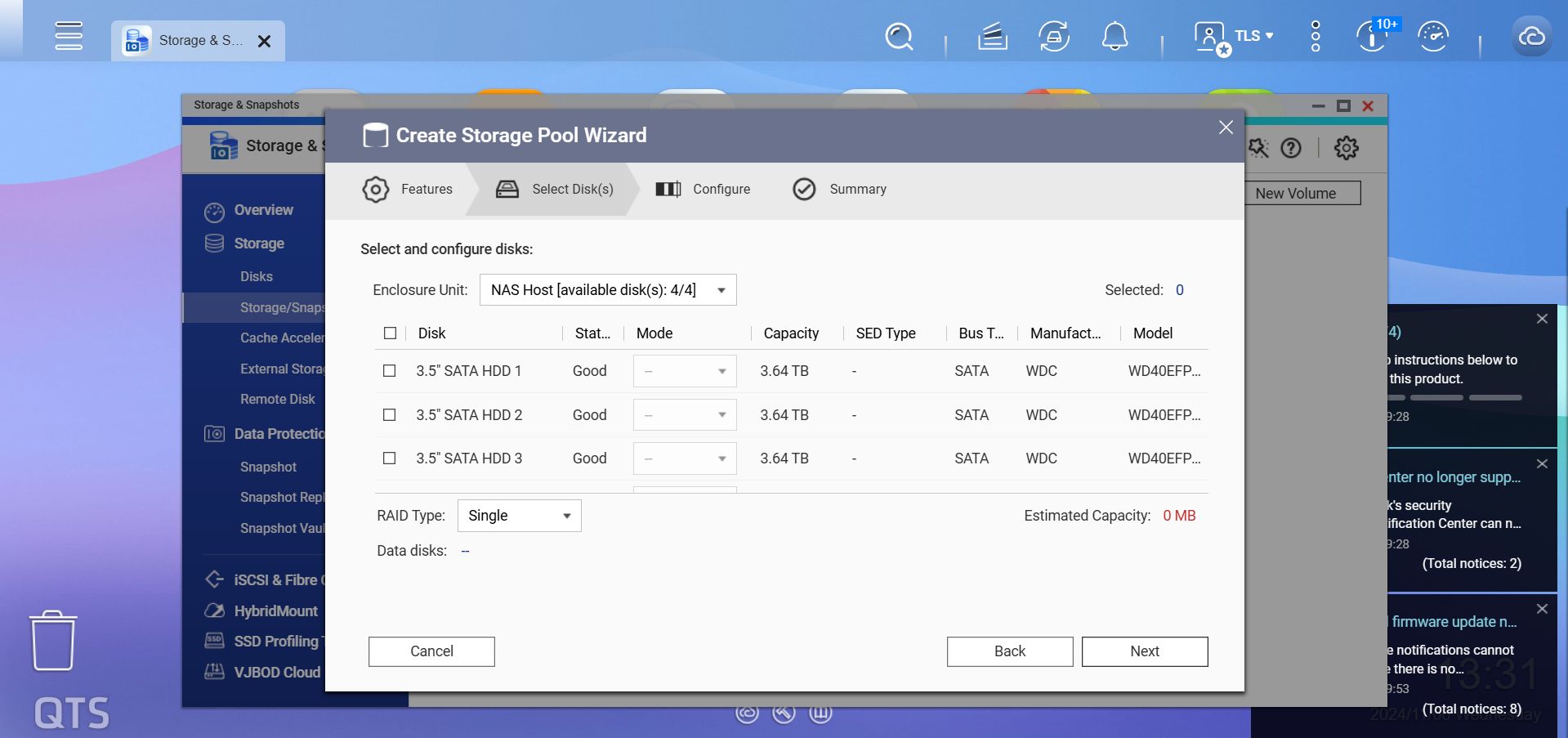

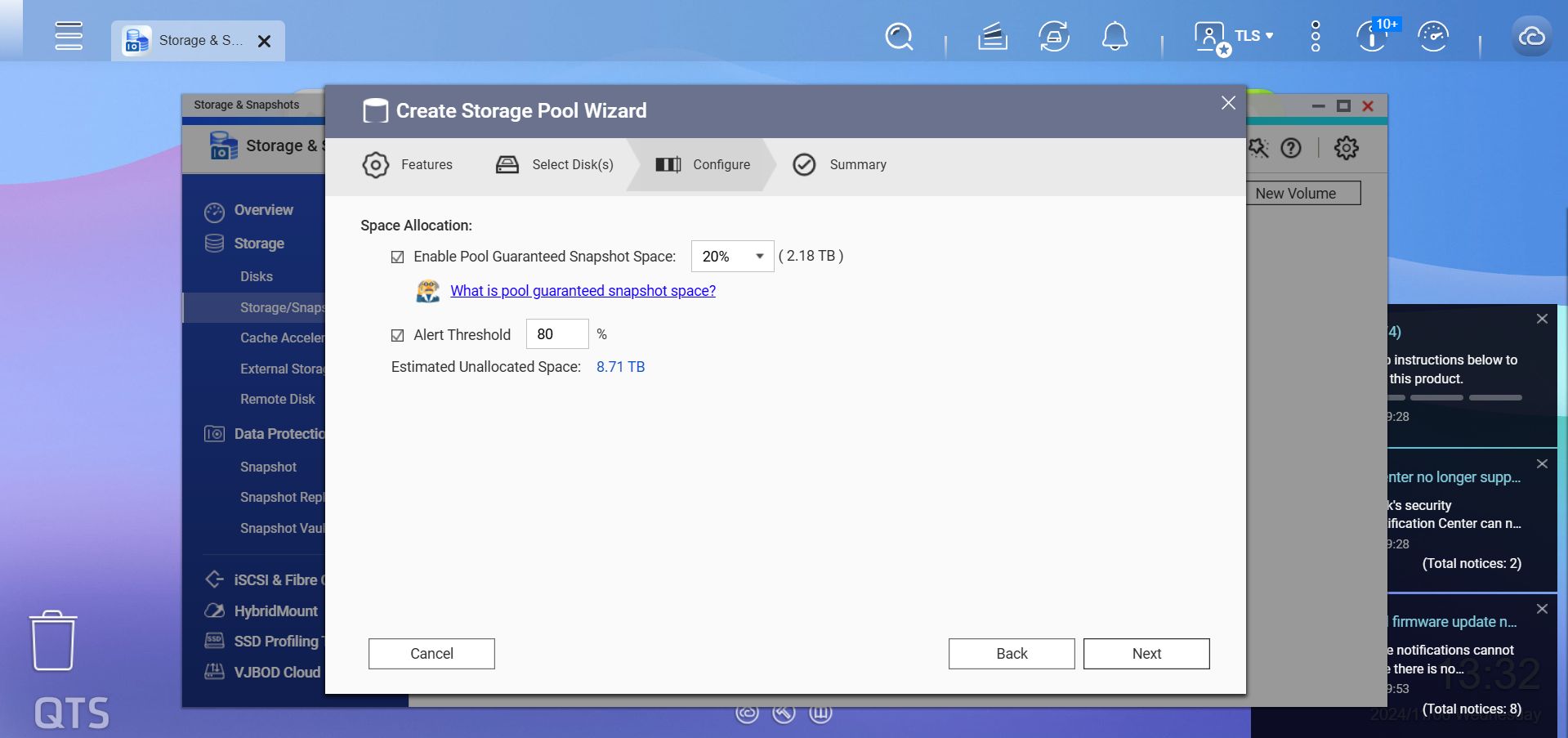
As always, we tested the TS-432X with the standard RAID modes, starting the testing with RAID-5. A neat feature that QNAP has is that you can reserve space for snapshots, as well as get alerts as the NAS admin when the drives start to get close to full.
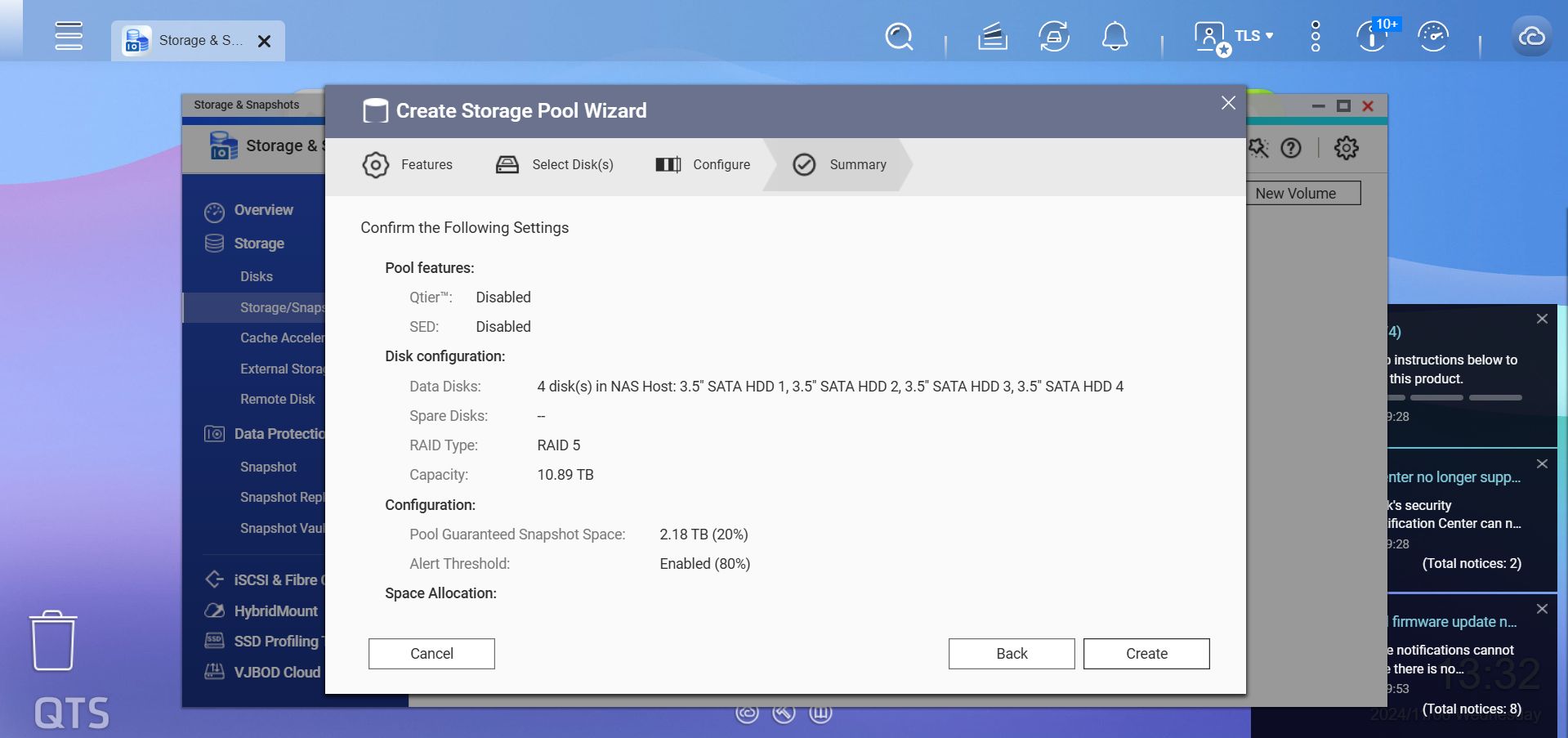
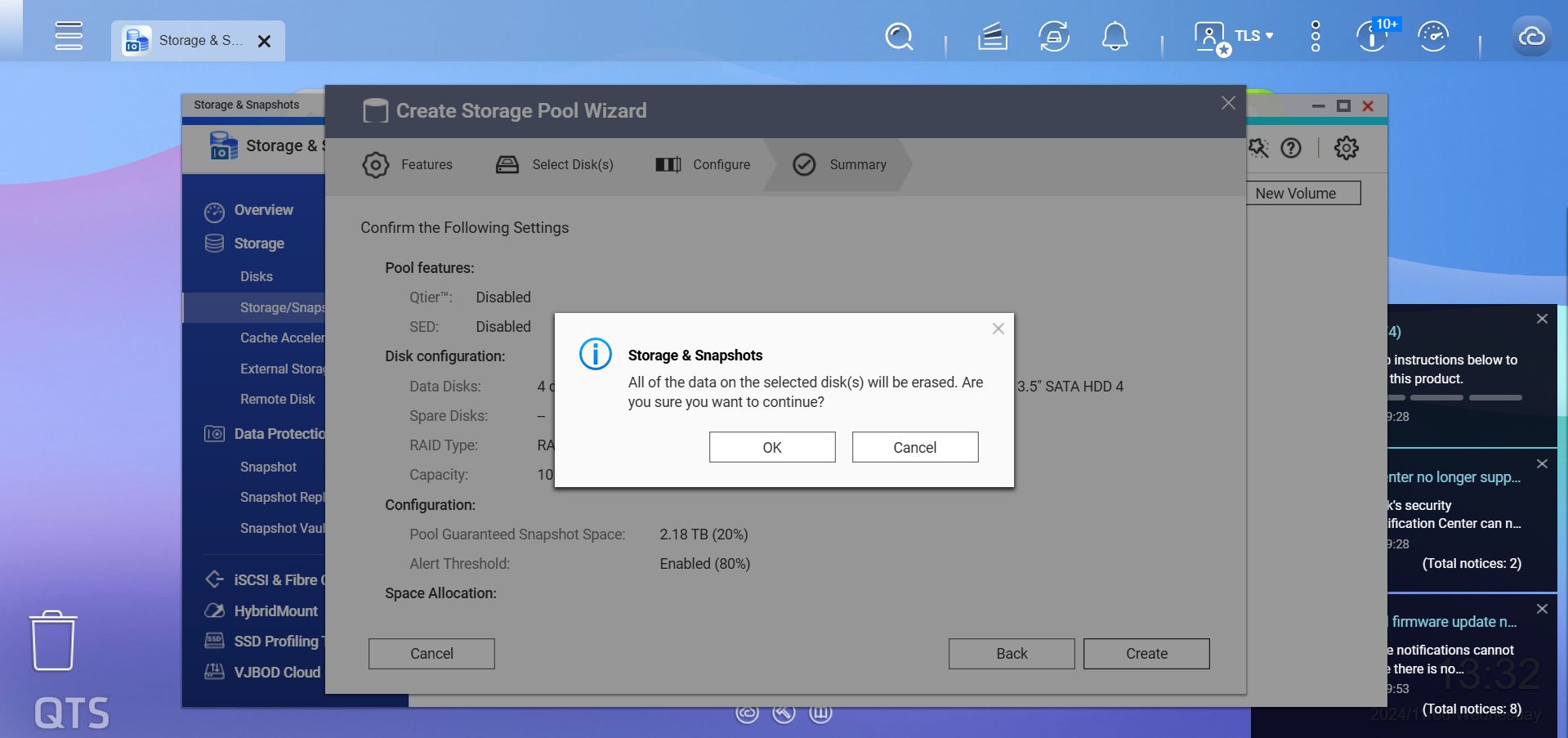


Nothing out of the ordinary here, just the typical warnings to make sure you don't wipe drives with data on them and then a little wait for the storage pool to be created.
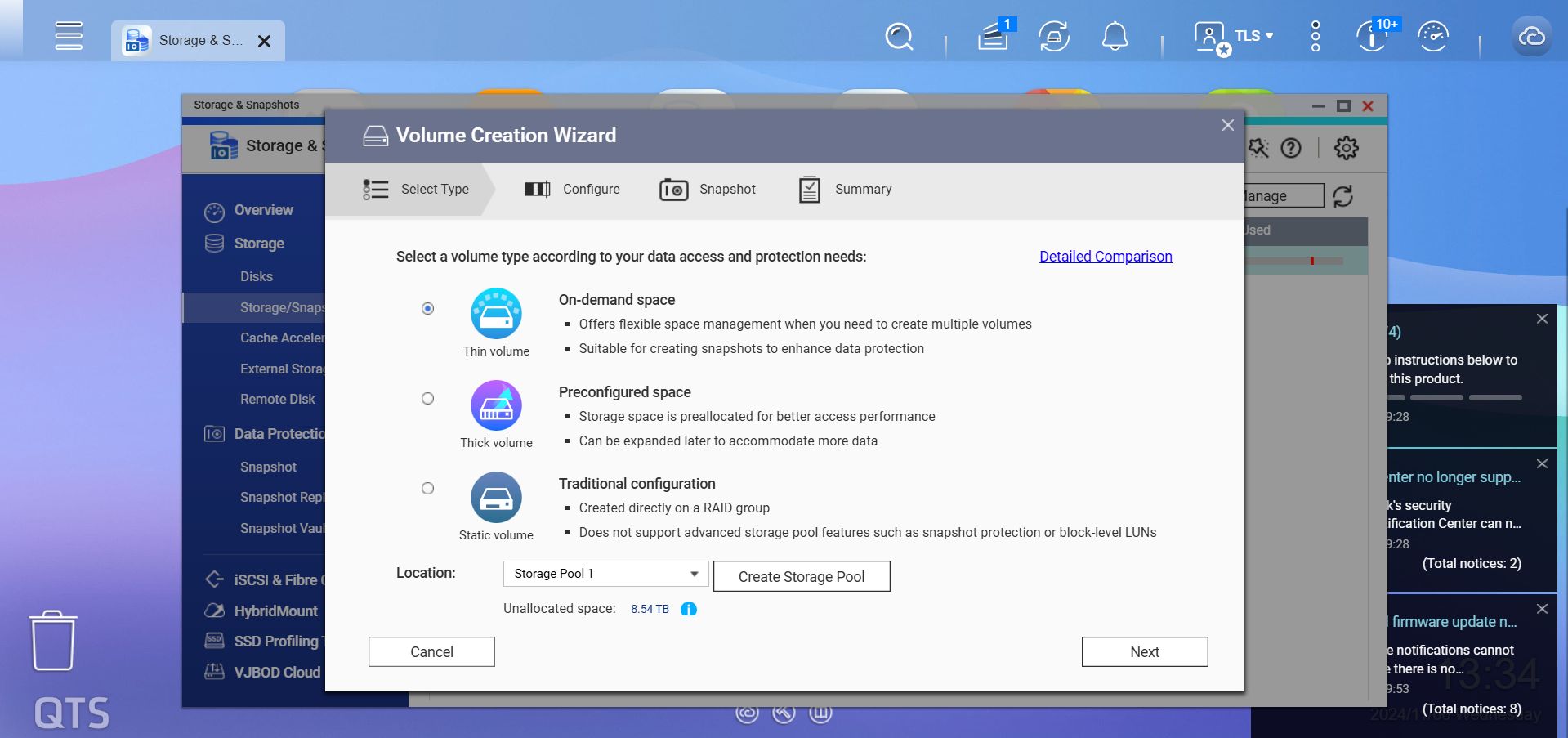

Next up you have to create a storage volume, which is the time-consuming part. We picked the traditional configuration for our testing, to avoid any kind of issues an on-demand space could cause. The 8.5 TB volume took close to eight hours to finish, but you can start using the NAS straight away, albeit at a reduced performance and increased time for the volume creation to finish, so we don't recommend it.
Disk Configuration
Below is the output from the fdisk -l command on Linux, which shows the disk configuration. Note that QNAP doesn't include the lsblk command in its custom OS, which is what we've used in the past to list things.Disk /dev/sda: 4000.7 GB, 4000787030016 bytes
255 heads, 63 sectors/track, 486401 cylinders
Units = cylinders of 16065 * 512 = 8225280 bytes
Device Boot Start End Blocks Id System
/dev/sda1 1 267350 2147483647+ ee EFI GPT
Disk /dev/sdb: 4000.7 GB, 4000787030016 bytes
255 heads, 63 sectors/track, 486401 cylinders
Units = cylinders of 16065 * 512 = 8225280 bytes
Device Boot Start End Blocks Id System
/dev/sdb1 1 267350 2147483647+ ee EFI GPT
Disk /dev/sdc: 4000.7 GB, 4000787030016 bytes
255 heads, 63 sectors/track, 486401 cylinders
Units = cylinders of 16065 * 512 = 8225280 bytes
Device Boot Start End Blocks Id System
/dev/sdc1 1 267350 2147483647+ ee EFI GPT
Disk /dev/sdd: 4000.7 GB, 4000787030016 bytes
255 heads, 63 sectors/track, 486401 cylinders
Units = cylinders of 16065 * 512 = 8225280 bytes
Device Boot Start End Blocks Id System
/dev/sdd1 1 267350 2147483647+ ee EFI GPT
Disk /dev/md9: 542 MB, 542769152 bytes
2 heads, 4 sectors/track, 132512 cylinders
Units = cylinders of 8 * 512 = 4096 bytes
Disk /dev/md9 doesn't contain a valid partition table
Disk /dev/md13: 469 MB, 469893120 bytes
2 heads, 4 sectors/track, 114720 cylinders
Units = cylinders of 8 * 512 = 4096 bytes
Disk /dev/md13 doesn't contain a valid partition table
Nov 14th, 2026 00:48 CST
change timezone
Latest GPU Drivers
New Forum Posts
- Requesting original VBIOS for Gigabyte RX 5700 XT GAMING OC 8G Rev 2.0 (Micron) (1)
- Tell me about your favourite graphics card (35)
- What are you playing? (26216)
- no "PhysX" workable (9)
- AI generated images... (224)
- Crimson Desert (31)
- RenoDX HDR - how to view the differnce Before&After in game? (0)
- Displayport DP80 3M (10ft) cable that can achieve 80gbps stable? (5)
- I'll flash a ASUS ROG Strix RX480 O8G in Cause of Code 43, as a Newbie (1)
- Opinion on Monitor Replacement (6)
Popular Reviews
- AMD Zen 6 Technical Deep Dive
- Corsair HX1000i Shift Crystal Review
- NZXT C1200 Platinum Review
- Upcoming Hardware Launches 2027 (Updated Nov 2026)
- ASUS ROG Strix B850-I Gaming Wi-Fi7 W Review
- Montech King 95 3D PRO Review
- NZXT H7 RGB+ Review
- NZXT H5 Review
- Phantom Blade Zero Performance Benchmark Review - 35 GPUs Tested
- XPG NIMBUS PLUS Review - Mid-range Chair With Strong Competitors
TPU on YouTube
Controversial News Posts
- NVIDIA Co-Founder and CEO Jensen Huang Officially Resigns (381)
- OpenAI CEO Argues Home PCs Waste the World's Limited DRAM Supply (152)
- NVIDIA Launches Investigation Into Jensen Huang's Relationship With Suspected Chinese Spy (136)
- Intel "Raptor Lake Next" 16-Core and 20-Core CPUs Surface (130)
- Legendary Game Studio BioWare Shuts Down Following EA Layoffs (104)
- Dell CEO Says the Memory Shortage Will Get Worse in 2027 (95)
- NVIDIA GeForce RTX 50-Series Scheduled for up to $500 Price Hike This Week (89)
- Modder Fits RTX 5090 With Four 8-Pin Connectors, Halving Current per Wire (80)