Thursday, September 10th 2026
Pando Launches As Open-Source, No-Solder, Split Ergonomic Mechanical Keyboard for $109
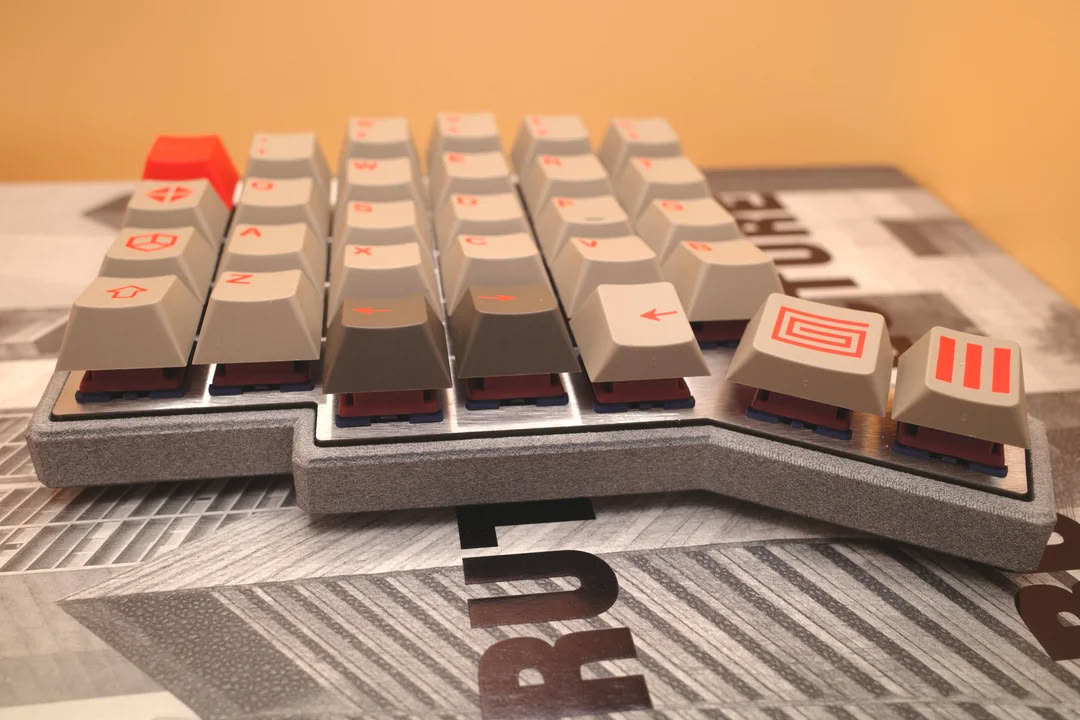
By this point, there are plenty of split ergonomic mechanical keyboards that one can conceivably build or buy without breaking the bank, but many of those come with compromises when it comes to materials, challenging build processes, configuration software, or just being a little fiddly, in general. The Pando, a recently released open-source keyboard design by Julian Yap, aims to solve many of these problems by offering USB-C connectivity with ESD protection, an integrated MCU—as opposed to something like an RP2040—hot-swap switches, open-source firmware and layout configuration, and a no-nonsense design built around MX switches and standard keycaps. The Pando can be built as a DIY project from the GitHub repo, like its predecessor, the Pando58, but the maker of the keyboard also offers pre-soldered barebones kits—no switches or keycaps—for $109 on Etsy, with an upgraded multi-jet fusion-printed case with a stainless steel bottom plate coming in at $179.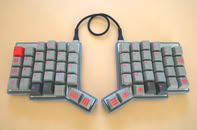
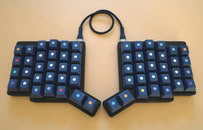
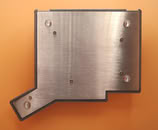 As explained in a development log, the keyboard avoids development boards, opting instead for an integrated STM32 microcontroller, in order to keep costs and complexity down. It also allows for the two halves of the keyboard to be connected via USB Type-C instead of TRRS, which is prone to causing damage when the TRRS cable is unplugged while powered, and allows for only one controller instead of two. The cheaper pre-built kit is 3D printed and uses FR4 switch plates, while the more premium option uses stainless steel switch plates and stainless steel weights for a more sturdy feel.
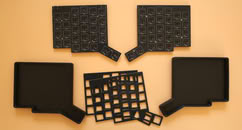
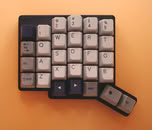 Layout is often a contentious issue with split ergonomic keyboards, and the Pando's 58-key layout keeps the num row, while providing enough thumb keys and a partial bottom row, allowing beginners to ease into the world of ergo keyboards. The Pando uses QMK firmware and VIAL, an open-source keyboard configuration utility that allows for a wide range of customization and flexibility while being more beginner-friendly than programming QMK files manually.
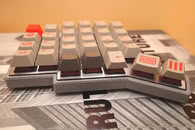 The Pando's layout also makes it compatible with most keycap sets, since there are no real special keys—everything is compatible with 1u or 1.5u keycaps—so an actual keyboard build based on the Pando shouldn't cost more than $150. That allows $109 for the 3D printed ASA Pando, $15-20 for MX-style switches, and another $20 for keycaps, all of which is easily doable with sites like Amazon.
Sources:
Julian Yap on GitHub, u/jyap on Reddit
Most split keyboards use dev boards (Pro Micro and so forth) so I wanted to explore a fully integrated keyboard (no dev boards). I had released the Pando58 as a kit but figured most people don't want kits to solder and build.
Pando ships as a complete, integrated board: no controllers to solder, no second-guessing. It uses a modern STM32 microcontroller with an on-board IO expander on the second half, giving you a clean, cohesive design with a single USB-C cable.
Because the board is hot-swap, you can drop in any MX-compatible switches you love and reconfigure everything later. With Vial firmware, the layout is whatever you want it to be—remap keys, build layers, and set up macros in the app.


10 Comments on Pando Launches As Open-Source, No-Solder, Split Ergonomic Mechanical Keyboard for $109
anything uses lead free solder these days, i doubt the use of lead for repairs stuff has changed in last 20 years.
EDIT: Altohuigh it's just mechanical so nope.