Thursday, November 5th 2026
Keychron Reveals Orca Echo Ergonomic Keyboard With Built-In Trackball and Dual Switch Profile Support
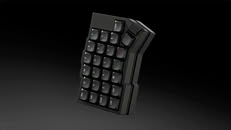
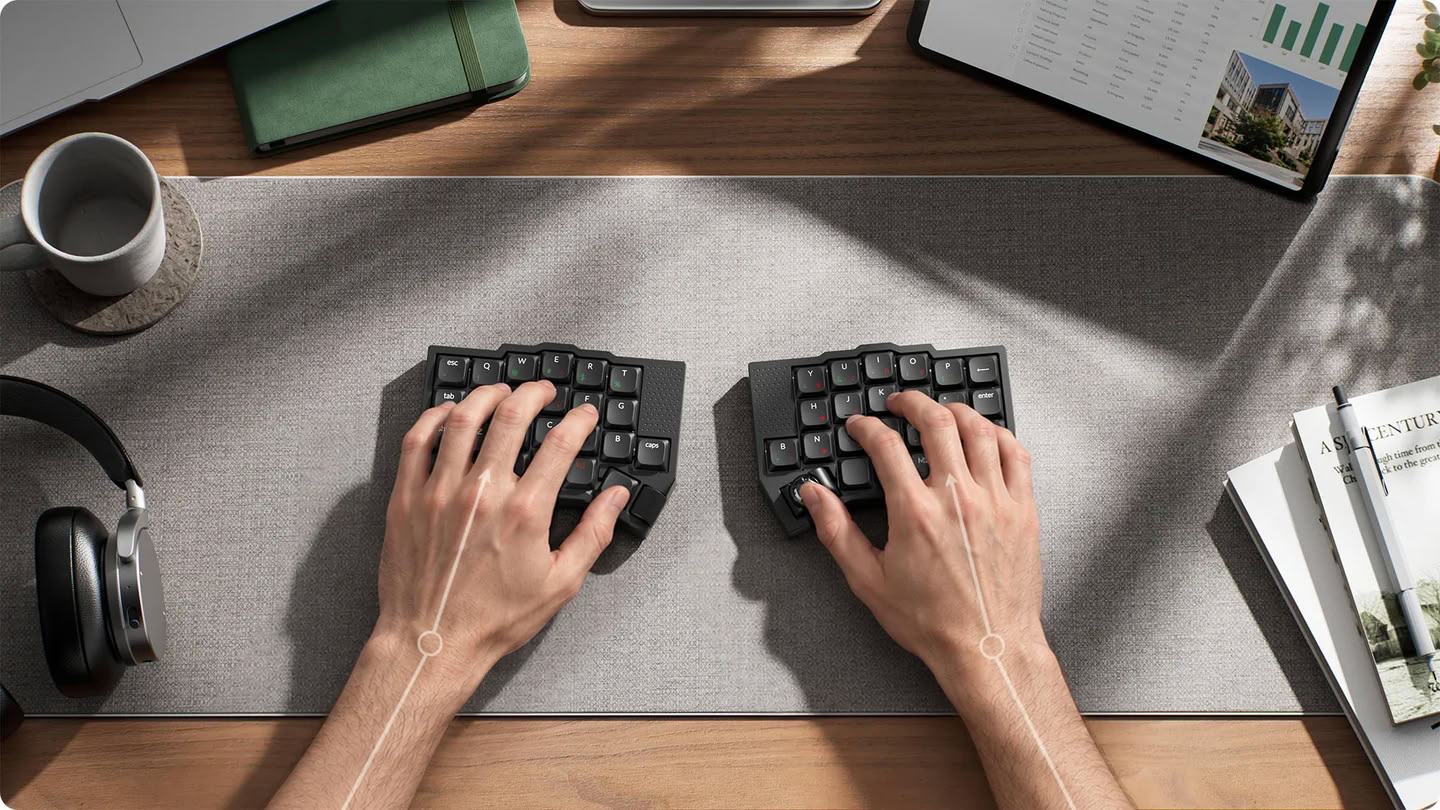
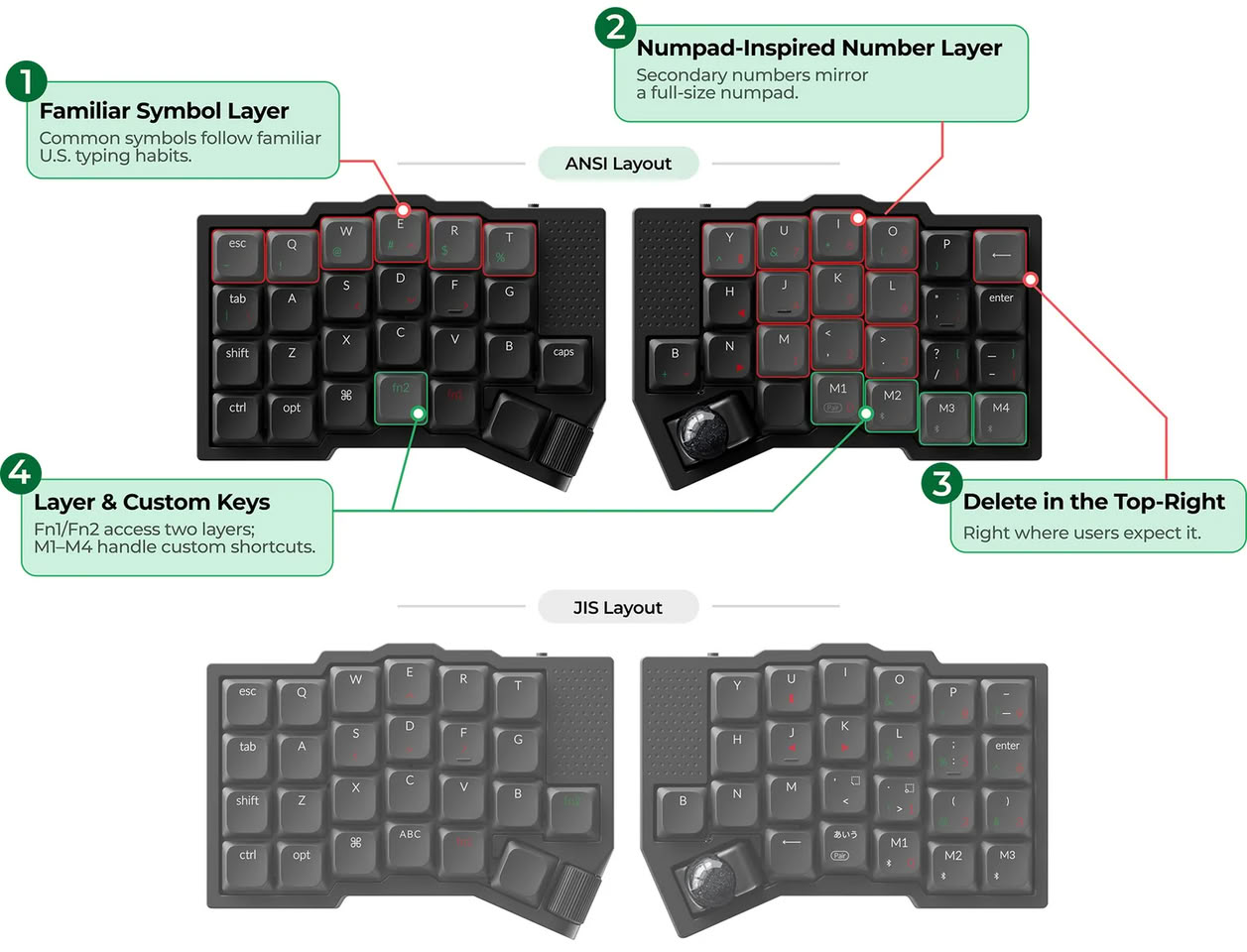
Keychron has been busy lately, whether it be with new gaming mouse launches, fancy steampunk keyboard designs, or the recently announced Nape Pro trackball mouse. The latest announcement from Keychron is the Orca Echo, a new split ergonomic keyboard that aims to be beginner-friendly while also providing more features than you can shake a stick at. At a surface level, the Orca Echo is a 49-key split ergonomic keyboard with a moderate columnar stagger layout, a built-in trackball under the right thumb, and a roller under the right thumb. However, in the space above the caps key on the left half of the keyboard and the B key on the right half, the Orca Echo also hides two touch-sensitive scroll pads for additional website and document navigation without having to move your hands off the keyboard.
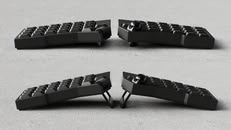
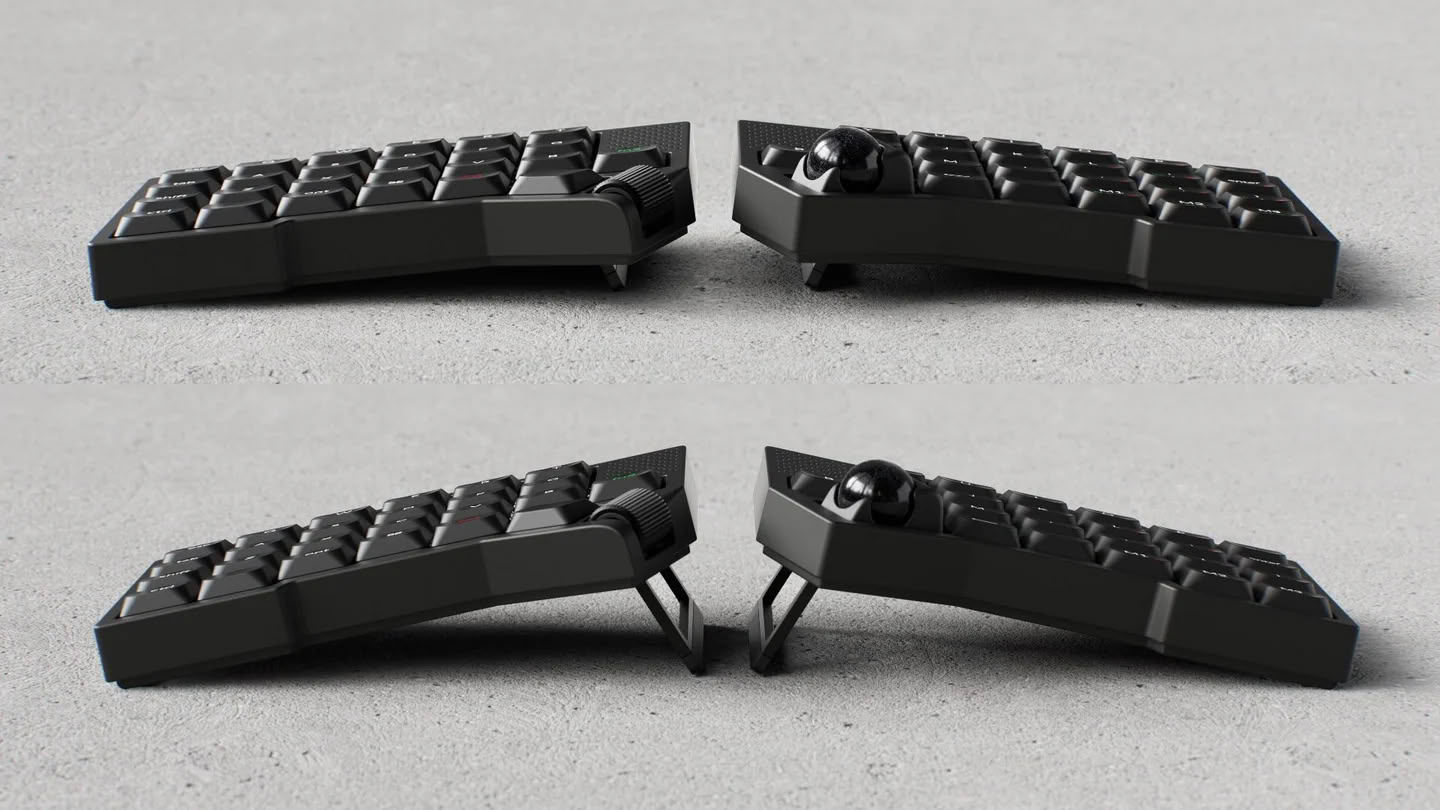
The Orca Echo also has a few hidden features, like the new Nova socket, which is a new switch socket design that sits partially inside the keyboard's PCB and, Keychron claims, allows for a lower-profile design than traditional MX, Gateron, or Kailh sockets. The Orca Echo will also have magnets built into the bottom of the keyboard's case that allow the two halves to snap together for more convenient travel use cases. There are also fold-out feet on the bottom of each keyboard half for tenting, which is often touted as more ergonomic for the wrists. The Orca Echo will ship with a new Keychron switch with a pin layout similar to Gateron Low-Profile 3.0 switches, making it incompatible with Keychron's Milk POM switches but allowing for both low-profile or full-height MX switches, although swapping between the two switch profiles will require a plate swap, similarly to keyboards like the NuPhy Kick75.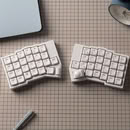
 The Orca Echo will support both wired USB-C and wireless connectivity via 2.4 GHz and Bluetooth connectivity, and the connection between the two keyboard halves also seems to be wireless. It will support ZMK firmware, optimized for wireless battery life, and it will be compatible with Keychron's web-based Launcher configuration software.
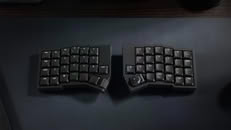
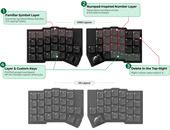 According to a recent Green Keys hands-on article from a Tokyo tech show, the Keychron Orca Echo will have an ABS plastic case and it will have an aluminium switch plate, which may be in response to Keychron's recent issues relating to loose switch plates potentially causing doubled or missed inputs due to switches coming loose in daily use. The keyboard's CoStory crowdfunding page also reveals that it will be available with both linear and tactile switch options.
Keychron has yet to announce a release date or price for the Orca Echo, but it has announced a $5 reservation program that ends on November 17, suggesting the launch will be sometime around then.
Sources:
Keychron, Green Keys
The Orca Echo also has a few hidden features, like the new Nova socket, which is a new switch socket design that sits partially inside the keyboard's PCB and, Keychron claims, allows for a lower-profile design than traditional MX, Gateron, or Kailh sockets. The Orca Echo will also have magnets built into the bottom of the keyboard's case that allow the two halves to snap together for more convenient travel use cases. There are also fold-out feet on the bottom of each keyboard half for tenting, which is often touted as more ergonomic for the wrists. The Orca Echo will ship with a new Keychron switch with a pin layout similar to Gateron Low-Profile 3.0 switches, making it incompatible with Keychron's Milk POM switches but allowing for both low-profile or full-height MX switches, although swapping between the two switch profiles will require a plate swap, similarly to keyboards like the NuPhy Kick75.



Keychron has yet to announce a release date or price for the Orca Echo, but it has announced a $5 reservation program that ends on November 17, suggesting the launch will be sometime around then.
6 Comments on Keychron Reveals Orca Echo Ergonomic Keyboard With Built-In Trackball and Dual Switch Profile Support