Sunday, September 27th 2026

Thermal Grizzly and Noctua Introduce WireView Pro II Noctua Edition GPU Monitoring Device
Thermal Grizzly, a German specialist in thermal interface materials, liquid cooling and PC enthusiast hardware, and Noctua, an Austrian leader in premium quality quiet cooling components, today introduced the Thermal Grizzly WireView Pro II Noctua Edition. Combining Thermal Grizzly's patented WireView Pro II platform with a customized Noctua cooling solution, the new device helps to safeguard high-end graphics cards against 12V-2x6 connector damage while running significantly quieter than the standard version.
"The WireView Pro II has been extremely successful and has already helped many users detect potentially dangerous connector issues before they could cause damage", says Roman Hartung, CEO of Thermal Grizzly. "One of the most common points of feedback, however, was that the fan could still be noticeable in very quiet systems, so working with Noctua on a significantly quieter cooling solution was the logical next step - and, for us, really completes the product."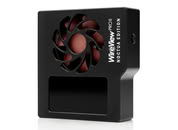
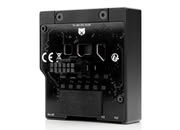
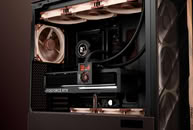
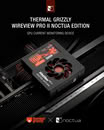 "The WireView Pro II is an exciting, cleverly engineered and genuinely useful device for protecting today's high-end GPUs, so we were thrilled when Thermal Grizzly approached us about collaborating on a quieter version", says Roland Mossig, CEO of Noctua. "We couldn't be more pleased with the end result: The customised heatsink does most of the work passively, so the fan stays switched off in the majority of use cases - and you can barely hear it when it does spin up."
Developed specifically for modern high-end graphics cards with 12V-2x6 power connectors, the WireView Pro II measures current individually on every 12 V conductor rather than only as a total value. This makes uneven load distribution and potential contact issues visible at an early stage, helping users to identify conditions that could otherwise lead to localized heating and connector damage.
If a configurable threshold is exceeded, the device issues a visual warning on its integrated TFT-IPS color display and triggers an audible alarm; using the supplied splitter cable, it can also initiate an optional automatic system shutdown. All essential monitoring and configuration functions are available directly on the device, so it works fully plug-and-play, while optional PC software adds further functionality and the USB-C connection allows users to install firmware updates themselves.
For the Noctua Edition, the cooling system has been extensively customized around a CNC-milled aluminium heatsink, an integrated frameless NF-A4x10n fan and a signature Noctua fan grille. In a worst-case test with all case fans disabled and in-case temperatures above 40°C, the Noctua Edition kept its fan switched off completely at up to 300 W GPU load, whereas the standard version started up after 5 minutes 40 seconds at 200 W and 2 minutes 15 seconds at 300 W. At 400 and 480 W, it more than doubled the time until the fan started up and kept the GPU connector around 3°C cooler.
When the fan does run, it runs much slower and quieter: In the same test, the standard version ran at around 5000rpm and 39.4dB(A) measured from 10 cm, which corresponds to 19.4dB(A) at 1 m - quiet, but potentially audible over other components in ultra-quiet systems. The Noctua Edition settled at slightly below 2000rpm and only 21.5dB(A) from 10 cm or 1.5dB(A) at 1 m, which is so quiet that it will remain inaudible over other fans even in extremely quiet setups.
Combining the proven, sophisticated protection features of the WireView Pro II, two years of Thermal Grizzly coverage for the graphics card's 12VHPWR or 12V-2x6 connector and a further refined thermal and acoustic design, the WireView Pro II Noctua Edition is the ideal choice for customers who seek to protect high-end GPUs in ultra-quiet builds.
Suggested retail price
The manufacturer's suggested retail price is EUR 189.90 / USD 189.90.
"The WireView Pro II has been extremely successful and has already helped many users detect potentially dangerous connector issues before they could cause damage", says Roman Hartung, CEO of Thermal Grizzly. "One of the most common points of feedback, however, was that the fan could still be noticeable in very quiet systems, so working with Noctua on a significantly quieter cooling solution was the logical next step - and, for us, really completes the product."

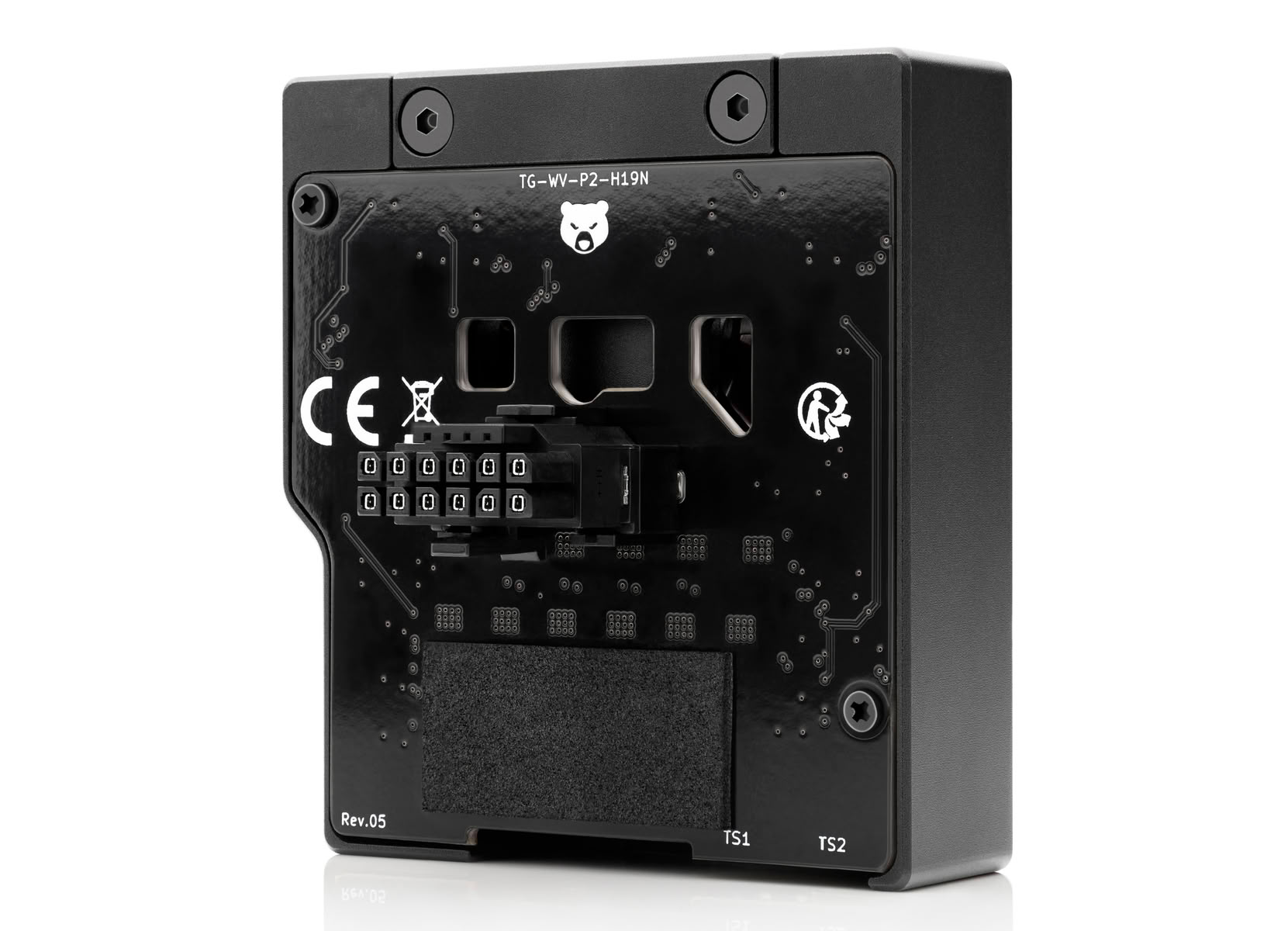
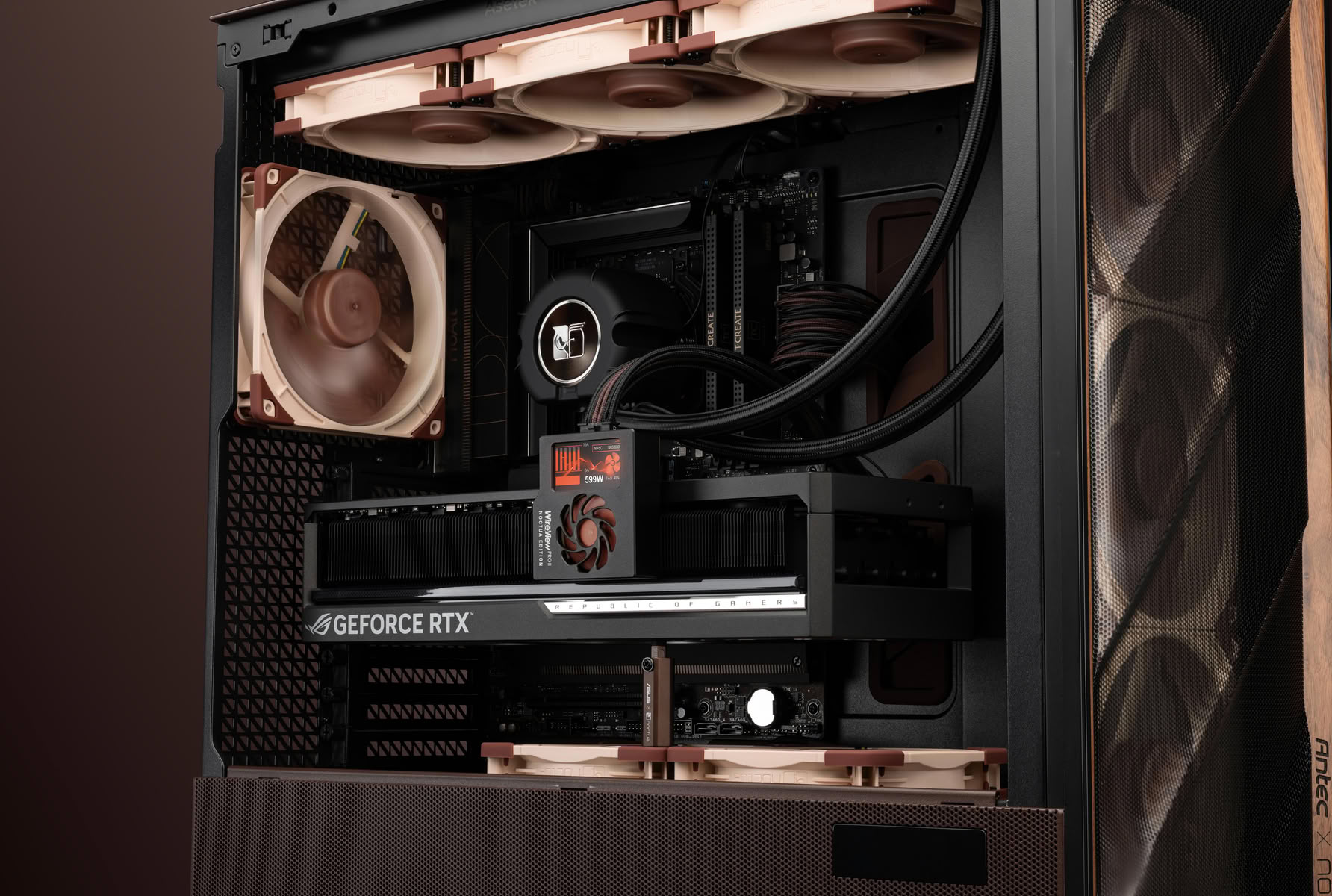
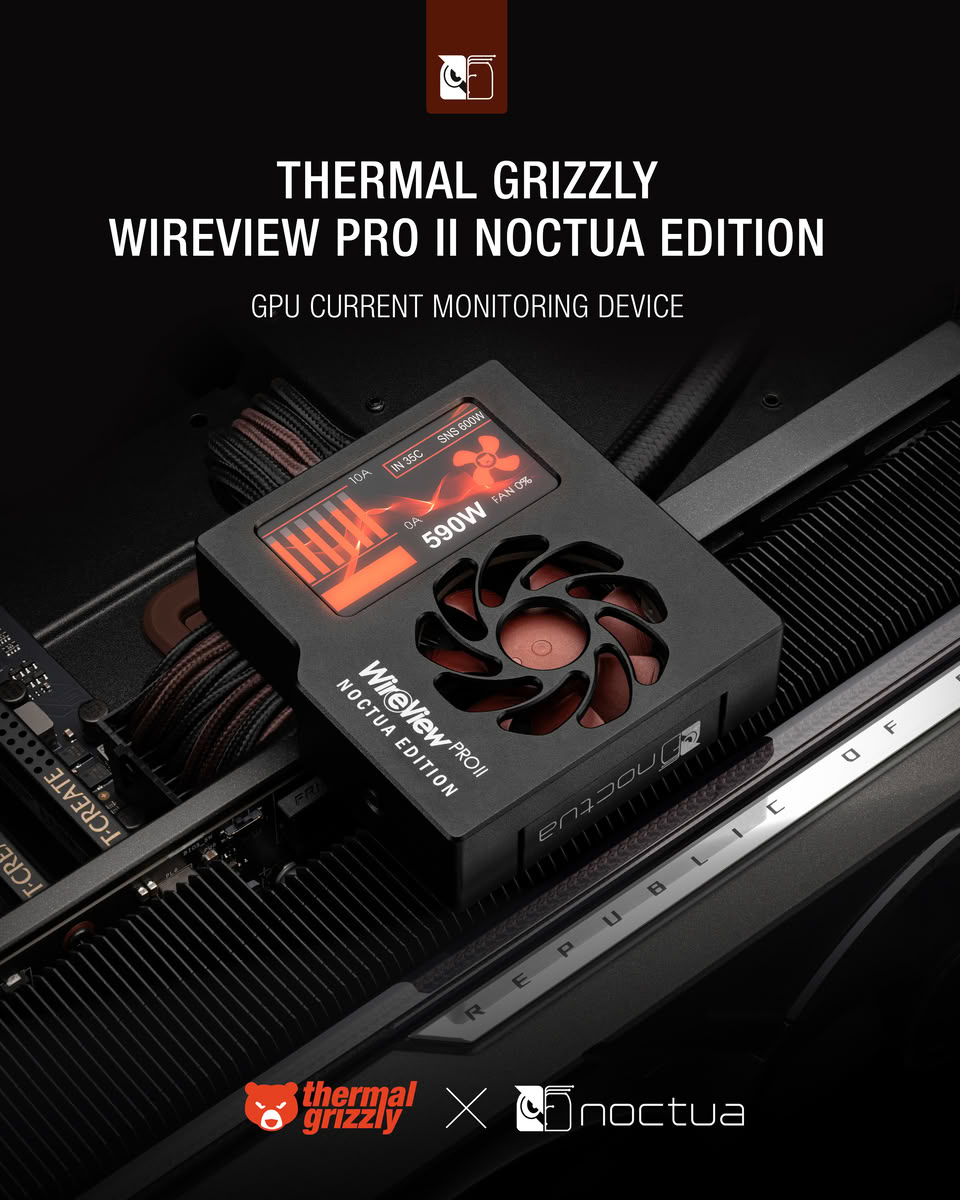
Developed specifically for modern high-end graphics cards with 12V-2x6 power connectors, the WireView Pro II measures current individually on every 12 V conductor rather than only as a total value. This makes uneven load distribution and potential contact issues visible at an early stage, helping users to identify conditions that could otherwise lead to localized heating and connector damage.
If a configurable threshold is exceeded, the device issues a visual warning on its integrated TFT-IPS color display and triggers an audible alarm; using the supplied splitter cable, it can also initiate an optional automatic system shutdown. All essential monitoring and configuration functions are available directly on the device, so it works fully plug-and-play, while optional PC software adds further functionality and the USB-C connection allows users to install firmware updates themselves.
For the Noctua Edition, the cooling system has been extensively customized around a CNC-milled aluminium heatsink, an integrated frameless NF-A4x10n fan and a signature Noctua fan grille. In a worst-case test with all case fans disabled and in-case temperatures above 40°C, the Noctua Edition kept its fan switched off completely at up to 300 W GPU load, whereas the standard version started up after 5 minutes 40 seconds at 200 W and 2 minutes 15 seconds at 300 W. At 400 and 480 W, it more than doubled the time until the fan started up and kept the GPU connector around 3°C cooler.
When the fan does run, it runs much slower and quieter: In the same test, the standard version ran at around 5000rpm and 39.4dB(A) measured from 10 cm, which corresponds to 19.4dB(A) at 1 m - quiet, but potentially audible over other components in ultra-quiet systems. The Noctua Edition settled at slightly below 2000rpm and only 21.5dB(A) from 10 cm or 1.5dB(A) at 1 m, which is so quiet that it will remain inaudible over other fans even in extremely quiet setups.
Combining the proven, sophisticated protection features of the WireView Pro II, two years of Thermal Grizzly coverage for the graphics card's 12VHPWR or 12V-2x6 connector and a further refined thermal and acoustic design, the WireView Pro II Noctua Edition is the ideal choice for customers who seek to protect high-end GPUs in ultra-quiet builds.
Suggested retail price
The manufacturer's suggested retail price is EUR 189.90 / USD 189.90.
58 Comments on Thermal Grizzly and Noctua Introduce WireView Pro II Noctua Edition GPU Monitoring Device
- where the PCIe x16 slot is at the top combined with nearly any air cooler
- where there's a m.2 slot above the GPU and the SSD you choose has a heatsink of its own
- any slim form factor that expects there to be no additional space between the PCIe extender and the back wall requied
I really don't think he expects N to add a rad and a fan on to the bkplateAgain, the point above. Don't think he expects N to add those.
M2 rad in the slot above GPU can be actually worst IMO.
If the GPU 350-400W backplate function properly tends to be hot and will just saturate M2 heatsink fast and the M2 drive consuming merely 10 Watts will just suffer.
The thermal-current-controller is also an accesory, for 190€ you get a safety measure. Done when designed its about a few €.
For an accesory backplate you get better temps and better frequencies. Done when designed you woud have a better fit, and, as an accessory (a higher active cooled backplate), would really increase the value of the gpu for a few €. Back in december when GPU was about 2500€ for the regular ones, the "overclocked" could go up to 3300€ or 3500€ just because they have unlocked power +20% and "super asus fan" "super megatrix cooler". In a bad case, that superfan does something for frequencies? Nothing. Those boards are design to thermal-throttle, power-throttle, etc.
Do I expect it for a 5050? No, well palit used to do the kalmx cooler, a great deal, because you had both a silent gpu throttling but 0db or a great gpu adding a fan on that great heatsink. But regularly a 5€ euros for a card you'll sell 10 or 20 times more at 50-100€ in BOM cost is a huge quantity with deminishing returns. Not in a 2000-3000 MSRP card.
The argument "if it was so crucial or evident they would have already done it / they would be doing it?" well, that argument falls appart very easily (the connector on the first place, the connector revamp, the driver limitations, etc.) thats why I talked about the frontal-crystal PC-casing of the past decade: everybody was looking for a fresh pc-case but had a piece of glass on the front. It was evident, but nevertheless. now they've discovered they save even more money without the glass, so the cool pc-case is back.
The 5090 I've installed are for compute, they run 24/7 for weeks, and I understand their owners panic, thinking a now 6000€ part can fry because of a shitty connector. Its not feasible to reinvest that quantity, or the programs or funds they had would never cover for a new 6k gpu (you have to justify it). Maybe in other countries its easier, not in spain. So 200€ sounds reasonable for a safety measure.
200€ used to be the price of a motherboard no so long ago.