Sunday, September 27th 2026

Thermal Grizzly and Noctua Introduce WireView Pro II Noctua Edition GPU Monitoring Device
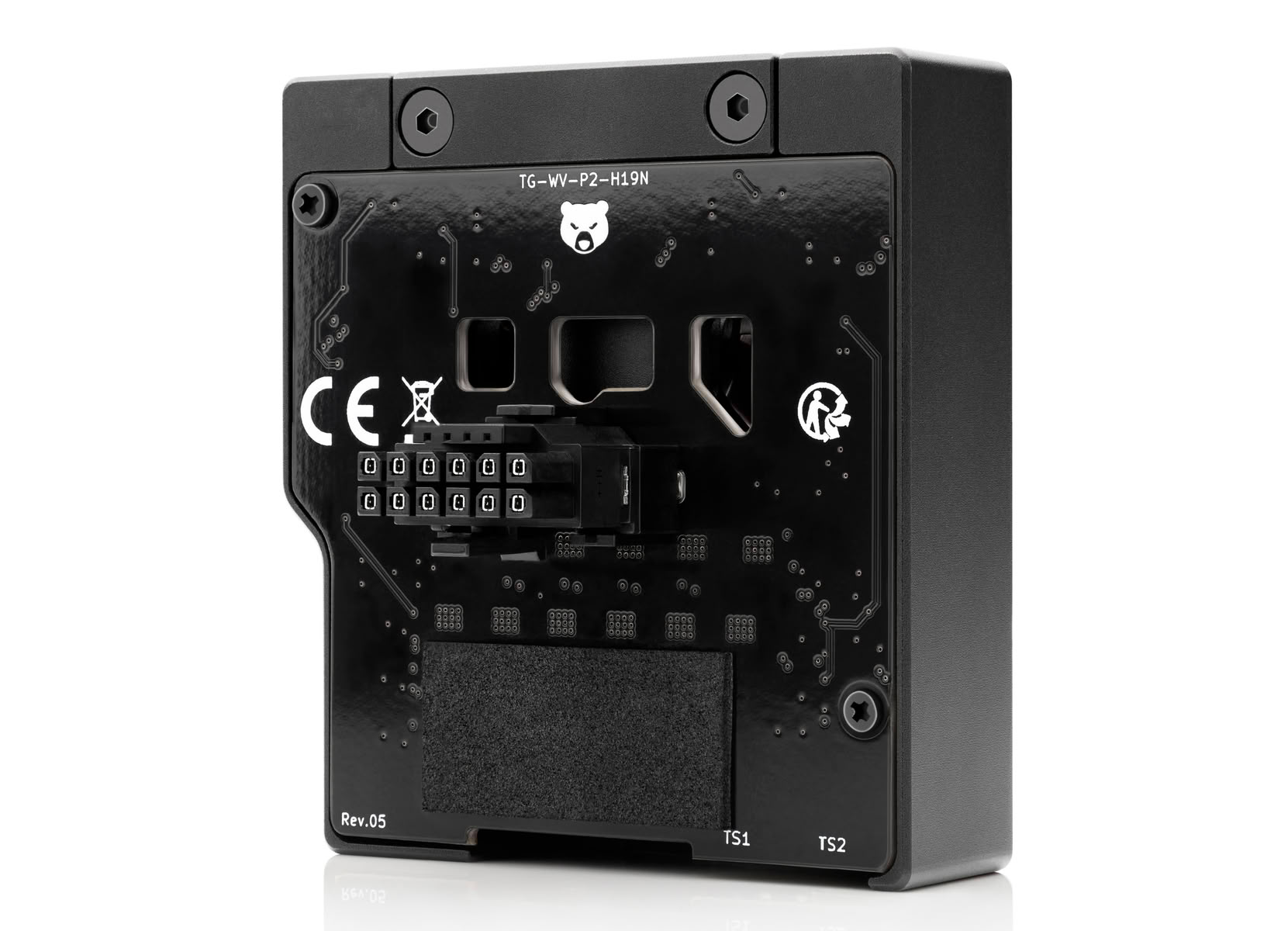
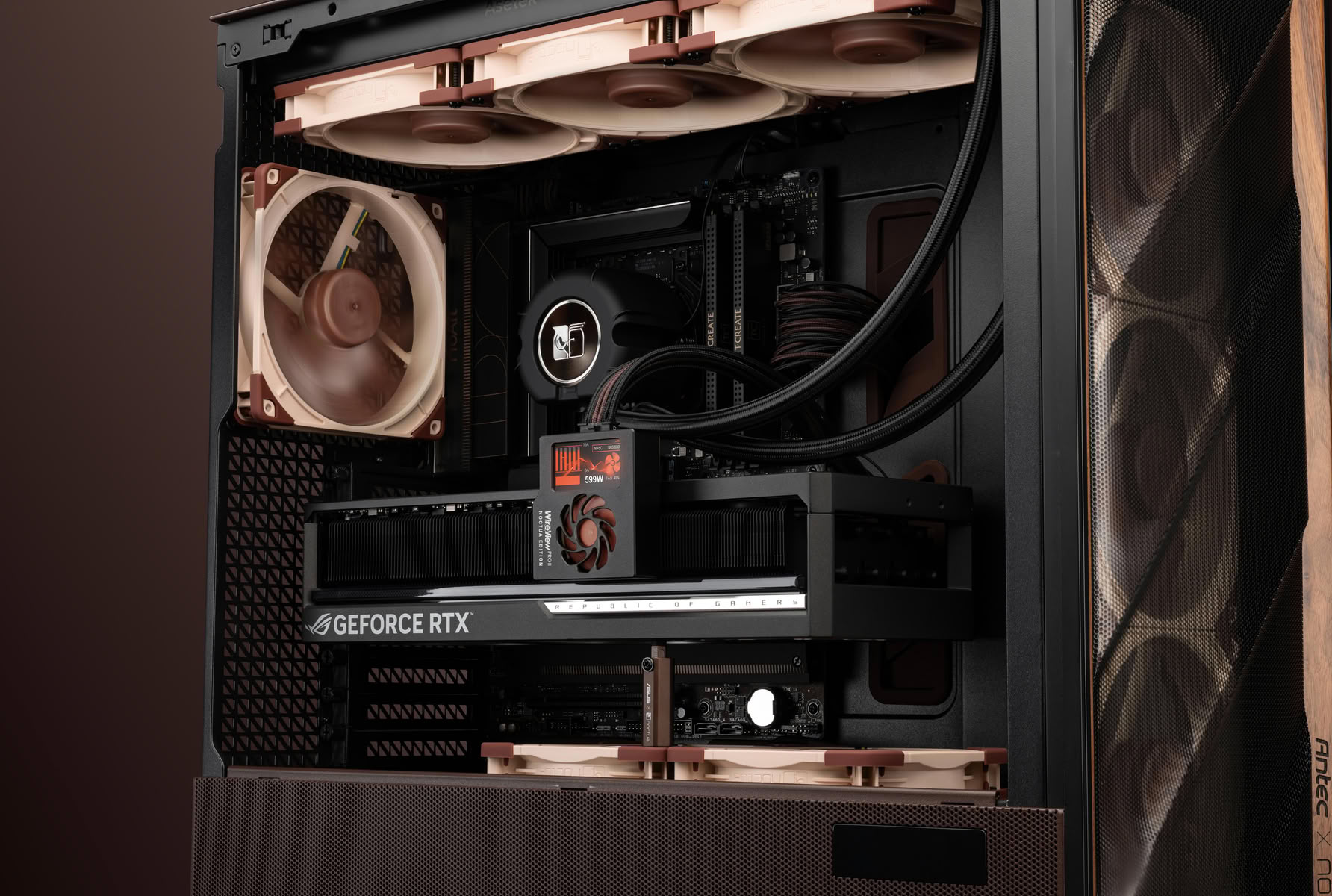
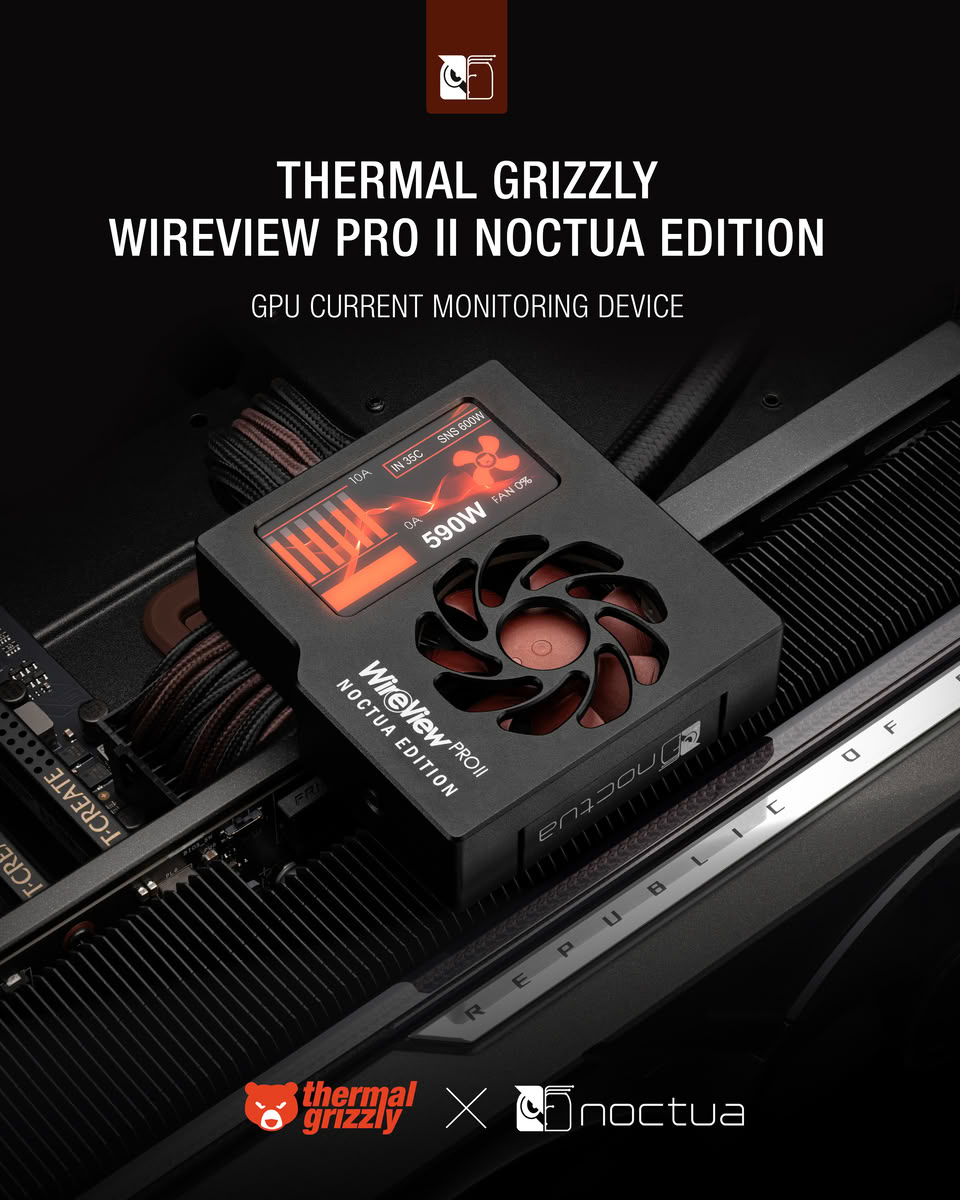
Thermal Grizzly, a German specialist in thermal interface materials, liquid cooling and PC enthusiast hardware, and Noctua, an Austrian leader in premium quality quiet cooling components, today introduced the Thermal Grizzly WireView Pro II Noctua Edition. Combining Thermal Grizzly's patented WireView Pro II platform with a customized Noctua cooling solution, the new device helps to safeguard high-end graphics cards against 12V-2x6 connector damage while running significantly quieter than the standard version.
"The WireView Pro II has been extremely successful and has already helped many users detect potentially dangerous connector issues before they could cause damage", says Roman Hartung, CEO of Thermal Grizzly. "One of the most common points of feedback, however, was that the fan could still be noticeable in very quiet systems, so working with Noctua on a significantly quieter cooling solution was the logical next step - and, for us, really completes the product."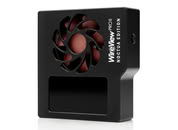
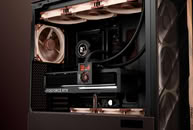
 "The WireView Pro II is an exciting, cleverly engineered and genuinely useful device for protecting today's high-end GPUs, so we were thrilled when Thermal Grizzly approached us about collaborating on a quieter version", says Roland Mossig, CEO of Noctua. "We couldn't be more pleased with the end result: The customised heatsink does most of the work passively, so the fan stays switched off in the majority of use cases - and you can barely hear it when it does spin up."
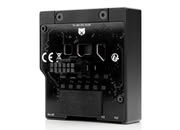
Developed specifically for modern high-end graphics cards with 12V-2x6 power connectors, the WireView Pro II measures current individually on every 12 V conductor rather than only as a total value. This makes uneven load distribution and potential contact issues visible at an early stage, helping users to identify conditions that could otherwise lead to localized heating and connector damage.
If a configurable threshold is exceeded, the device issues a visual warning on its integrated TFT-IPS color display and triggers an audible alarm; using the supplied splitter cable, it can also initiate an optional automatic system shutdown. All essential monitoring and configuration functions are available directly on the device, so it works fully plug-and-play, while optional PC software adds further functionality and the USB-C connection allows users to install firmware updates themselves.
For the Noctua Edition, the cooling system has been extensively customized around a CNC-milled aluminium heatsink, an integrated frameless NF-A4x10n fan and a signature Noctua fan grille. In a worst-case test with all case fans disabled and in-case temperatures above 40°C, the Noctua Edition kept its fan switched off completely at up to 300 W GPU load, whereas the standard version started up after 5 minutes 40 seconds at 200 W and 2 minutes 15 seconds at 300 W. At 400 and 480 W, it more than doubled the time until the fan started up and kept the GPU connector around 3°C cooler.
When the fan does run, it runs much slower and quieter: In the same test, the standard version ran at around 5000rpm and 39.4dB(A) measured from 10 cm, which corresponds to 19.4dB(A) at 1 m - quiet, but potentially audible over other components in ultra-quiet systems. The Noctua Edition settled at slightly below 2000rpm and only 21.5dB(A) from 10 cm or 1.5dB(A) at 1 m, which is so quiet that it will remain inaudible over other fans even in extremely quiet setups.
Combining the proven, sophisticated protection features of the WireView Pro II, two years of Thermal Grizzly coverage for the graphics card's 12VHPWR or 12V-2x6 connector and a further refined thermal and acoustic design, the WireView Pro II Noctua Edition is the ideal choice for customers who seek to protect high-end GPUs in ultra-quiet builds.
Suggested retail price
The manufacturer's suggested retail price is EUR 189.90 / USD 189.90.
"The WireView Pro II has been extremely successful and has already helped many users detect potentially dangerous connector issues before they could cause damage", says Roman Hartung, CEO of Thermal Grizzly. "One of the most common points of feedback, however, was that the fan could still be noticeable in very quiet systems, so working with Noctua on a significantly quieter cooling solution was the logical next step - and, for us, really completes the product."

Developed specifically for modern high-end graphics cards with 12V-2x6 power connectors, the WireView Pro II measures current individually on every 12 V conductor rather than only as a total value. This makes uneven load distribution and potential contact issues visible at an early stage, helping users to identify conditions that could otherwise lead to localized heating and connector damage.
If a configurable threshold is exceeded, the device issues a visual warning on its integrated TFT-IPS color display and triggers an audible alarm; using the supplied splitter cable, it can also initiate an optional automatic system shutdown. All essential monitoring and configuration functions are available directly on the device, so it works fully plug-and-play, while optional PC software adds further functionality and the USB-C connection allows users to install firmware updates themselves.
For the Noctua Edition, the cooling system has been extensively customized around a CNC-milled aluminium heatsink, an integrated frameless NF-A4x10n fan and a signature Noctua fan grille. In a worst-case test with all case fans disabled and in-case temperatures above 40°C, the Noctua Edition kept its fan switched off completely at up to 300 W GPU load, whereas the standard version started up after 5 minutes 40 seconds at 200 W and 2 minutes 15 seconds at 300 W. At 400 and 480 W, it more than doubled the time until the fan started up and kept the GPU connector around 3°C cooler.
When the fan does run, it runs much slower and quieter: In the same test, the standard version ran at around 5000rpm and 39.4dB(A) measured from 10 cm, which corresponds to 19.4dB(A) at 1 m - quiet, but potentially audible over other components in ultra-quiet systems. The Noctua Edition settled at slightly below 2000rpm and only 21.5dB(A) from 10 cm or 1.5dB(A) at 1 m, which is so quiet that it will remain inaudible over other fans even in extremely quiet setups.
Combining the proven, sophisticated protection features of the WireView Pro II, two years of Thermal Grizzly coverage for the graphics card's 12VHPWR or 12V-2x6 connector and a further refined thermal and acoustic design, the WireView Pro II Noctua Edition is the ideal choice for customers who seek to protect high-end GPUs in ultra-quiet builds.
Suggested retail price
The manufacturer's suggested retail price is EUR 189.90 / USD 189.90.
58 Comments on Thermal Grizzly and Noctua Introduce WireView Pro II Noctua Edition GPU Monitoring Device
Just put C14 cable socket(s) on the GPUs already, so we can feed AC to them directly!
On the other hand, at least now it won't induce tinnitus.The part getting cooled is the shunt resistors to measure power draw on each wire
Also got a heatsink and thermal pad:nutkick:
WireView 3 will have heat pipes and vapor chamber - 290 €
The best solution so far is still to cut the plugs off the cable and solder direct. May as well do that up front and forget about any WireViewProII.
Regards,
Fred.
But I value having a quiet PC and my hearing, jet engine noises are for airplanes. No need to run fans at full speed with 8 pins and have the peace of mind with a connector that has extra tolerance built in.The wireview pro II can shut down the PC when the pins become unbalanced or overheats, thermal grizzly guarantees the connector to not melt and will cover the cost of repairs if it still melts with a wireview pro II.
Getting rid of the problematic cable and connector would solve the whole issue, but soldering wires directly to the GPU would void the manufacturer warranty.
2% of the times, Wireview Pro 2 is the issue,
98% of the times, the cable is the issue.
It's never the PSU or the GPU.