Friday, November 6th 2026
Omarchy 4.5 Arrives with Support Beyond x86-64 and New Desktop Features
The Arch Linux-based distribution Omarchy 4.5 has been released, the project's first expansion beyond x86-64. It adds Apple Silicon support, a new floating desktop mode, and a few other updates. Omarchy now runs on Apple M1, M2, M3, and Neo MacBooks. The Apple Silicon support builds on work by the Asahi Linux project and other contributors. It also adds preliminary support for NVIDIA's Arm-based N1X laptops and the DGX Spark systems. However, support for newer Apple M4, M5, and M6 models and Qualcomm Snapdragon X-based laptops is still in development. According to project creator David Heinemeier Hansson, the release includes more than 740 merged pull requests from over 180 contributors during a 12-week development cycle.
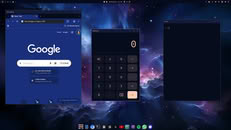
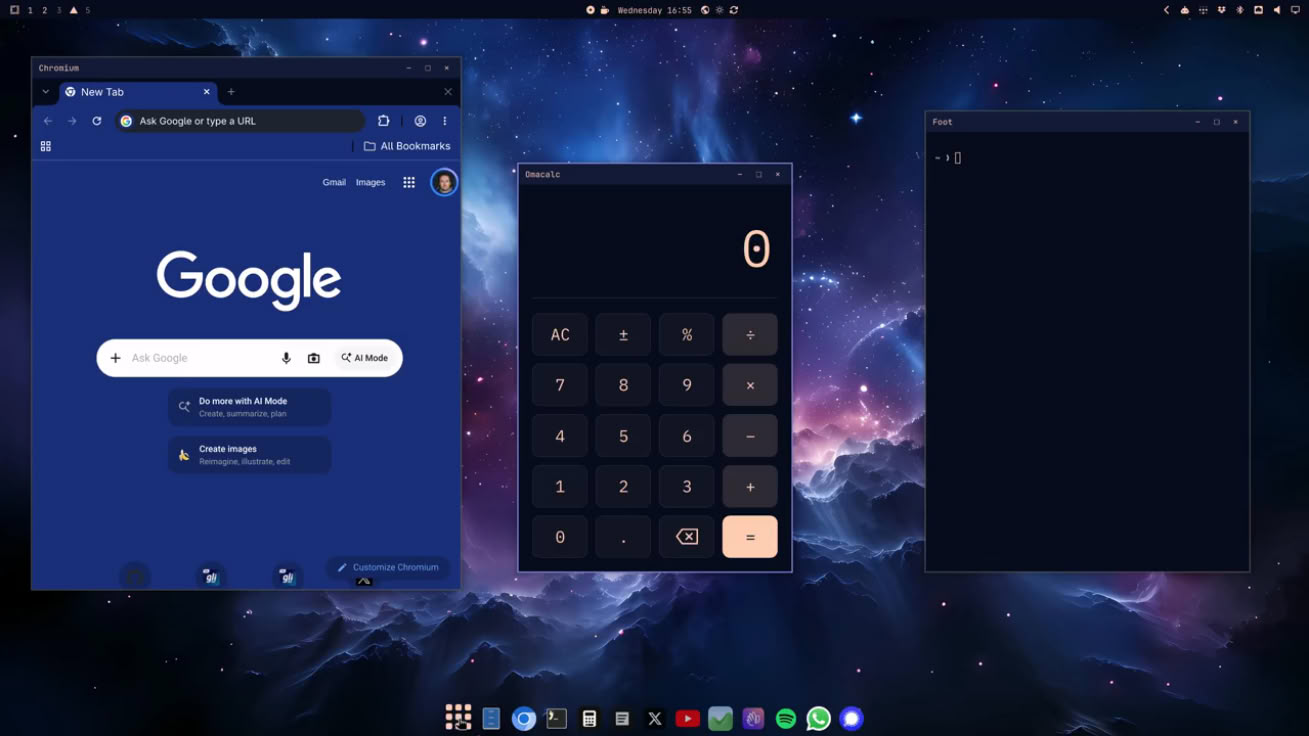
The desktop experience remains based on the Hyprland compositor. Users can now switch individual workspaces between tiling, scrolling, and floating layouts using the Super + L shortcut. Floating workspaces have conventional window title bars and a dock with pinned applications, running programs, and an application launcher. Windows can be minimized to the dock with Super + M. Also, applications can be pinned or rearranged via drag and drop to the dock. Users can mix different layouts across workspaces.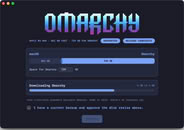
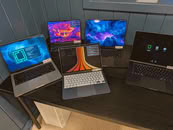
 Omarchy 4.5 also adds several applications, including tools for creating presentations from Markdown files, managing paperwork, analyzing disk usage, recording webcam video, remote desktop access over SSH, and displaying world clocks. Other changes include improved Microsoft 365 web integration, Superwhisper dictation engine, and faster installation. Anush Elangovan from AMD made a full Omarchy install in 7 seconds on his AMD laptop.
Source:
Omarchy
The desktop experience remains based on the Hyprland compositor. Users can now switch individual workspaces between tiling, scrolling, and floating layouts using the Super + L shortcut. Floating workspaces have conventional window title bars and a dock with pinned applications, running programs, and an application launcher. Windows can be minimized to the dock with Super + M. Also, applications can be pinned or rearranged via drag and drop to the dock. Users can mix different layouts across workspaces.



1 Comment on Omarchy 4.5 Arrives with Support Beyond x86-64 and New Desktop Features
EDIT: Okay nevermind I did it again and I'm getting around 58s. I have no idea why it did 3 minutes earlier. (Maybe the APU TDP was still low or something?)
EDIT 2: Okay I hit it with Smokeless UMAF to make sure the TDP is around 80W on boot up, which should not matter.