Latest NVIDIA Drivers Might Cause Excessive SSD Writing
NVIDIA's latest GeForce Game Ready GPU drivers are reportedly causing excessive SSD writing on multiple systems. Users have been reporting numbers of up to 30 GB per hour of SSD writes, even when no typical writing activity is occurring. With driver version 621.01 installed, the NVIDIA Display Container process recorded less than 2 MB of writes while the PC was idle. However, with the upgrade to the version 621.14, released on November 4, the same five-minute check resulted in approximately 515 MB of writes. Another report indicates write activity as high as 30 GB per hour with the newer 621.24 driver. Reports collected by TroubleGrid and posts on NVIDIA's forums point to a binary log named nvlog.nvlgstg, stored in the NVIDIA Corporation folder under C:\ProgramData.
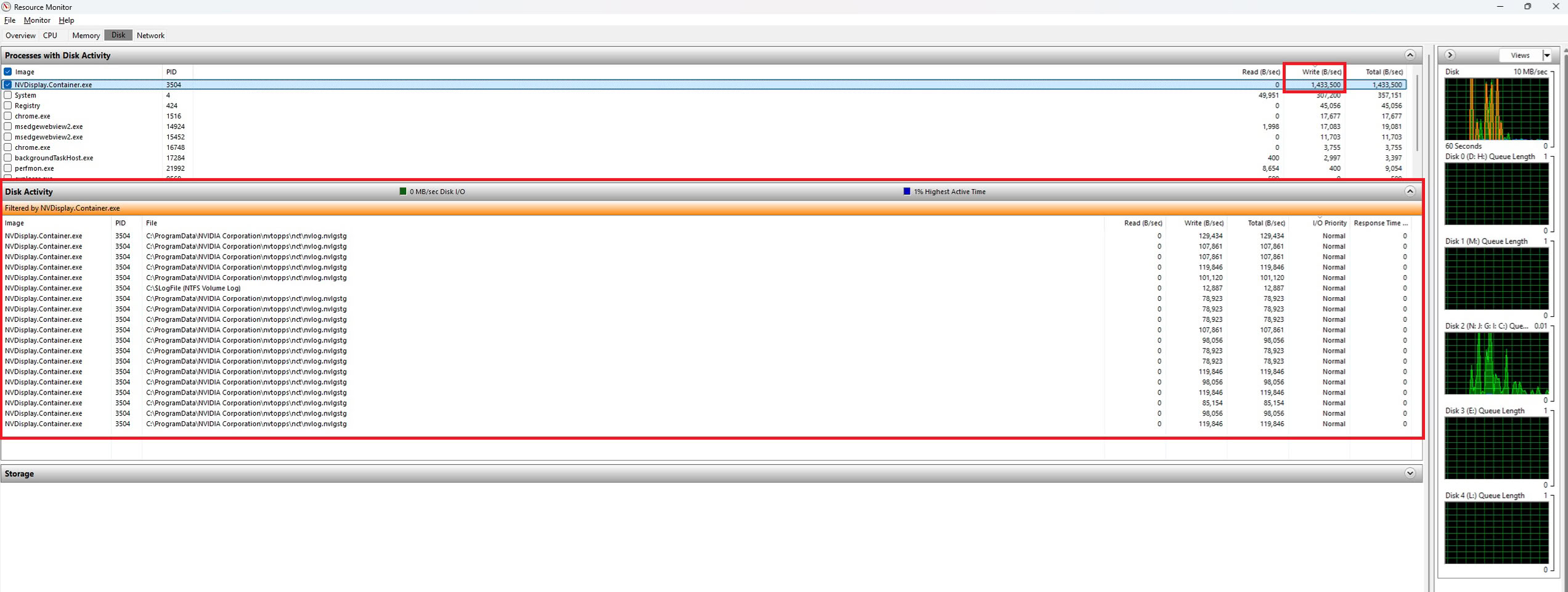
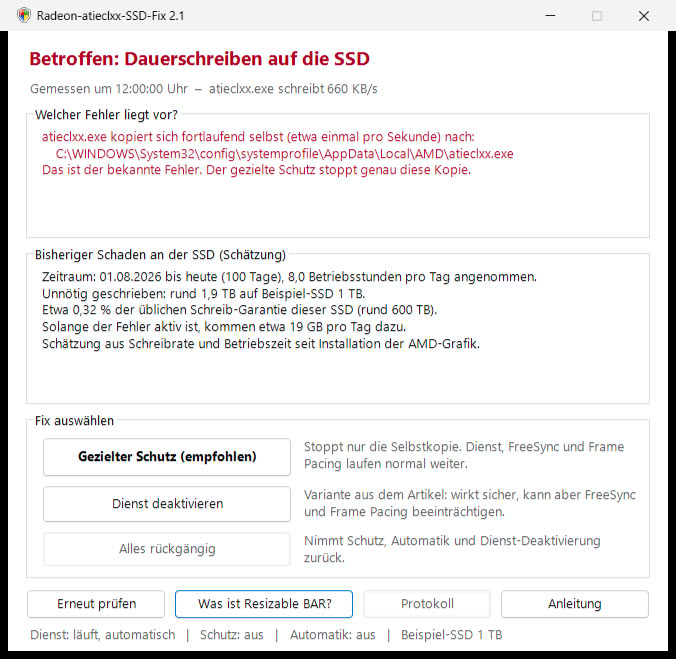
While this may seem minor, it's important to remember that systems can run for extended periods, and the writing can accumulate over time, potentially leading to SSD wear and tear. SSD lifespan largely depends on its ability to endure constant random writes, and forcing random writes onto an SSD will undoubtedly shorten its lifecycle. This is particularly concerning given the high cost of NAND Flash, as users are operating expensive SSDs that could undergo unnecessary wear. Users monitoring the file found that NVDisplay.Container.exe seemed to rewrite it repeatedly. GeForce owners can check their systems by opening the Disk tab in Windows Resource Monitor and looking for NVDisplay.Container.exe under Disk Activity. Disabling recording and overlay features reduced activity in some cases. Below resource monitor is an image from Wccftech.
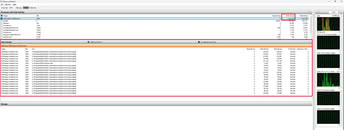
While this may seem minor, it's important to remember that systems can run for extended periods, and the writing can accumulate over time, potentially leading to SSD wear and tear. SSD lifespan largely depends on its ability to endure constant random writes, and forcing random writes onto an SSD will undoubtedly shorten its lifecycle. This is particularly concerning given the high cost of NAND Flash, as users are operating expensive SSDs that could undergo unnecessary wear. Users monitoring the file found that NVDisplay.Container.exe seemed to rewrite it repeatedly. GeForce owners can check their systems by opening the Disk tab in Windows Resource Monitor and looking for NVDisplay.Container.exe under Disk Activity. Disabling recording and overlay features reduced activity in some cases. Below resource monitor is an image from Wccftech.