Tuesday, August 26th 2025

Hands-On With the Latest NVIDIA RTX Features and Technologies at Gamescom
During Gamescom, NVIDIA has showcased many of their latest features and technologies, which will be rolled out over the next few weeks. Most notably, DLSS 4 as well as path and ray tracing continue to see wider adoption, and we've already taken a first look at some of those upcoming RTX games, namely Resident Evil: Requiem, PRAGMATA, and Borderlands 4. Other games set to receive support for DLSS 4 and path or ray tracing include Dying Light: The Beast, The Outer Worlds 2, and Cronos: The New Dawn, among others.
 New features coming to the NVIDIA App
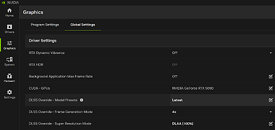
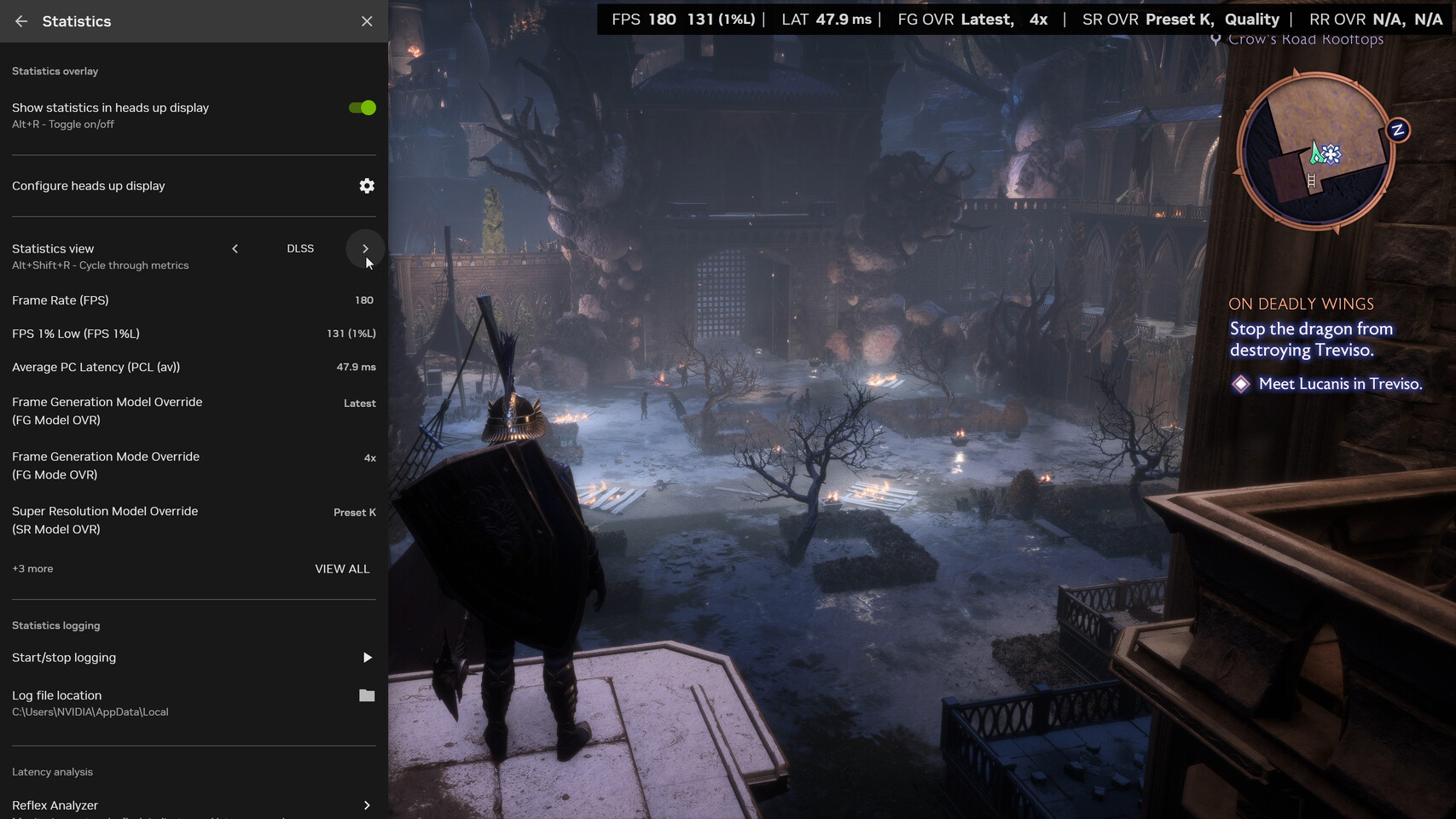
Beginning this week, the NVIDIA App is slated to receive several new settings and functions, many of which have been implemented based on user feedback. Most notably, NVIDIA introduces overrides for both DLSS and Frame Generation. Thus far, overriding settings for Model Presets, Frame Generation Mode, and Super Resolution Mode required going into the Program Settings tab for each game individually. With the new update, these can be forced across all compatible titles through a global override, and further adjusted on a per-title basis if needed. Through the override, one can force Multi Frame Generation in titles only supporting Frame Generation on the RTX 50 Series, force the latest Frame Generation Model in titles supporting Frame Generation on the RTX 50 and 40 series, and force the latest transformer model on all DLSS-enabled titles on any RTX series card.
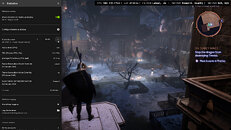
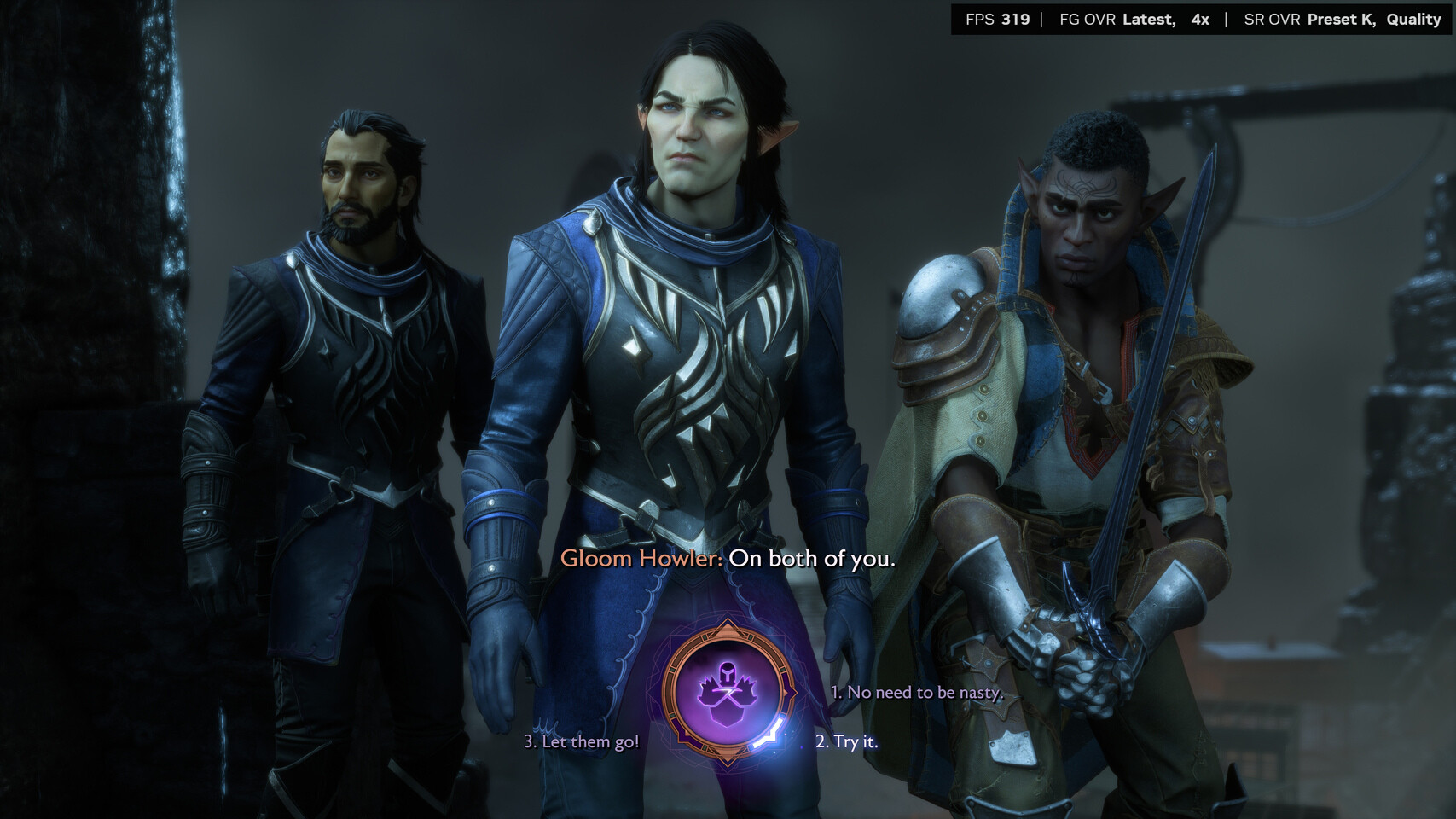
 The NVIDIA App overlay will be able to show override status for DLSS Frame Generation, Super Resolution, and Ray Reconstruction, giving one the ability to quickly check which model preset, frame generation factor, or DLSS mode is active.
 Previously only available on RTX 50 Series GPUs, NVIDIA Smooth Motion is now available on RTX 40 Series GPUs as well. Being a driver-based Frame Generation model that can be used on any DirectX 11, 12, or Vulkan game, Smooth Motion inserts a synthetic frame for every two rendered frames. Naturally, this is particularly useful in games not supporting higher frame rates to begin with, in particular older console ports which are often limited to 30 or 60 FPS. In principle, Smooth Motion is comparable to what Lossless Scaling is doing, but NVIDIA considers Smooth Motion to deliver superior quality. While Smooth Motion can be enabled globally, it will lead to misbehavior in any games where Frame Generation is supported natively and enabled. NVIDIA is open to exploring the possibility of whitelisting such games to prevent conflicts. In addition, one of the more useful features of Lossless Scaling, namely the ability to define a target frame rate which Lossless Scaling will attempt to reach by inserting synthetic frames, is currently absent from Smooth Motion. However, NVIDIA has indicated that adding this ability is at least worthy of consideration.
Project G-Assist
Although described as experimental by NVIDIA, G-Assist is a quickly maturing on-device AI assistant from NVIDIA. G-Assist allows one to issue commands either through chat or voice, and is closely integrated with the NVIDIA App. In addition, G-Assist can communicate with software and components from other vendors through plugins. For instance, one could change mouse polling rate through a simple command, or start recording a Twitch stream of a specified streamer. Currently, G-Assist still has some minor issues with voice recognition, at times necessitating the use of the chat function. Furthermore, interacting with G-Assist requires hitting a button combination, although NVIDIA is planning to eventually add the ability to engage G-Assist through a voice activation command. With this, one could simply say something along the lines of "G-Assist, start plotting CPU and GPU utilization for 60 seconds and save it to a CSV file" during regular gameplay, and G-Assist would output a graph and save it to CSV.
GeForce NOW
While many of the new features coming to GeForce NOW have already been covered here on TechPowerUp, NVIDIA revealed additional details during Gamescom.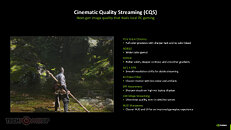
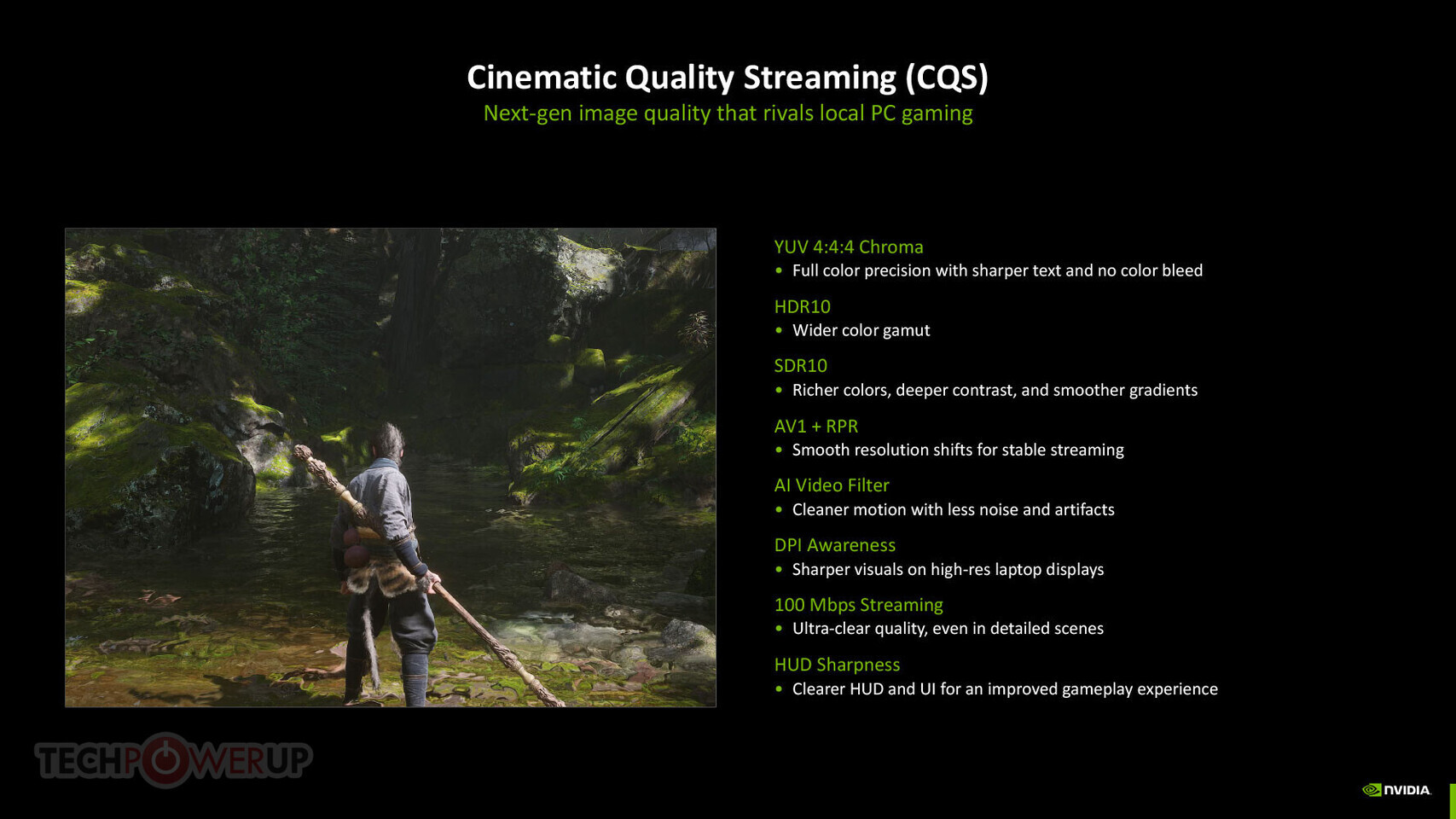
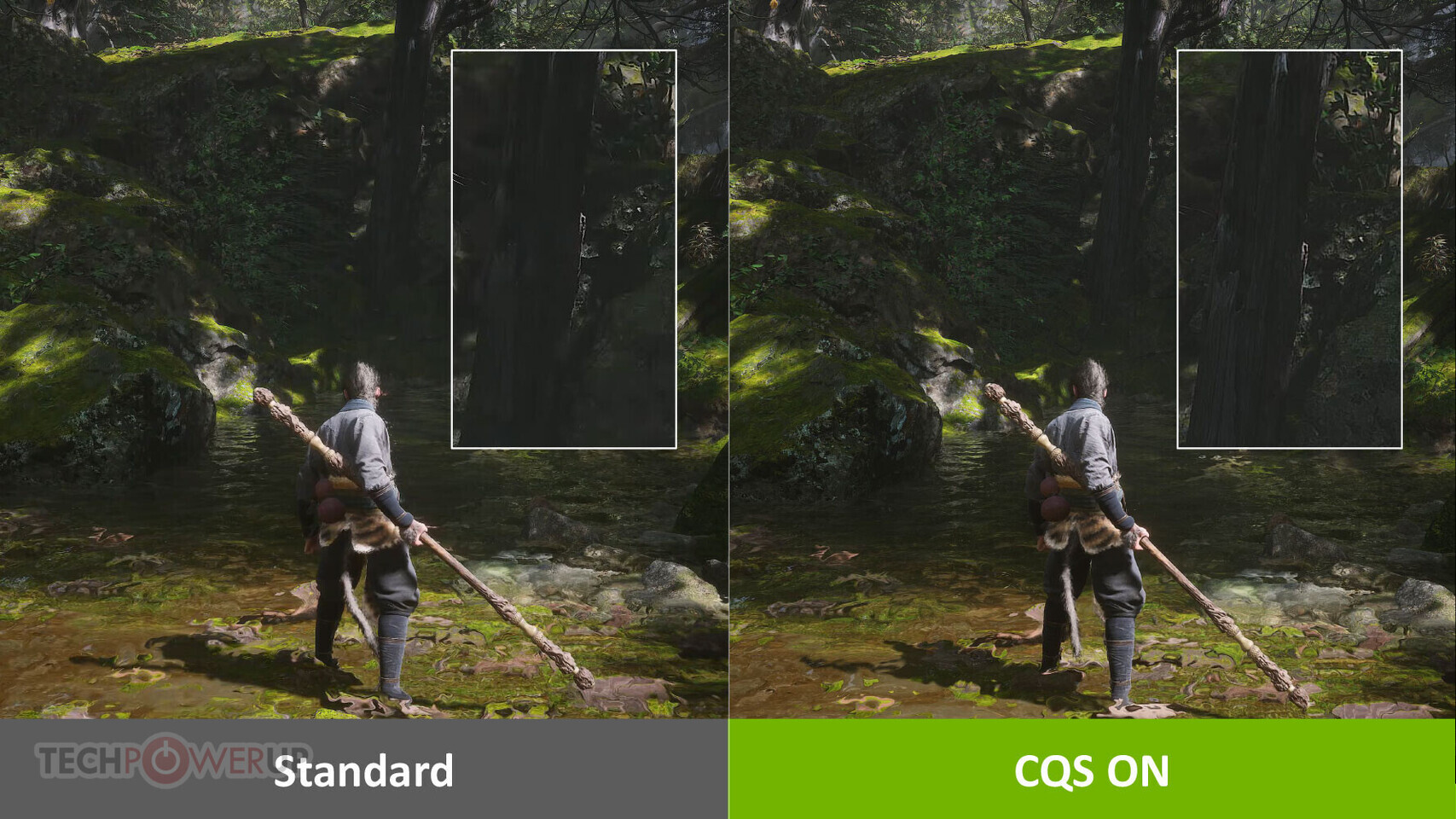
 One of the major improvements brought to GeForce NOW is Cinematic Quality Streaming (CQS), which is an umbrella term for several measures all designed to enhance image quality. Among the most notable improvements is the increase in stream bitrate, from 50 Mbps to 100 Mbps. By default, GeForce NOW will always try to use as much bandwidth as possible, up to the maximum bandwidth of 50 or 100 Mbps. If the available maximum bandwidth is lower, such as when using mobile internet, bitrate will be adjusted accordingly. Aside from this automatic negotiation through an algorithm, one can also set bitrate manually, above or below of what is considered optimal, at the risk of one's experience suffering due to bandwidth limitations. Of note is that GeForce NOW is capable of utilizing L4S, which is a network congestion control mechanism, provided it is supported on the network of the ISP in question. On networks where only GeForce NOW is used, or some sort of QoS or other measures to reduce buffer bloat are present, L4S won't do much. The bottom line is that with CQS, image quality will typically be improved to a noticeable degree, and this improvement was clearly observable in person. The uptick in bitrate is particularly noticeable and not really captured by static images.
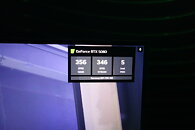
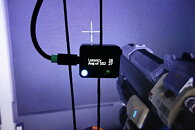 Owing to the latest Blackwell Series GPUs coming to the GeForce NOW Ultimate tier, latency has improved to a remarkable level. At Gamescom, NVIDIA demonstrated Overwatch 2 running at framerates of close to 360 FPS, which is the highest available. At a network latency (RTT) of 5 ms, end-to-end latency was measured using NVIDIA LDAT and shown to be 27 ms on average. For comparison, current high-end gaming PCs running displays with a refresh rate of 360 Hz or more typically average an end-to-end latency anywhere between 10 and 15 ms. Excluding network latency, GeForce NOW therefore is capable of streaming a game with a latency penalty of around 10 ms, which still suffices for a decently responsive experience in competitive games. Of particular note is that GeForce NOW will deliver lower latency than a locally running PlayStation 5 Pro, all while providing much higher visual fidelity. As such, GeForce NOW lowers the entry barrier for PC gaming ever further, as any device with a screen and internet connection will be able to be used for a gaming at a level that is either on par or superior to the experience provided by the latest and most powerful console system.


Beginning this week, the NVIDIA App is slated to receive several new settings and functions, many of which have been implemented based on user feedback. Most notably, NVIDIA introduces overrides for both DLSS and Frame Generation. Thus far, overriding settings for Model Presets, Frame Generation Mode, and Super Resolution Mode required going into the Program Settings tab for each game individually. With the new update, these can be forced across all compatible titles through a global override, and further adjusted on a per-title basis if needed. Through the override, one can force Multi Frame Generation in titles only supporting Frame Generation on the RTX 50 Series, force the latest Frame Generation Model in titles supporting Frame Generation on the RTX 50 and 40 series, and force the latest transformer model on all DLSS-enabled titles on any RTX series card.


Project G-Assist
Although described as experimental by NVIDIA, G-Assist is a quickly maturing on-device AI assistant from NVIDIA. G-Assist allows one to issue commands either through chat or voice, and is closely integrated with the NVIDIA App. In addition, G-Assist can communicate with software and components from other vendors through plugins. For instance, one could change mouse polling rate through a simple command, or start recording a Twitch stream of a specified streamer. Currently, G-Assist still has some minor issues with voice recognition, at times necessitating the use of the chat function. Furthermore, interacting with G-Assist requires hitting a button combination, although NVIDIA is planning to eventually add the ability to engage G-Assist through a voice activation command. With this, one could simply say something along the lines of "G-Assist, start plotting CPU and GPU utilization for 60 seconds and save it to a CSV file" during regular gameplay, and G-Assist would output a graph and save it to CSV.
GeForce NOW
While many of the new features coming to GeForce NOW have already been covered here on TechPowerUp, NVIDIA revealed additional details during Gamescom.


1 Comment on Hands-On With the Latest NVIDIA RTX Features and Technologies at Gamescom