Friday, September 4th 2026

ASUS Shows RTX Spark Mini PCs and Laptop Designs at IFA 2026

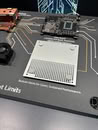
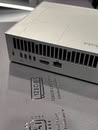
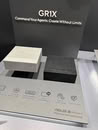
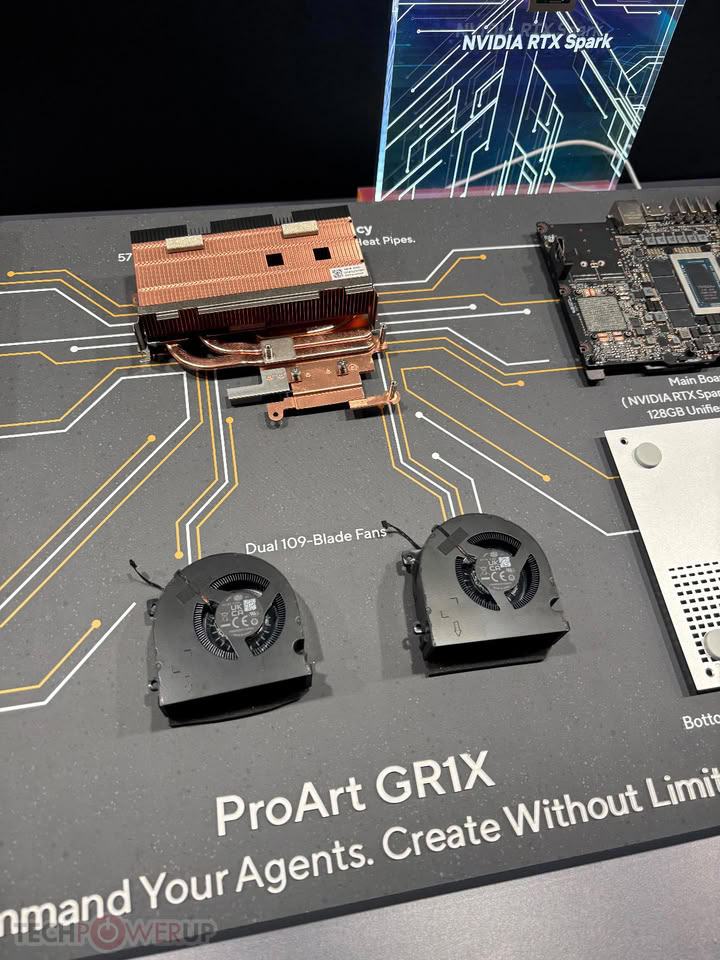
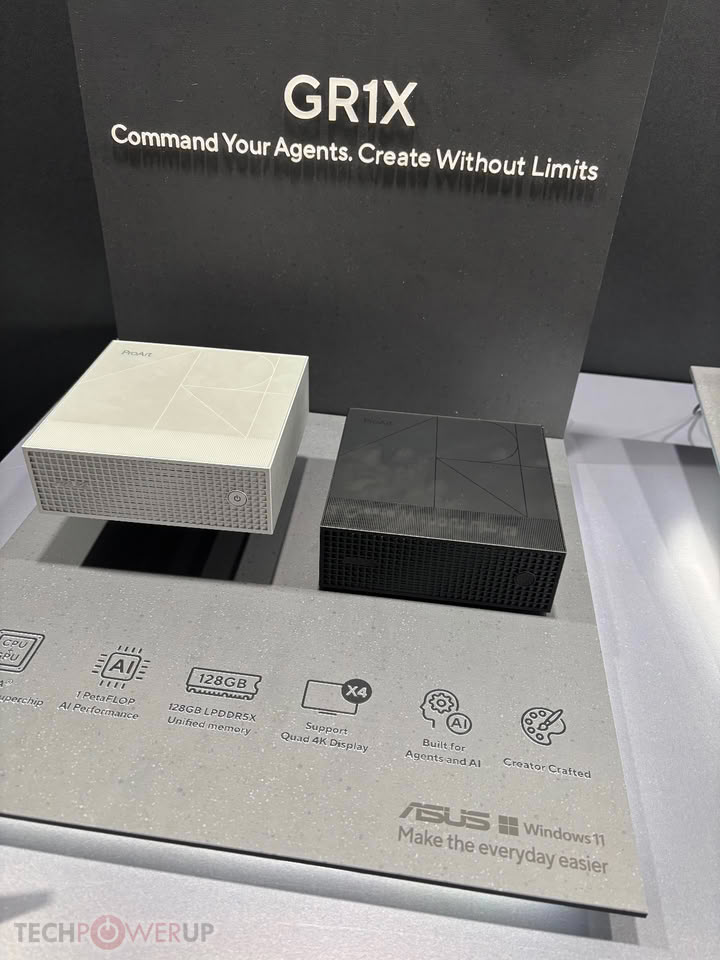
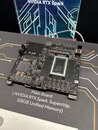
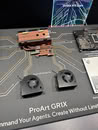
At IFA 2026 in Berlin, Germany, ASUS introduced mini PCs and laptops powered by NVIDIA's RTX Spark SoC. Starting with the GR1X mini, ASUS showcased the power of the RTX Spark N1X in grey or black aluminium enclosures. These are available with up to a 6,144-core GeForce RTX "Blackwell" GPU, alongside up to 20 cores on the NVIDIA "Grace" CPU, delivering a total of 1 PetaFLOPS of FP4 compute power. The entire package can be configured with up to 128 GB of LPDDR5X unified memory, all running on the Windows 11 desktop operating system. However, ASUS will also offer less powerful configurations, such as the second N1X configuration with a slightly less powerful 18-core "Grace" CPU, a "Blackwell" GPU with 5,120 CUDA cores, and 24-32 GB of LPDDR5X unified memory. The system is cooled by a custom copper heatsink paired with two blower fans, each with 109 blades.
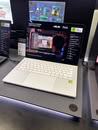
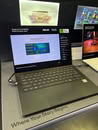
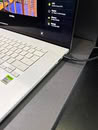
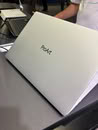
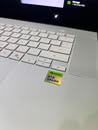
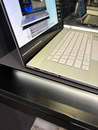
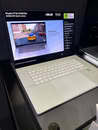
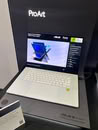
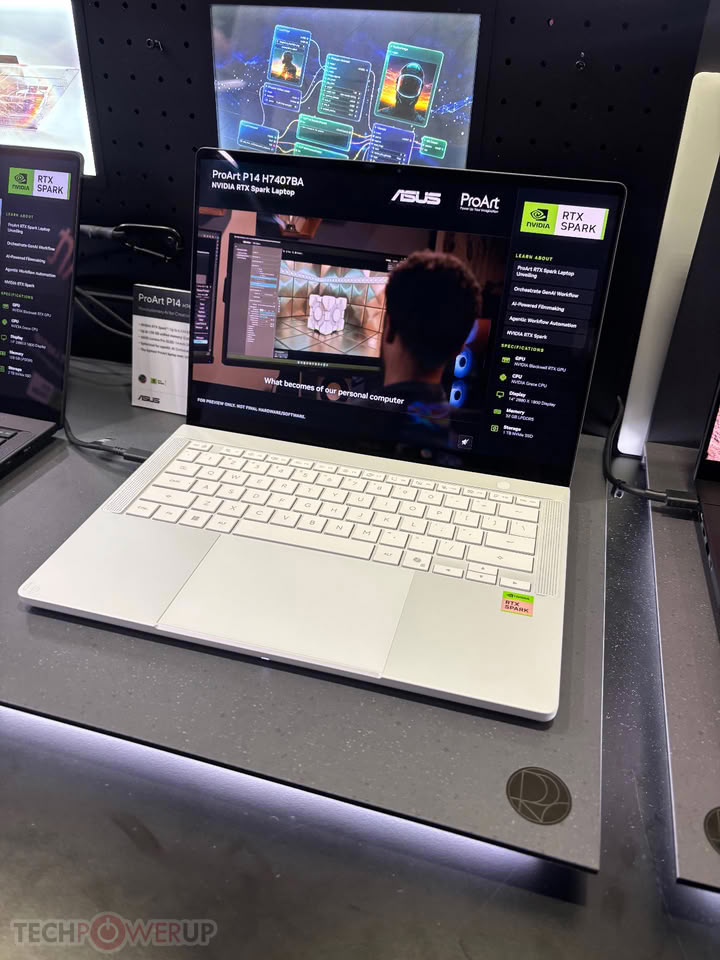
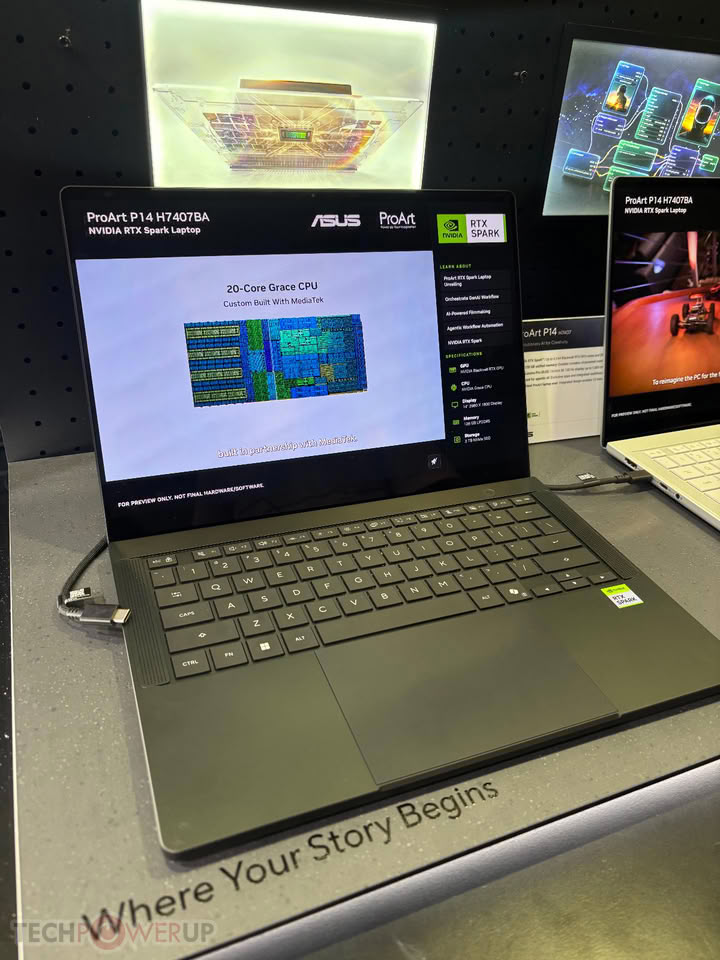
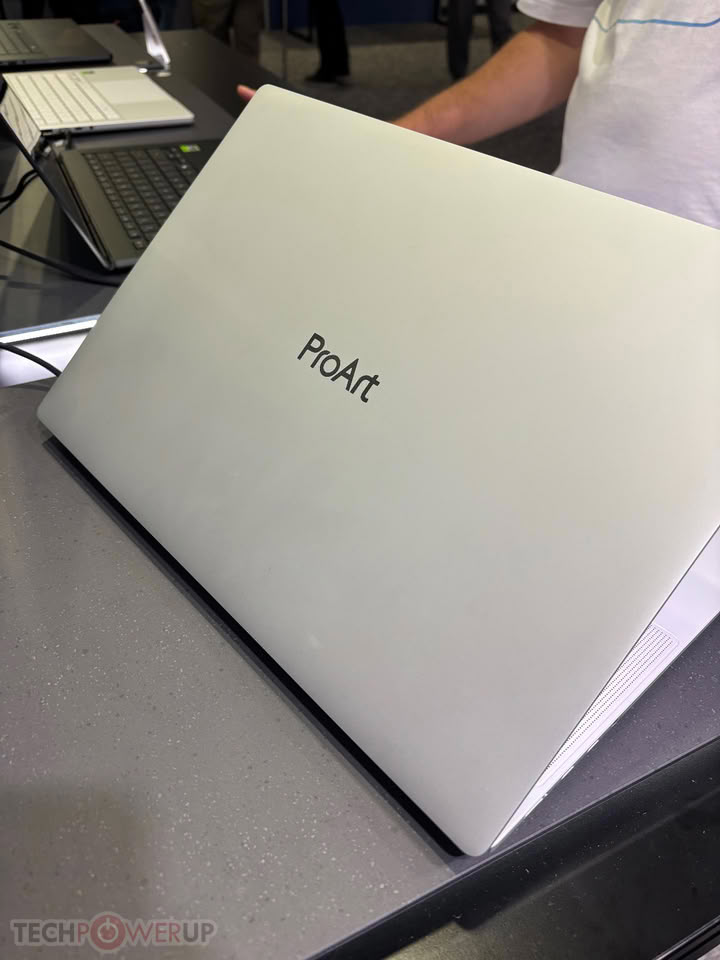
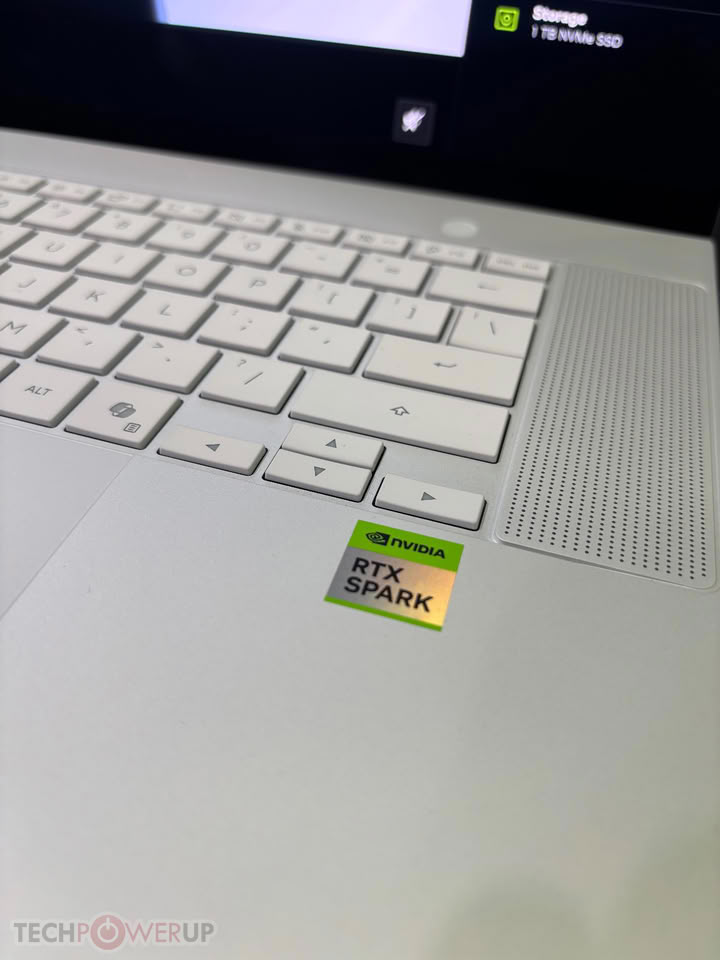
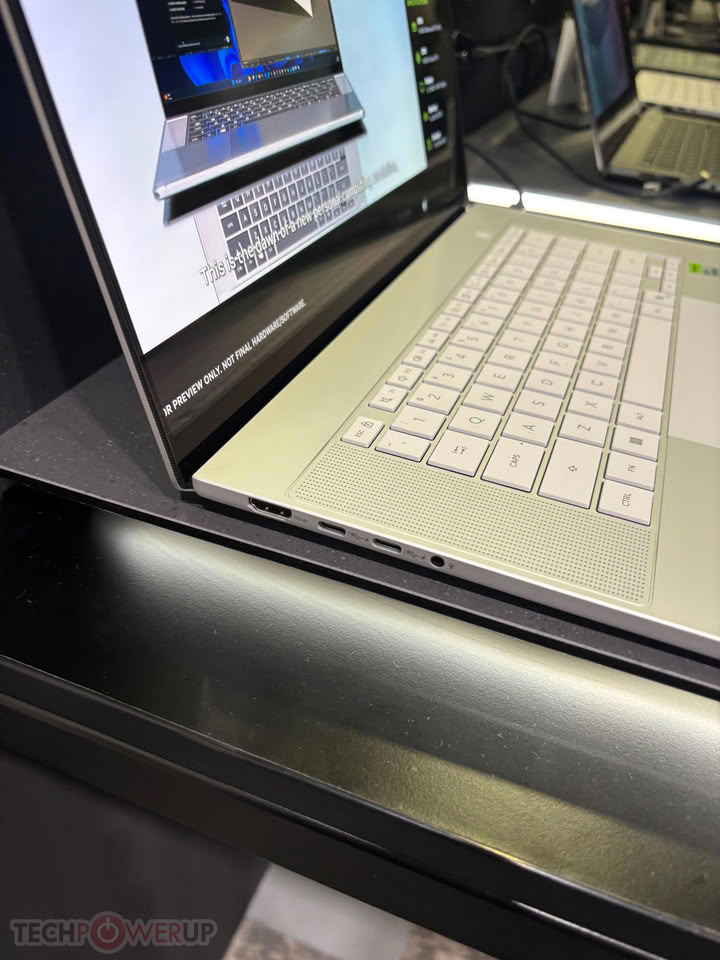
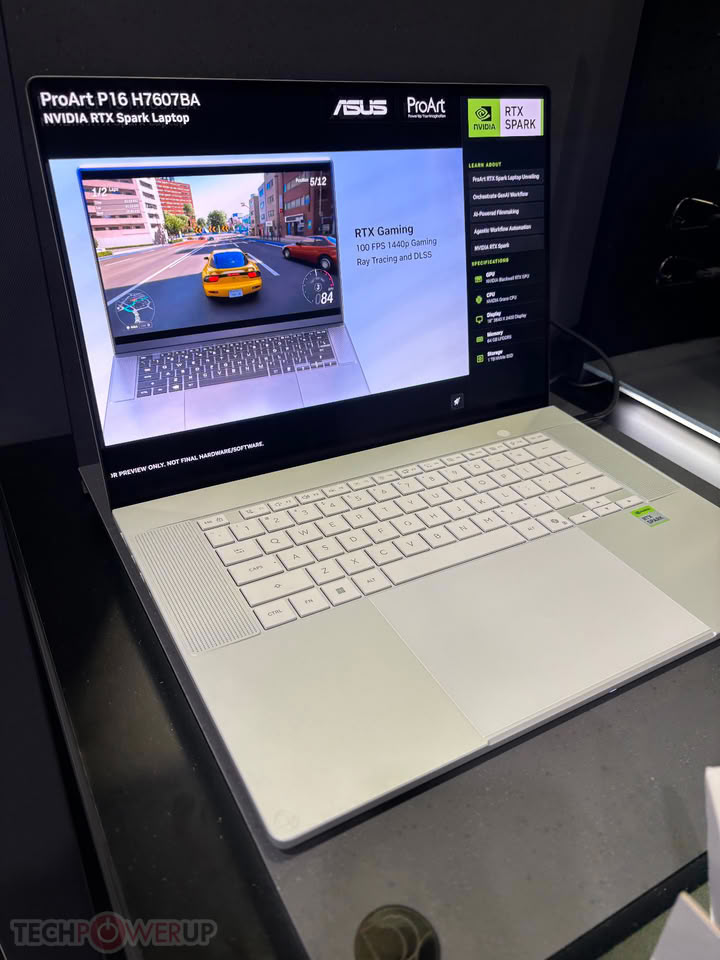
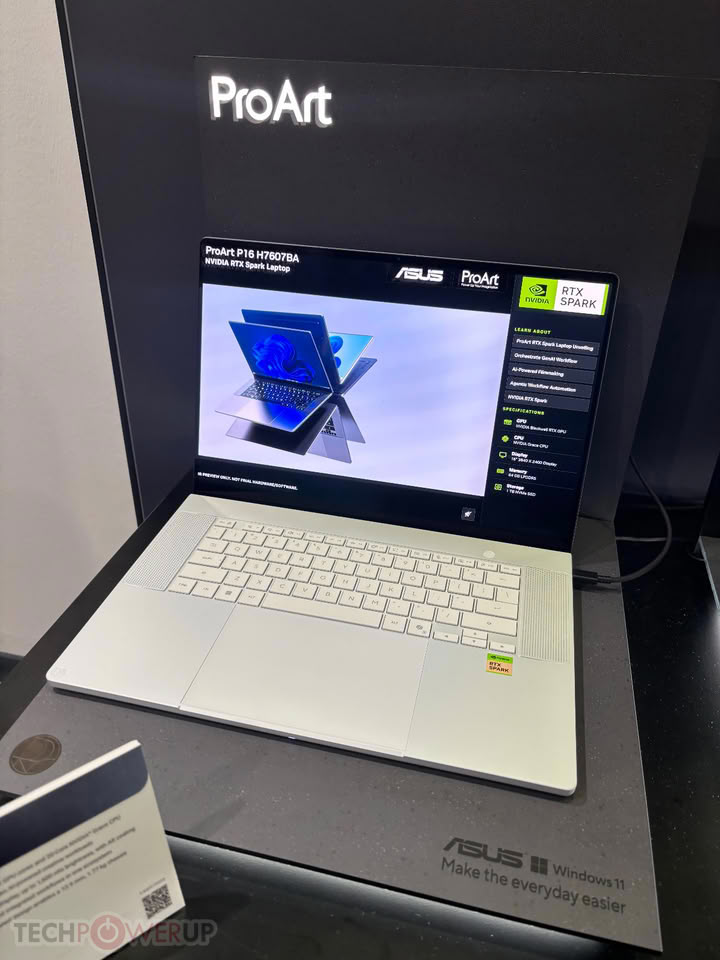
Moving on to laptops, ASUS has prepared two versions: the ProArt P14 and ProArt P16, both powered by the RTX Spark platform. The ProArt P14 comes with either a 14.0-inch, 3K (2880 x 1800) 120 Hz OLED display with 700 nits of regular and 1600 nits of peak HDR brightness, or a second option with 500 nits regular and 1100 nits peak brightness. The system starts with 24 GB of LPDDR5X unified memory, indicating that it will use a less powerful N1X SoC for the base configuration. Similarly, the ProArt P16 features two display configurations: one is a 16-inch UHD+ (3840 x 2400, WQUXGA) 120 Hz display with 700 nits regular and 1600 nits peak brightness, while the other offers 500 nits regular and 1100 nits peak brightness. This model also starts with 24 GB of LPDDR5X unified memory and can be configured with up to 128 GB.
Add your own comment

3 Comments on ASUS Shows RTX Spark Mini PCs and Laptop Designs at IFA 2026

#1
_JP_
After all of these laptops being unveiled, I'm starting to think that I/O ports and status LEDs cost way more to add than the CPU/RAM/SSD combo, going by how few there are.
Posted on Reply
#2
Bigshrimp
_JP_After all of these laptops being unveiled, I'm starting to think that I/O ports and status LEDs cost way more to add than the CPU/RAM/SSD combo, going by how few there are.
I feel like these laptops are a waste of silicon due to how costly everything is now due to Nvidia's (and others) greed. No one wants them either, at least not me. It's just Nvidia trying to push themselves even further into the market than they already were.
Posted on Reply
#3
igormp
AleksandarKStarting with the GR1X mini, ASUS showcased the power of the RTX Spark N1X in grey or black aluminium enclosures. These are available with up to a 6,144-core GeForce RTX "Blackwell" GPU, alongside up to 20 cores on the NVIDIA "Grace" CPU, delivering a total of 1 PetaFLOPS of FP4 compute power. The entire package can be configured with up to 128 GB of LPDDR5X unified memory, all running on the Windows 11 desktop operating system. However, ASUS will also offer less powerful configurations, such as the second N1X configuration with a slightly less powerful 18-core "Grace" CPU, a "Blackwell" GPU with 5,120 CUDA cores, and 24-32 GB of LPDDR5X unified memory. The system is cooled by a custom copper heatsink paired with two blower fans, each with 109 blades.
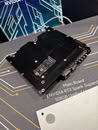
That motherboard is the exact same as the regular DGX Spark, they just stripped away the CX7 lol
We can even compare it to the pictures @Solaris17 has provided:
Solaris17Repasting and fucking up your other spark.

Since it was about time to put these aware forever in my 20u, it was about time I re-thermal them. It should be mentioned my particular units did not have any kind of thermal trouble like was initially reported, but I had something better on hand so why not?

Pop the bottom off and hit the 4 screws next to the magnets being careful not to pull the wifi/bt antennas.


Now pull the SSD and the mounting knut.


Grab the 6 screws along the edge and the power button connector in the corner. Then pull the entire assembly up opposite the rear IO and slide out.


Flip the unit around and get all the heatsink screws both in and beside the fin stack.


Literally realize you destroyed the board by ripping the cap off next to the SSD. Then go solder it back on.


Make sure to use flux and hot air. I set mine to 430c at 65% air speed.


Go back to changing the paste.


Re-assemble and test and be happy it all boots and the SSD works after you ripped the cap off.

The cap size is 01005 and I eyeballed it since I dont have a microscope just a magnifying glass. Its not impossible, but make sure you always use flux. I didnt even attempt to use my tiny iron heads, I simply grabbed some chip quick and the hot air.
Anyhow, I hope that it still ends up cheaper than their Ascent GX10 model.
Posted on Reply
Nov 24th, 2026 06:14 CST change timezone

New Forum Posts

Popular Reviews

TPU on YouTube

Controversial News Posts