Tuesday, September 22nd 2026
Jsaux Gaming's E-Ink and Pixel Matrix Faceplates for Steam Machine Are Now Available
JSAUX GAMING today announced that its new E-Ink Faceplate and Pixel Matrix Faceplate for Steam Machine are now available, giving Steam Machine owners a new third-party option for customizing their system. Designed as magnetic replacement faceplates, the two panels give Steam Machine owners a simple way to make the system their own.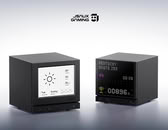

 Two Ways to Personalize Steam Machine
JSAUX GAMING turns Steam Machine's front panel into a display surface rather than leaving it as a fixed exterior panel. This creates a new place for information, personal images, game artwork, and visual content.
The two models take different approaches. E-Ink combines clear information with detailed monochrome imagery, while Pixel Matrix brings full-color visuals, animation, and pixel-based expression to the front of the system.
E-Ink Faceplate: Clear Information, Clean Visuals
The 5.83-inch E-Ink Faceplate features a 640 × 480 monochrome display, Bluetooth connectivity, and a built-in 500 mAh battery.
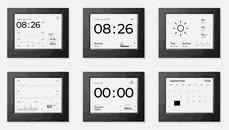
The JSAUX E-INK APP provides eight display modes: Time, Weather, Calendar, Performance, Playtime, Progress, Digital Frame, and AI Agent Status. Users can choose the information they want to display or use the Digital Frame mode for static content such as game artwork, pixel art, personal photos, and retro-inspired designs.
The AI Agent Status mode displays the status of supported AI applications running on Steam Machine, giving users a quick view of what is running and how it is progressing.
 Pixel Matrix Faceplate: Colorful Motion, Real-Time Feedback
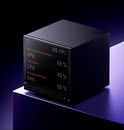
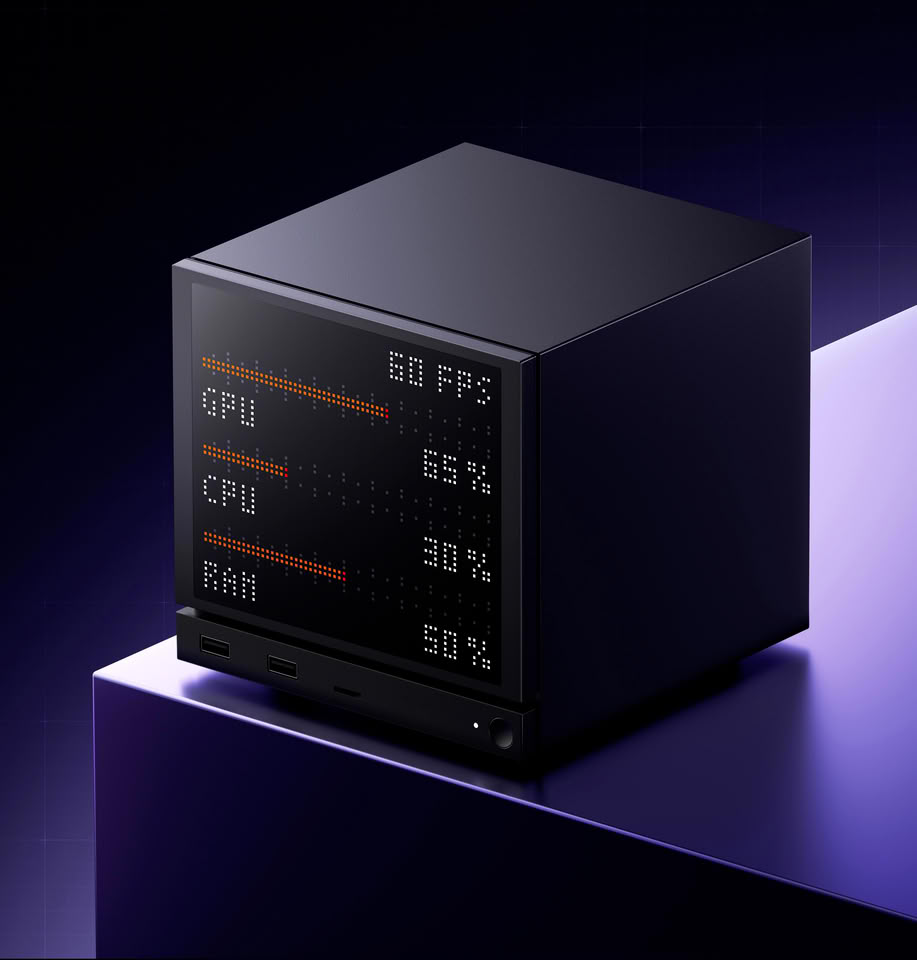
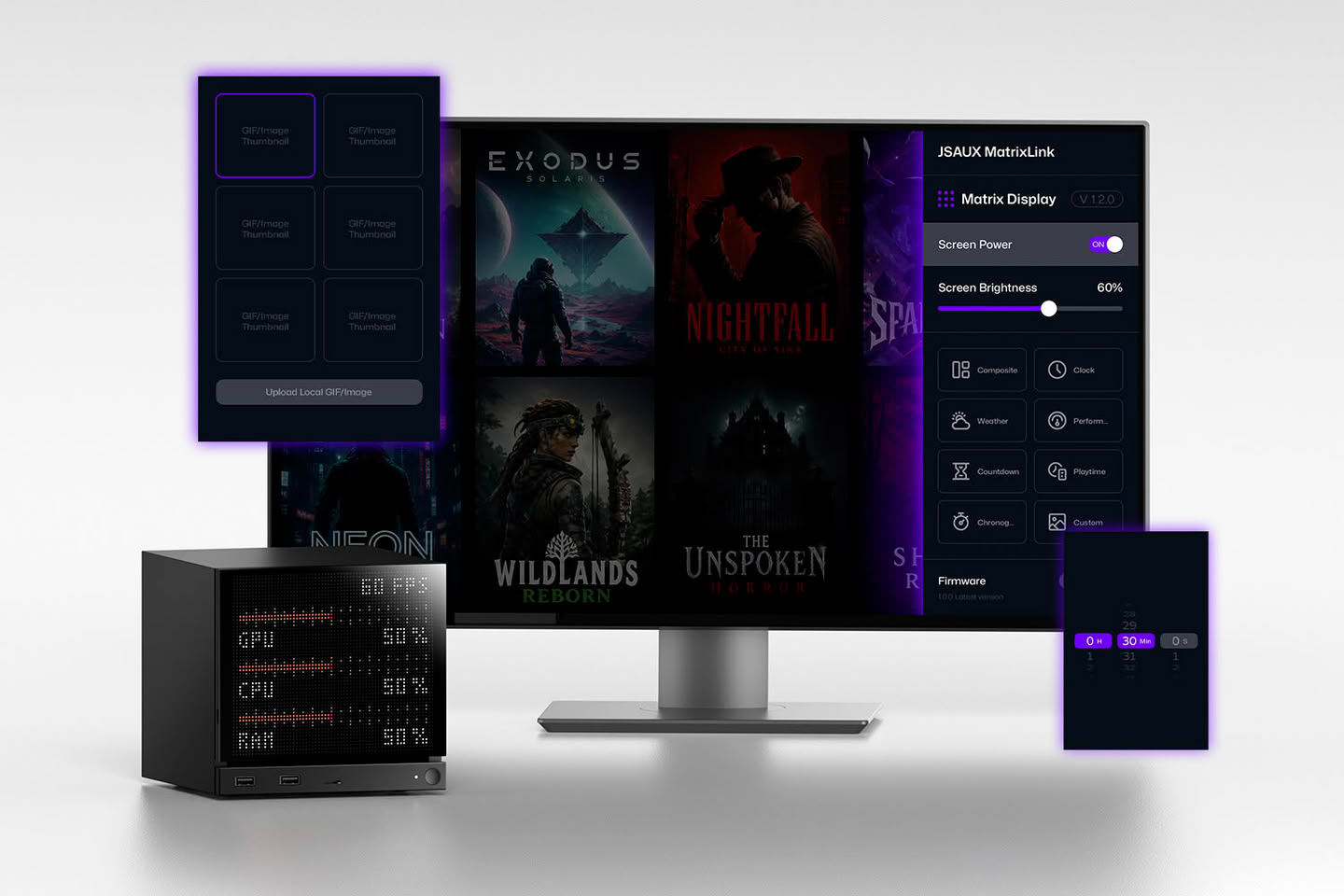
The 7-inch Pixel Matrix Faceplate brings a full-color RGB display with a 64 × 54-pixel matrix to the front of Steam Machine. It supports static images, GIFs, and real-time content updates.
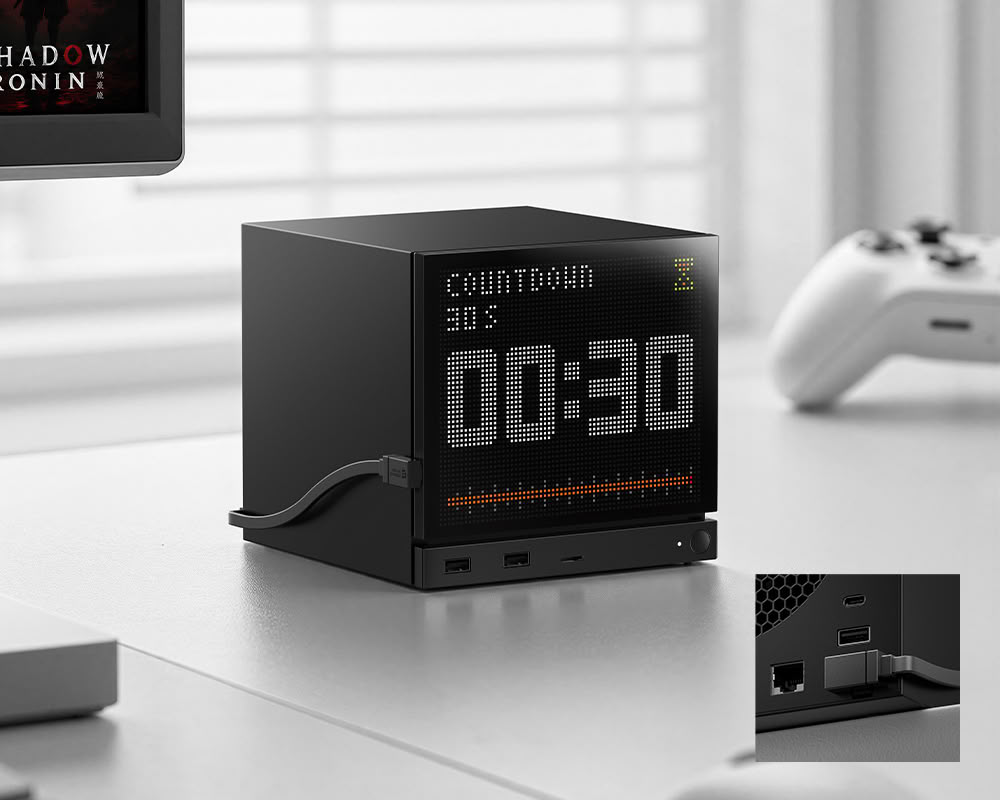
Through the JSAUX PIXEL APP, users can switch between eight modes: Dashboard, Hardware, Weather, Clock, Playtime, Countdown, Chronograph, and Custom. The app gives users flexible control over what appears on the panel.
A slim, flat USB-C cable with a right-angle connector follows Steam Machine's profile for a clean, integrated look.
Both faceplates are controlled through their companion apps. The official Steam Machine Faceplate App Installation Guide provides dedicated setup instructions for the E-Ink and Pixel Matrix models.
 JSAUX GAMING also plans to make the companion software available through Steam in the future, giving users a more convenient way to install and update it.
Pricing and Availability
Source:
Jsaux (product page)
Winnie Chen, Marketing Communications Manager at JSAUX GAMING"We designed these faceplates to do more than change the look of Steam Machine. They give the front of the system a new role—part personal design statement, part information display."


JSAUX GAMING turns Steam Machine's front panel into a display surface rather than leaving it as a fixed exterior panel. This creates a new place for information, personal images, game artwork, and visual content.
The two models take different approaches. E-Ink combines clear information with detailed monochrome imagery, while Pixel Matrix brings full-color visuals, animation, and pixel-based expression to the front of the system.
E-Ink Faceplate: Clear Information, Clean Visuals
The 5.83-inch E-Ink Faceplate features a 640 × 480 monochrome display, Bluetooth connectivity, and a built-in 500 mAh battery.
The JSAUX E-INK APP provides eight display modes: Time, Weather, Calendar, Performance, Playtime, Progress, Digital Frame, and AI Agent Status. Users can choose the information they want to display or use the Digital Frame mode for static content such as game artwork, pixel art, personal photos, and retro-inspired designs.
The AI Agent Status mode displays the status of supported AI applications running on Steam Machine, giving users a quick view of what is running and how it is progressing.


The 7-inch Pixel Matrix Faceplate brings a full-color RGB display with a 64 × 54-pixel matrix to the front of Steam Machine. It supports static images, GIFs, and real-time content updates.
Through the JSAUX PIXEL APP, users can switch between eight modes: Dashboard, Hardware, Weather, Clock, Playtime, Countdown, Chronograph, and Custom. The app gives users flexible control over what appears on the panel.
A slim, flat USB-C cable with a right-angle connector follows Steam Machine's profile for a clean, integrated look.
Both faceplates are controlled through their companion apps. The official Steam Machine Faceplate App Installation Guide provides dedicated setup instructions for the E-Ink and Pixel Matrix models.
Pricing and Availability
- JSAUX E-Ink Faceplate for Steam Machine—$99.99
- JSAUX Pixel Matrix Faceplate for Steam Machine—$89.99
1 Comment on Jsaux Gaming's E-Ink and Pixel Matrix Faceplates for Steam Machine Are Now Available