Tuesday, April 28th 2026

Corsair Launches ThermalProtect PCIe 5.1 600W 12V-2x6 Cable to Protect GPUs from Overheating
Corsair (Nasdaq: CRSR) is proud to announce the launch of ThermalProtect, a 12V-2x6 GPU power cable featuring innovative technology that monitors the temperature of a GPU's power cable in real time to help prevent damage to the GPU.
Corsair ThermalProtect
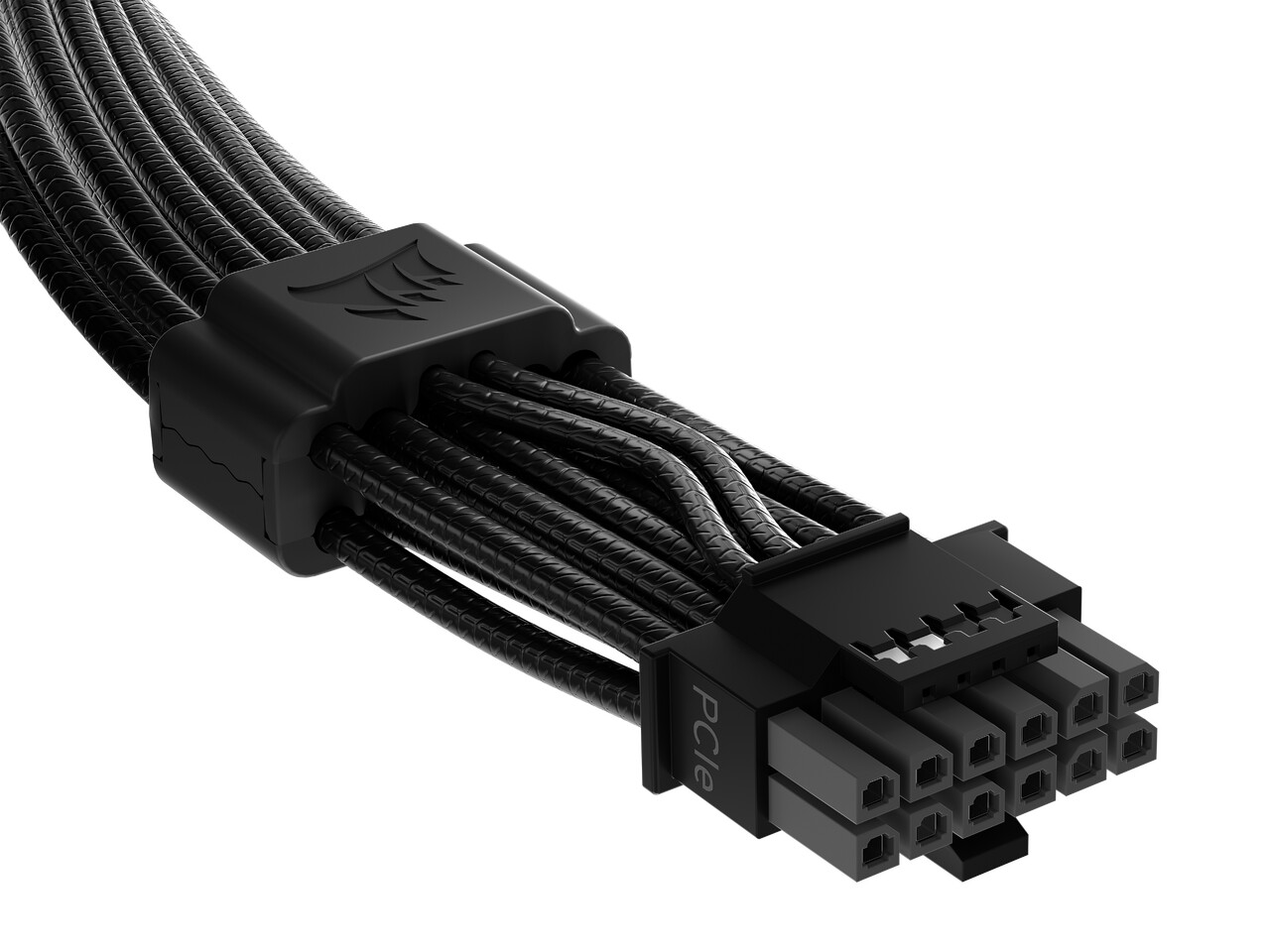
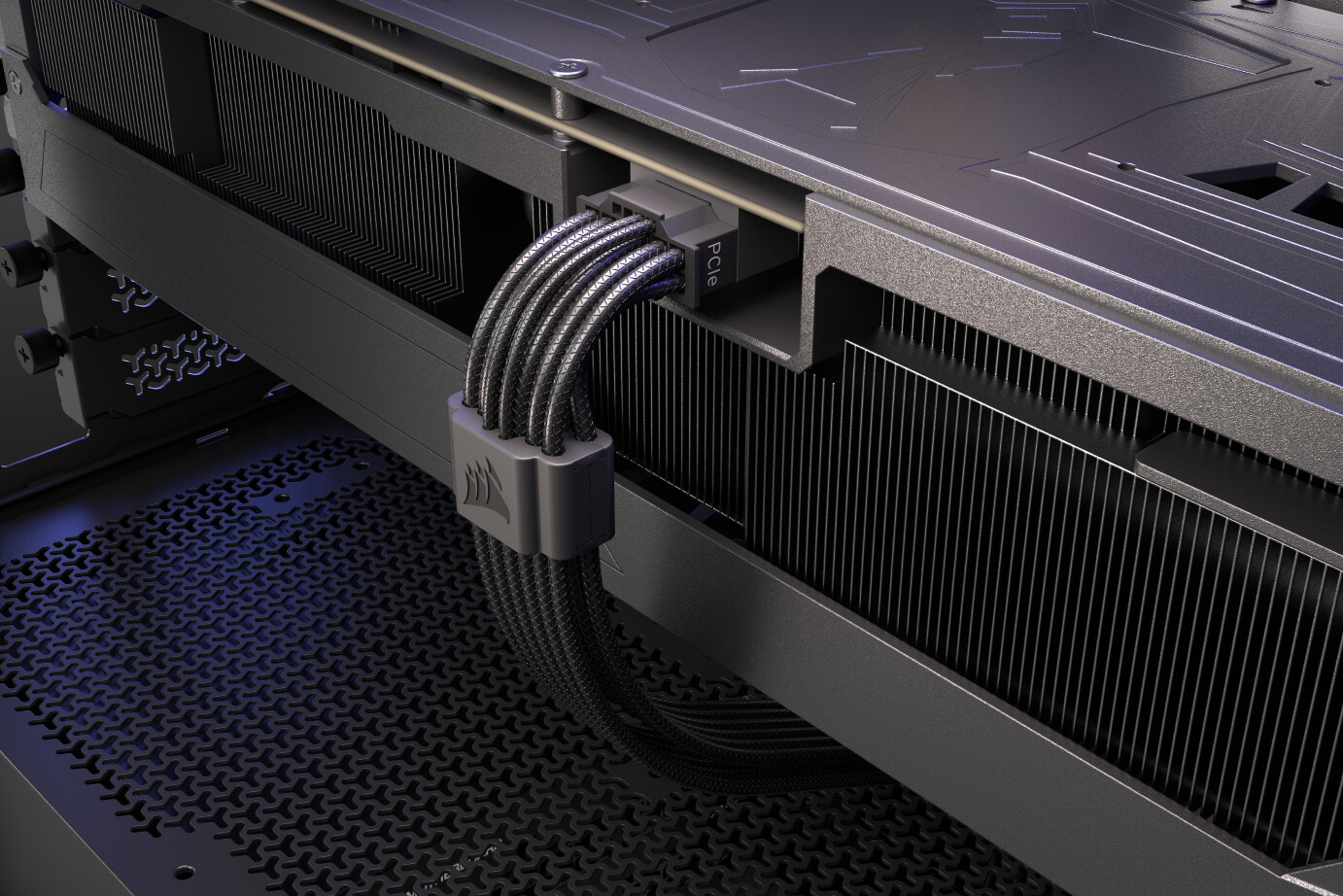
ThermalProtect enables additional Over Temperature Protection (OTP) for GPUs by actively monitoring the 12V-2x6 cable. Housed discreetly inside a cable comb 30 mm from the connection point, the hardware offers a clean, unobtrusive appearance. If the sensor detects extreme temperatures, ThermalProtect activates, causing the GPU to shut down to prevent potential damage.

 ThermalProtect PCIE 5.1 600 W 12V-2x6 Cable
The first product featuring ThermalProtect is a 12V-2x6 GPU power cable compatible with any power supply with a native 12V-2x6 connector. It offers broad compatibility with modern systems and provides gamers with an easy replacement that adds peace of mind. Installation is easy, as it requires no user configuration and is always active. Once connected, the cable operates as a fully plug-and-play solution.
High-Quality GPU Protection
The ThermalProtect 12V-2x6 cable is a premium component for DIY PC builders, offering a flexible design for precise routing of the cable from the power supply to the GPU. The cable features a debossed design for a professional look, enhancing system aesthetics. Compared to multi-cable adapters, a single GPU power cable offers a cleaner installation and can improve internal airflow with reduced cable clutter. Additionally, the cable has dual-tone connectors with gray tips for visual confirmation of a secure connection.
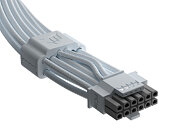
The ThermalProtect 12V-2x6 cable is available in black or white and is 650 mm long, providing ample room for easy cable routing and the ability to blend in or stand out in any build.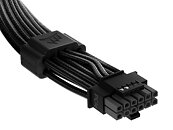
 Availability, Warranty and Pricing
The Corsair ThermalProtect 12V-2x6 cable is available immediately from the Corsair worldwide network of authorized retailers and distributors, and the Corsair webstore.
The Corsair ThermalProtect 12V-2x6 cable is backed by a two-year warranty, alongside the Corsair worldwide customer service and technical support network.
[Editor's note: The ThermalProtect PCIe 5.1 600 W 12V-2x6 Cable (black/white) is currently listed on the Corsair website at $24.99]
Source:
Corsair (product page)
Corsair ThermalProtect
ThermalProtect enables additional Over Temperature Protection (OTP) for GPUs by actively monitoring the 12V-2x6 cable. Housed discreetly inside a cable comb 30 mm from the connection point, the hardware offers a clean, unobtrusive appearance. If the sensor detects extreme temperatures, ThermalProtect activates, causing the GPU to shut down to prevent potential damage.


The first product featuring ThermalProtect is a 12V-2x6 GPU power cable compatible with any power supply with a native 12V-2x6 connector. It offers broad compatibility with modern systems and provides gamers with an easy replacement that adds peace of mind. Installation is easy, as it requires no user configuration and is always active. Once connected, the cable operates as a fully plug-and-play solution.
High-Quality GPU Protection
The ThermalProtect 12V-2x6 cable is a premium component for DIY PC builders, offering a flexible design for precise routing of the cable from the power supply to the GPU. The cable features a debossed design for a professional look, enhancing system aesthetics. Compared to multi-cable adapters, a single GPU power cable offers a cleaner installation and can improve internal airflow with reduced cable clutter. Additionally, the cable has dual-tone connectors with gray tips for visual confirmation of a secure connection.
The ThermalProtect 12V-2x6 cable is available in black or white and is 650 mm long, providing ample room for easy cable routing and the ability to blend in or stand out in any build.

The Corsair ThermalProtect 12V-2x6 cable is available immediately from the Corsair worldwide network of authorized retailers and distributors, and the Corsair webstore.
The Corsair ThermalProtect 12V-2x6 cable is backed by a two-year warranty, alongside the Corsair worldwide customer service and technical support network.
[Editor's note: The ThermalProtect PCIe 5.1 600 W 12V-2x6 Cable (black/white) is currently listed on the Corsair website at $24.99]
16 Comments on Corsair Launches ThermalProtect PCIe 5.1 600W 12V-2x6 Cable to Protect GPUs from Overheating
Like if you have a 16 Phase VRM split that up over 4 wires then use 1 for the PCIE and the other for the memory.
It's so simple.
Costs but pennies more, and you can become a 10 billion dollar company because of safe products.
While someone who spent 70 pounds on RMe 3 years ago can have the benefit.
I'm not sad budget users got it but absolutely insane to forget about the customers who give them the most money.
lots of text and opinion. i do not have any opinion about it yet. nothing positive or negative to say yet. i need to look into the thermal resistance formula what igor used first.
it seems igor gets a lot of corsair branded test samples and products for some reason but not so much other branded units.
corsair is awesome to force out tech articles and test form certain news sites and video sites.
as i do not have access to firmwares and schematics I may have my doubts if teh cut sensor pins are enough in every use case to be a suitable solution. it is also not clear yet without investing much more time what the open or closed cirucit of those two sensor pin really do. maybe i am totally wrong. maybe we talk about only 150 watts offically less power because that corsair cable slowly triggers by passive thermal resistance the open or close cirucit of those sensor pins.
I'm not sure if igor was motivated or did really test the worst case sencario or did provide a FMEA. If it is just a generic tear down with a bit of physics in teh default scenario than I would call the test of igorslab a corsair marketing move. I give igor the doubt that he did an awesome job and did write a proper article and mentioned every issue which he thinks he may see. That german article needs to be filtered first from all personal opinions first and all the blob text to have a reduced article which I can read or classify the quality of igors tech article about this cable from corsair.
usually you would test such a cable in a climate box with 80°C and a lot of humidity for hours. than you would test it in freezing condition, etc. // i did not bother yet checking what corsair marketing claims how it works, the limitation. A bad computer case could get quite hot with an intel 450 Watt cpu/motherboard/dram combo and a 750 Watt nvidia 5090 Graphic card + several nvme + rgb, etc. The worst case needs to be tested.
edit: another "first day" test for corsair: www.hardwareluxx.de/index.php/artikel/consumer-electronics/gadgets/68874-temperaturüberwachung-mit-sense-eingriff-das-corsair-thermalprotect-600w-12v-2x6-kabel-ausprobiert.html
negative points:
** limited statement of the connector temperature (* added * by _roman_ because the sensor is 30mm away from the connector ... in reference to the german statement at the end section fazit "Mit direkter Nähe ist ein Bereich von 30 mm entfernt von Stecker und Buchse gemeint")
** depends on the environment
go for it:
seems thermal grizzly device + corsair cable = ~worth 120€
If you want a cable, just ask. ;-) We're good.
We've tested with different temperature KSD sensors in thermal chambers set to several different ambient temperatures and chose the one we did because too low and ambient temperatures would cause false shut downs. Too high and... well.... you don't want too high. It's been tested with jigs that emulate different gaps (from 1mm to 3.2mm) and different "missing pins" (only 2x 12V terminals versus 3, 4, etc.). Temperatures logged, etc. The temperature chosen also takes into consideration the position of the thermoswitch in relation to the 12V-2x6 connector and how long it takes the copper wires to deliver heat from the GPU to the thermoswitch.
Not sure I understand what you mean about the sense pins. The cards do not appreciate a change in sense pins once the card is running. It's not like the card is going to run at a lower power. It's just going to stop running.
So if you have a 300W, 450W, 600W card, if you cut both sense wires, which is 150W, the card just immediately shuts off assuming there's simply not enough power for the card.
This was the best way to have the GPU shut down without making the cable proprietary like the ASRock solution which just uses an NTC thermistor on the ground wires which then "tells" the PSU to shut down. Even the Gigabyte solution, which does cut the sense wires like the Corsair cable, only works with a particular Gigabyte PSU because they use an NTC thermistor which requires components inside the PSU to energize the thermistor and measure the change in resistance of the wire to determine its temperature. Whereas, the KSD is a bimetal temperature activated snap-action switch.
igor also hints out that it is time sensitive, error mode depended and temperature dependent on how the cable reacts. rephrased, I hope i got what igor hints out in those 5 pages.
-- disclaimer. it is an interesting topic in regards of physics and electronics and firmware and operating system and driver or kernel module standpoint. Endless source to discuss and read about. Too bad the 3rd, 4th or 5th year with that ongoing issue.
So even overclockable cards that can go from 450 to 600W require a power cycle to increase or decrease their power capability. This was a disappointment for Intel too. They wanted to be able to power limit GPUs on the fly using the sense pins so the CPU could take over power for tasks that required more CPU optimized tasks.
As for "delay". The delay is simply the amount of time it takes for the heat to get down the copper to the KSD thermistor. This is why the thermistor is rated at a much lower 65°C. If the switch were rated higher, the plastic would be melted by the time the switch activated.
And yes... so silly that everyone but those who put this connector into play is tasked with making a solution to prevent it from failing. It's like Ford making the car and everyone's local mechanic making the braking system.
I mean, yeah, you can clamp the thermoswitch right below the bend of the current 90° cable, but it looks like $#&@.
Good luck with the 90° adapters, I'll keep an eye out for one. I've got a SF PSU and a 5080 stuffed into a 15L case in such a way that it needs a 90° cable or the side doesn't close. Fitment is one of the accepted challenges of SFF builds, but half of what makes it fun too.