Tuesday, July 14th 2026

Microsoft is Finally Fixing Windows Search, No More Promotional Content
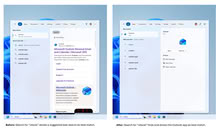
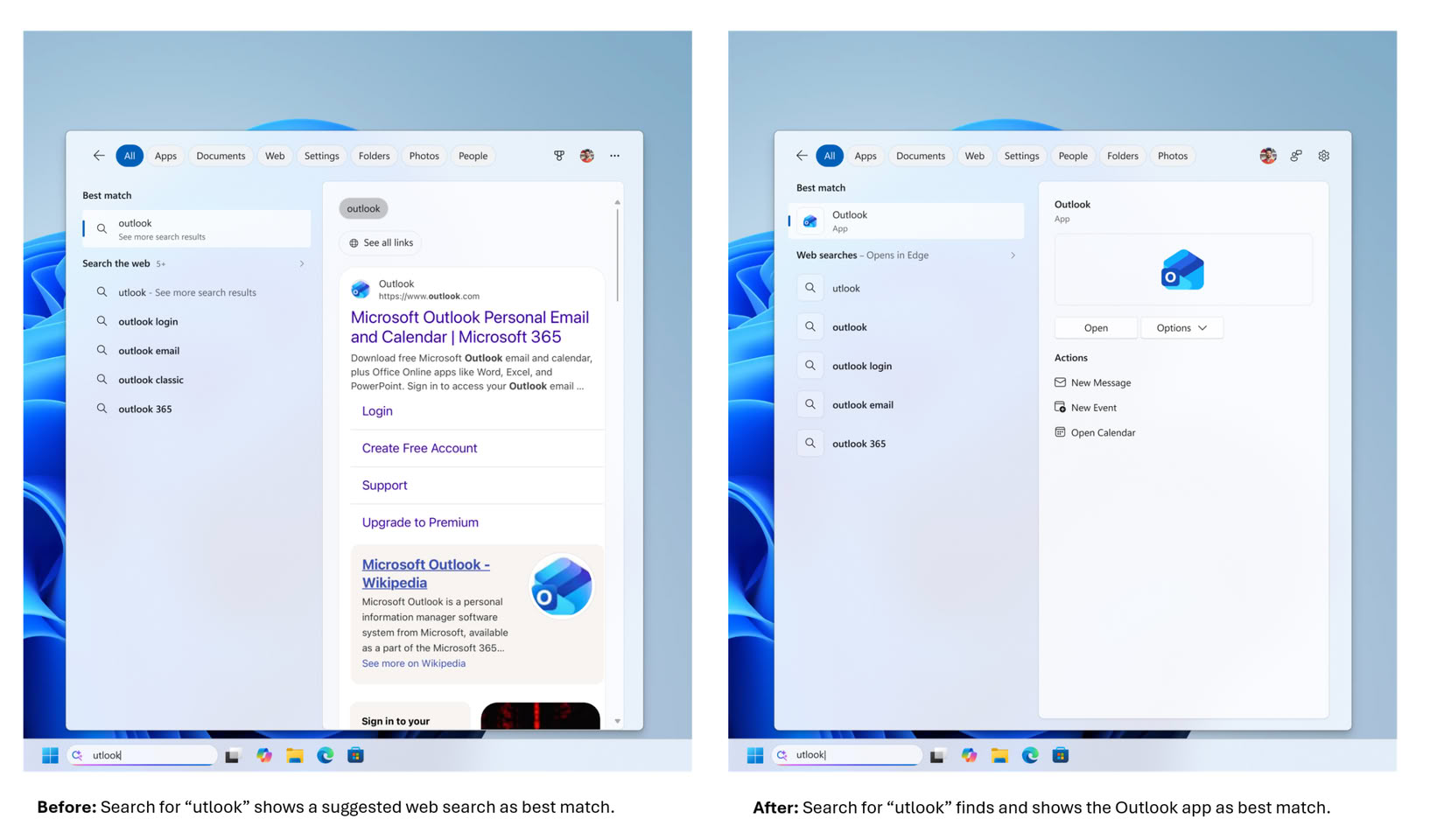
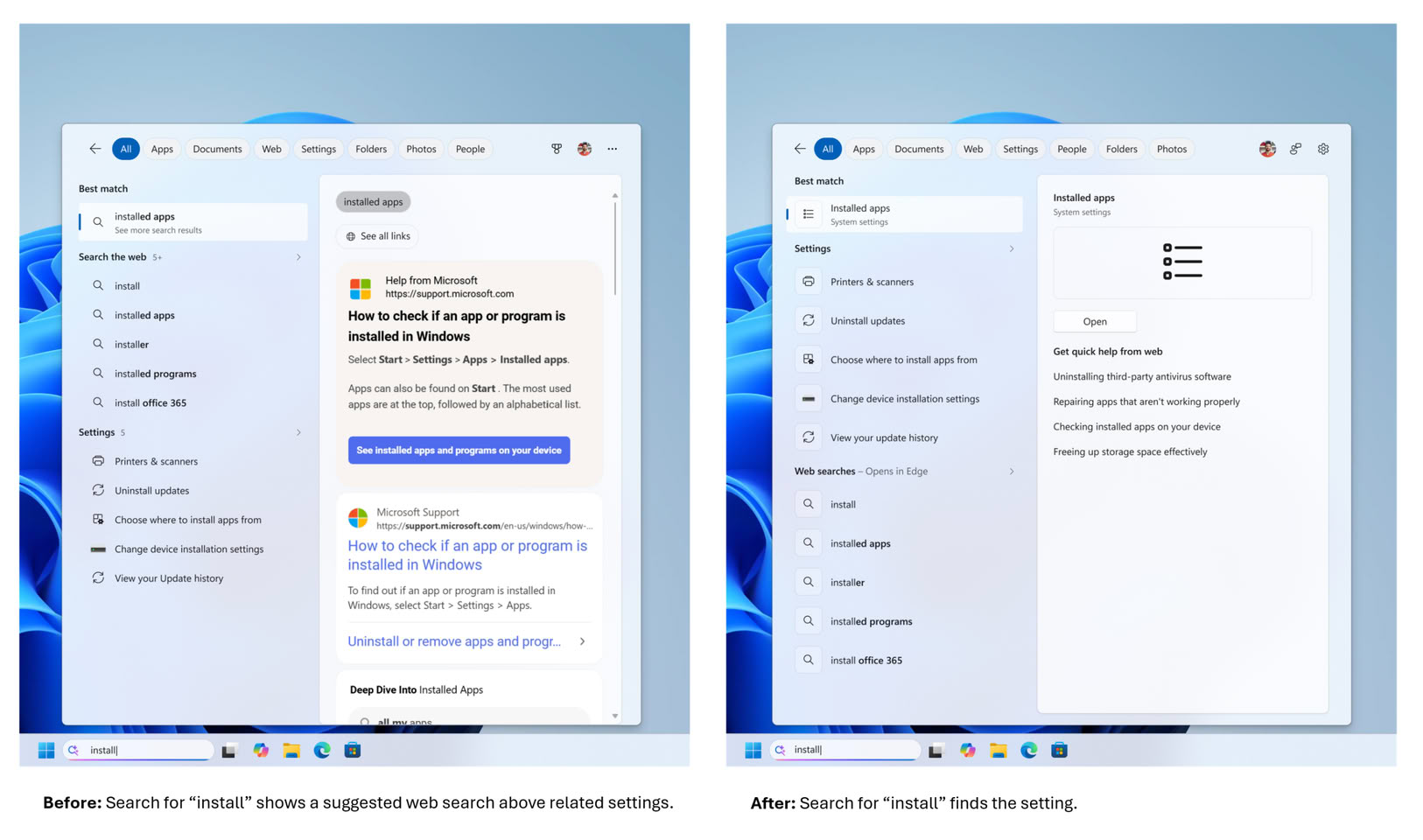
Microsoft has finally addressed one of the biggest pain points in using the modern Windows 11 operating system—the Windows Search Box. What used to be a complicated mess filled with content you didn't care about is now becoming a usable interface, with less visual clutter. Starting with new builds being rolled out to Windows Insiders on the Experimental Channel, Windows 11 will now display fewer results when running a Windows Search, meaning that the visual clutter is mostly gone, as you can see in the picture below. Recent searches are very easy to find, and the Search Box actually does what it is supposed to do. It will now display where the search result comes from, whether it is an application, a setting, a file, a web result, or even a Microsoft Store suggestion. The aim is for the Search Box to finally give users more transparency on what their actual search result is.
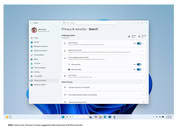
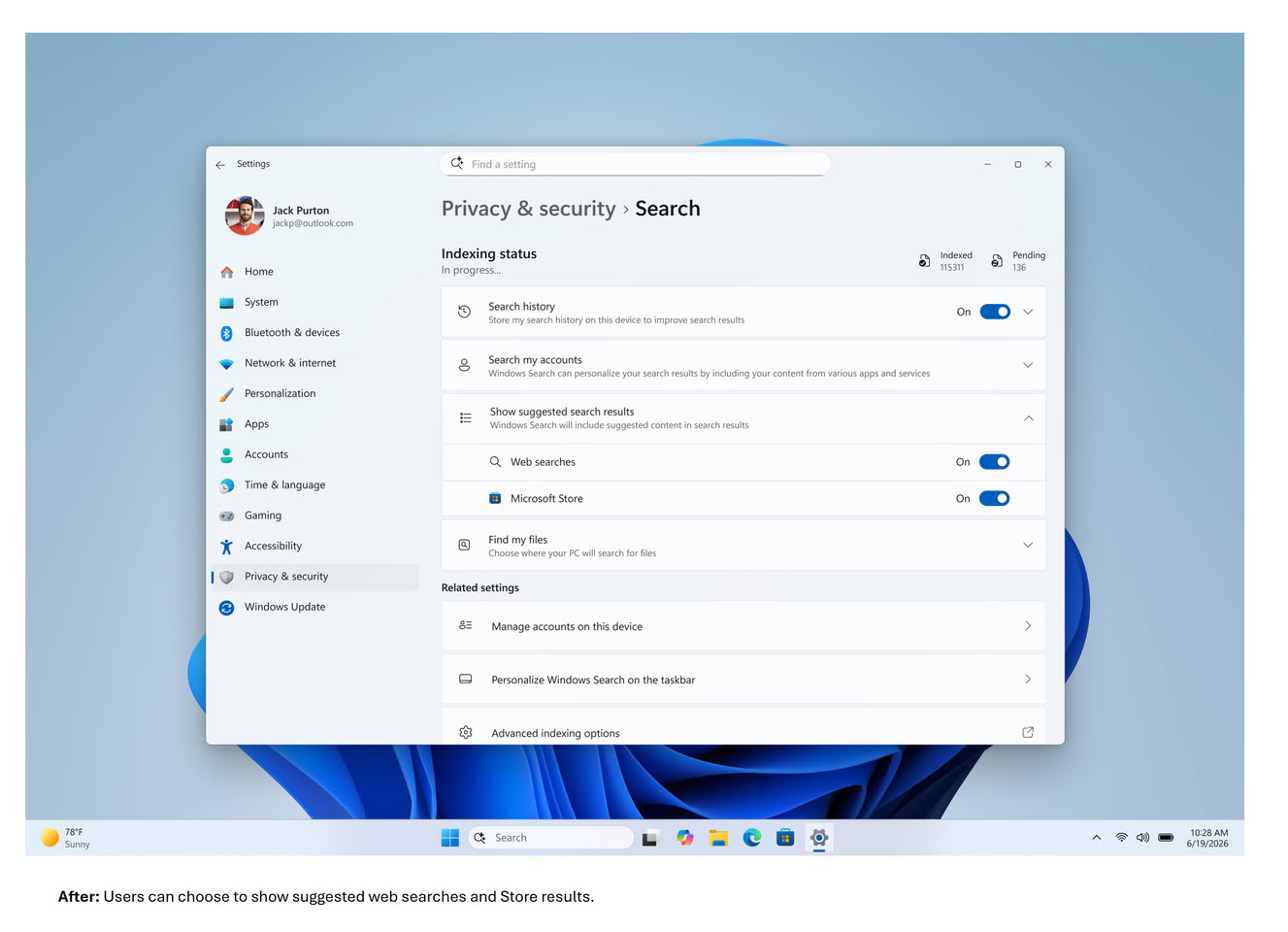
Perhaps the most important part of the update is the removal of promotional content. Previously, whenever you made a search in the Search Box, Microsoft would push promotions onto the user, showing related products first. This meant your search experience felt more like an advertising marketplace instead of a genuine search. Importantly, local search matches, like those from apps, settings, or files, are shown first before the web results, tailoring your experience towards a more local indexing of results. Additionally, these search results are customizable, as going to Settings > Privacy & Security > Search allows you to turn off web searches and Microsoft Store searches entirely.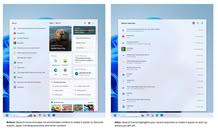
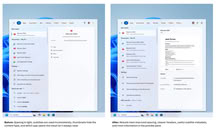
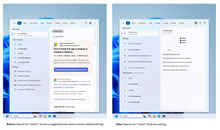
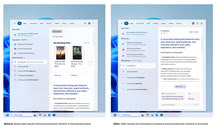 Finally, other aspects like finding files are getting an overhaul, making actual file searching much faster and more reliable, alongside finding applications even with spelling mistakes. You can see the before and after pictures below.
Source:
Windows Blog
Perhaps the most important part of the update is the removal of promotional content. Previously, whenever you made a search in the Search Box, Microsoft would push promotions onto the user, showing related products first. This meant your search experience felt more like an advertising marketplace instead of a genuine search. Importantly, local search matches, like those from apps, settings, or files, are shown first before the web results, tailoring your experience towards a more local indexing of results. Additionally, these search results are customizable, as going to Settings > Privacy & Security > Search allows you to turn off web searches and Microsoft Store searches entirely.


61 Comments on Microsoft is Finally Fixing Windows Search, No More Promotional Content
Yea, I'm that guy. I had my own self starting shortcut menu in DOS so I didn't have to use a GUI.
I'm not expecting millions to just up and leave but now that a significant amount have tasted the other side and found no problem with it*, people are now aware that they have options that are not Windows.
*Linux has issues but in my experience daily driving both, it doesn't have issues in an amount that makes me think "hm yes, I should go back to Windows, it was less problematic there"
Remember advertising about reducing AI-push and what was the message only couple months later.Unless someone put gun on their face.Win7 already lacked cascading menu and instead pushed that braindead scroll list.
(so its Start-menu was one step forward, one backward)
Does anyone know of a better file explorer/searcher replacement to the stock Windows option? I recall a few suggestions were posted in a previous Windows-related thread but I forgot to save the posts.
It's most certainly beta but it is WAY faster than Windows' native File Explorer. For some, that responsiveness might be enough reason to switch. Your call.
There are others, my guess is that a judicious Internet search (you know, one of those archaic practices that involves a search engine like Google) will uncover some articles written by human beings who tried a bunch of file explorer alternatives. I'll let you figure out how to do an Internet search though.
Best of luck.
I want an OS without the bloat, preinstalled crap, ads, AI, and an OS shouldn't be eating 7-8GB of RAM by default either, but Windows doesn't provide that by default.
And macOS is a free operating system unlike Windows. Not exactly sure about Microsoft's justification to plaster ads everywhere on a payware OS.
Nor does Apple forcefeed Apple Intelligence down its users' throats. Just toggle Apple Intelligence off in System Settings and it's basically silent thereafter. No nagging saying that I'm missing out on powerful new features, blah blah blah.
Clearly there is no technical issue that prevents Microsoft from doing the same. It's really about how each company views their users. There are a few Macs and a few Windows boxes in this house, I get to see all of it.
The best is my headless Raspberry Pi. No ads. Ever. Not even in the terminal. They could probably cram some ad in /etc/motd but they don't.
.................F
T.....
If you don't know what this means, you either haven't been on da net very long, or have been hiding under a rock/in a cave somewhere for the past decade or so....
But that's ok, cause me or somebody else here will gladly explain it to you, hahahaha :D
However it should be pointed out that MSFT investors mostly see Microsoft as a company whose primary business these days is Azure/datacenter. Windows, Office, Xbox are just side dalliances for Microsoft these days. It's not like some big fund manager is deciding to buy/sell MSFT because of x of the last y Patch Tuesday updates were dumpster fires.
Now all of a sudden they decide to throw us a bone when by sheer coincidence they're also severely under performing the broad US market - let alone what one could consider their competitors.
Windows or xbox may not be as big as they once were - they still accounted for ~20% of their revenue last year btw, office is even larger - but customer perception still matters a hole bunch.
I have no clue what you just referenced, spell it out homey.Yeah, microsoft is on a downhill slope. The only way they are going to recover is if the start changing their business model to be in harmony with the will of the public.
I disabled some stuff in group policy which made it reasonable clean visually, but for months maybe even over a year, I noticed when I first opened the start menu, there would be a brief lag before it appeared. But if I then spammed it, instant every time.
The culprit? "searchapp.exe".
The searchapp process goes into a sleep state after 10 secs or so of idle, and when it needs to wake up, there is brief lag. In windows default state, it also spawns a bunch of edge processes and gets a bit crazy, they were resolved by disabling promotional content in group policy, but this tiny bit of lag never went away. I then found a post somewhere mentioning there is a feeds entry in the registry for the search content, and simply nulling this value gets rid of that lag. What a mess Microsoft have made, adding junk to their OS causing all sorts of weird issues for content no one wants.
I expect the thing was generating bing searches every time, so all artificial hits on their search engine.
There is still what I would consider micro lag opening start menu when searchapp is asleep but this lag is so tiny I can only see it when looking for it, not accidentally.
blogs.windows.com/windows-insider/2026/07/13/improving-windows-search-box-with-less-clutter-and-more-control/
They do state at the bottom of the page;