Tuesday, September 15th 2026
Goodram Introduces Master PCIe 5.0 SSD Series With Speeds Up to 14,000 MB/s
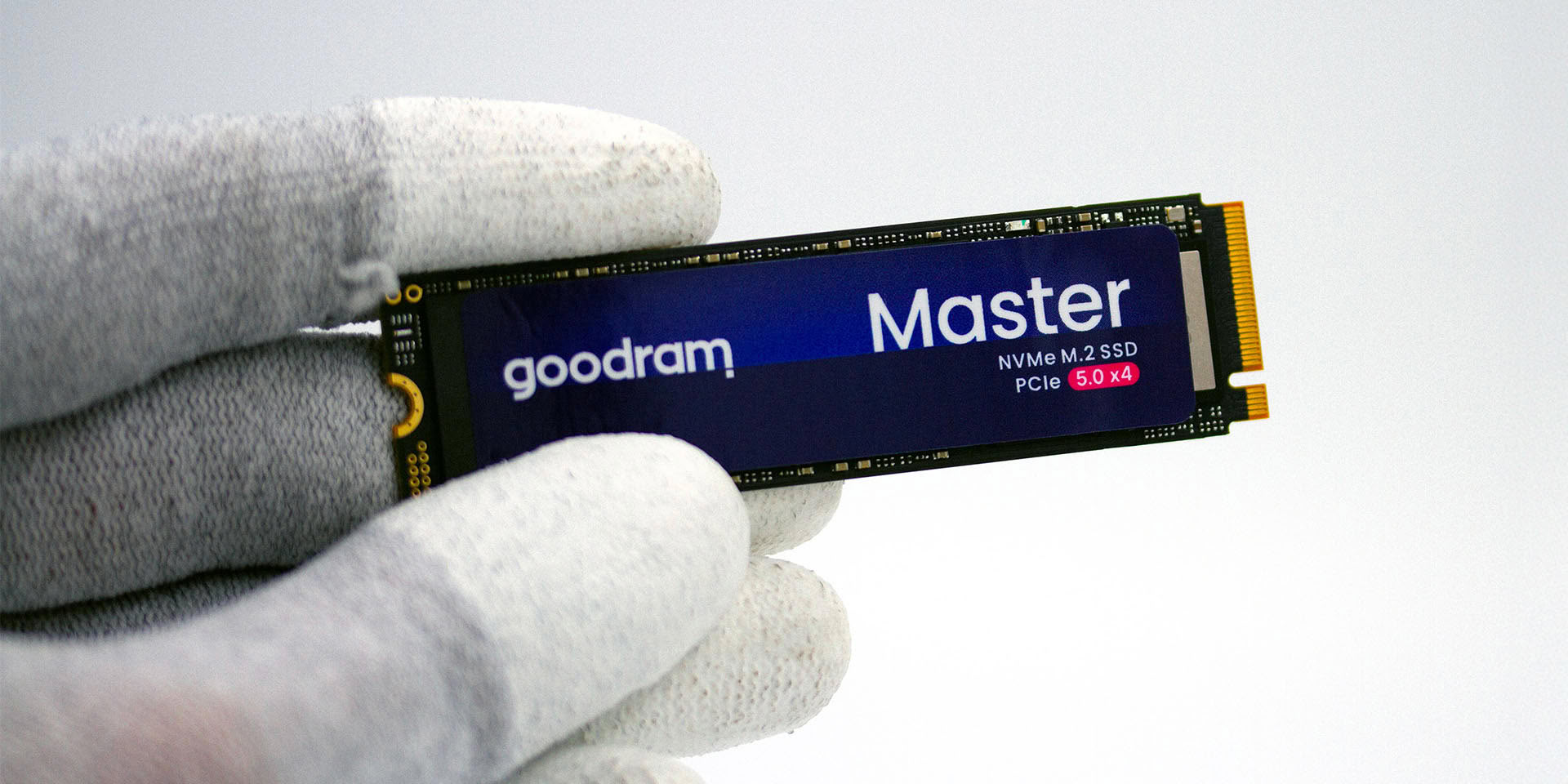
Goodram is introducing Master, a consumer NVMe PCIe 5.0 SSD designed for next-generation platforms. The new model is aimed at gamers, content creators, professionals and PC enthusiasts who demand top performance when working with large files, the latest games and AI-powered applications.
Thanks to the PCIe 5.0 x4 interface, Goodram Master delivers sequential read speeds of up to 14,000 MB/s, write speeds of up to 13,000 MB/s and performance of up to 2,000,000 IOPS. These specifications translate into shorter application and game loading times, faster transfers of large files and high system responsiveness even during intensive multitasking.

 The new SSD has been designed for modern PCs equipped with the latest processors and motherboards supporting the PCIe 5.0 standard. The high bandwidth of the interface helps users take better advantage of the capabilities of today's platforms while providing additional performance headroom for the years ahead.
Goodram Master is also well suited to workloads involving local artificial intelligence. Fast access to AI models, datasets and working files helps reduce environment setup times and, when combined with a powerful GPU and sufficient VRAM, enables more efficient use of local AI tools.
The SSD supports Microsoft DirectStorage, which can reduce loading times and accelerate texture streaming in compatible games.
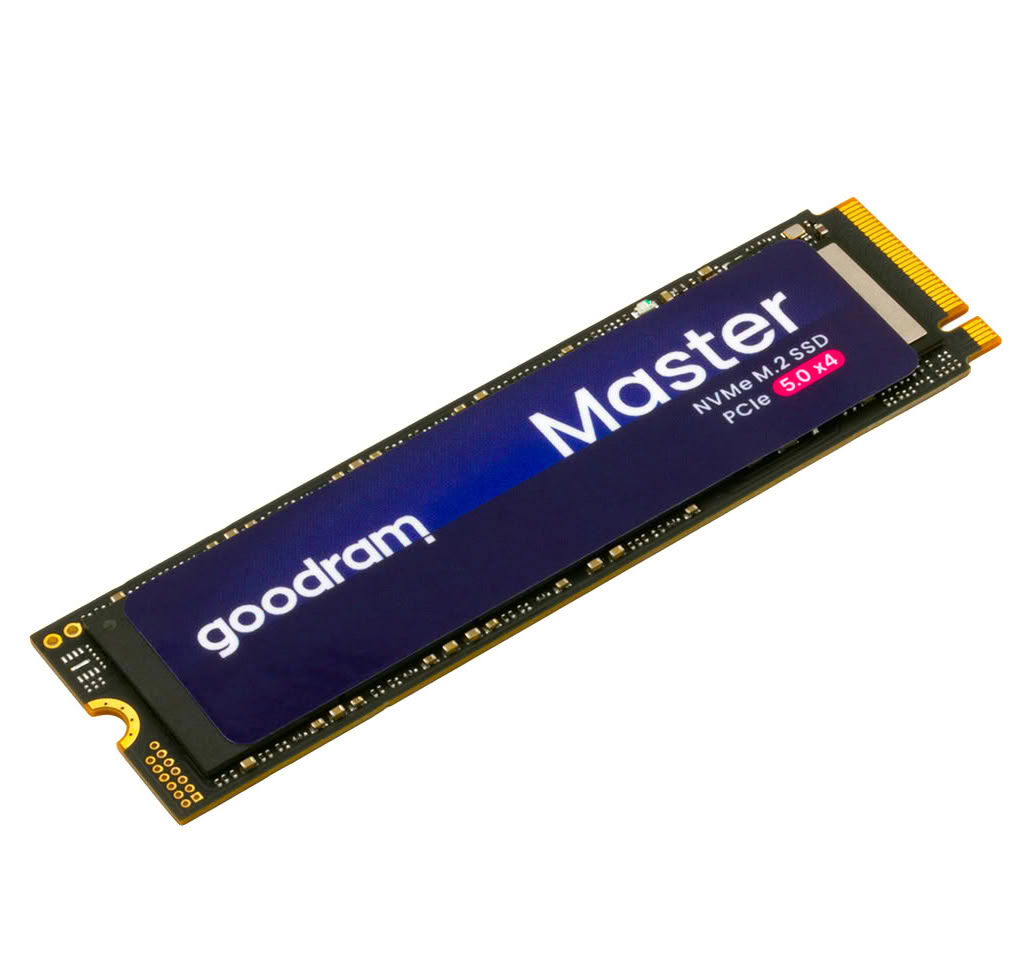
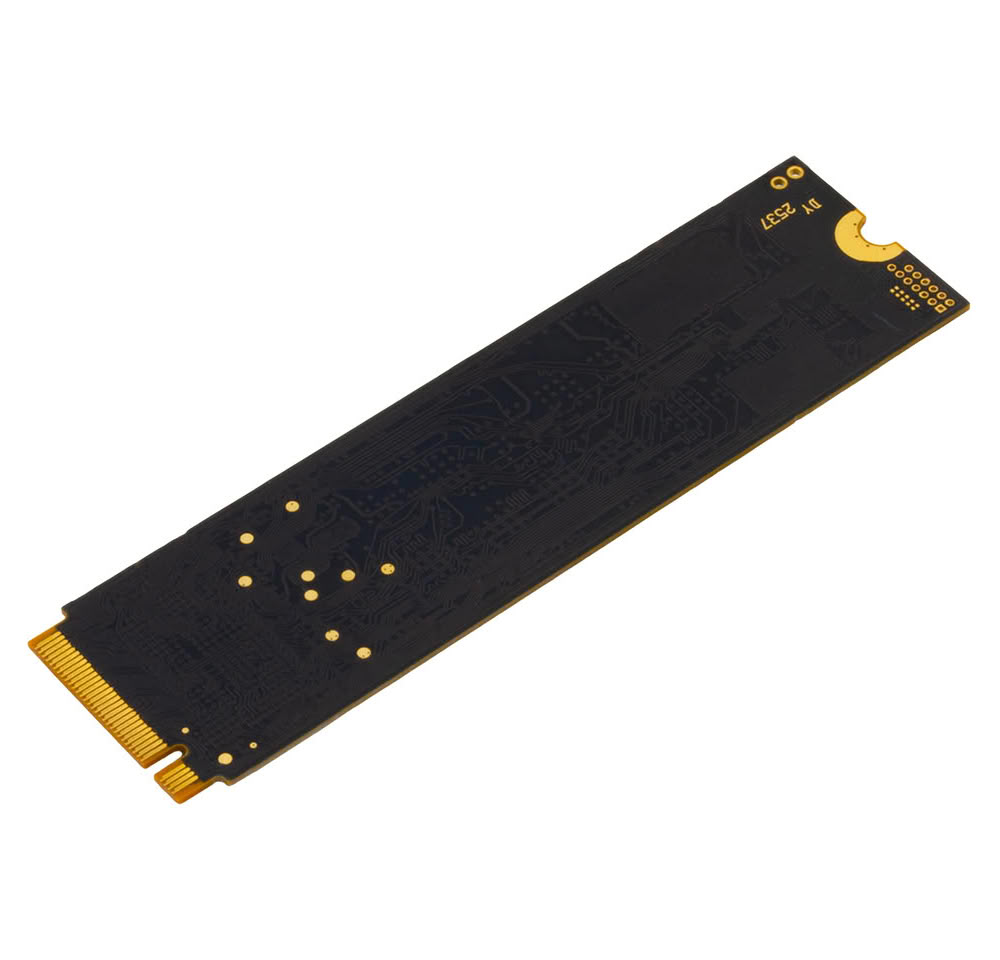
Another key feature of the new model is its energy efficiency. According to Goodram's internal testing, Master consumes up to 27% less power than selected previous-generation PCIe 5.0 SSDs offering a comparable level of performance. Its single-sided design has been developed to work with heatsinks integrated into modern motherboards, helping to dissipate heat effectively during sustained workloads.
Goodram Master will be available in 1 TB and 2 TB capacities. The 1 TB version offers sequential read speeds of up to 14,000 MB/s and write speeds of up to 9,000 MB/s, while the 2 TB model delivers up to 14,000 MB/s read and 13,000 MB/s write speeds, as well as random read performance of up to 2,000,000 IOPS. Both versions are covered by a 5-year limited warranty.
Key specifications of Goodram Master
Source:
Goodram
Thanks to the PCIe 5.0 x4 interface, Goodram Master delivers sequential read speeds of up to 14,000 MB/s, write speeds of up to 13,000 MB/s and performance of up to 2,000,000 IOPS. These specifications translate into shorter application and game loading times, faster transfers of large files and high system responsiveness even during intensive multitasking.

Goodram Master is also well suited to workloads involving local artificial intelligence. Fast access to AI models, datasets and working files helps reduce environment setup times and, when combined with a powerful GPU and sufficient VRAM, enables more efficient use of local AI tools.
The SSD supports Microsoft DirectStorage, which can reduce loading times and accelerate texture streaming in compatible games.
Another key feature of the new model is its energy efficiency. According to Goodram's internal testing, Master consumes up to 27% less power than selected previous-generation PCIe 5.0 SSDs offering a comparable level of performance. Its single-sided design has been developed to work with heatsinks integrated into modern motherboards, helping to dissipate heat effectively during sustained workloads.
Goodram Master will be available in 1 TB and 2 TB capacities. The 1 TB version offers sequential read speeds of up to 14,000 MB/s and write speeds of up to 9,000 MB/s, while the 2 TB model delivers up to 14,000 MB/s read and 13,000 MB/s write speeds, as well as random read performance of up to 2,000,000 IOPS. Both versions are covered by a 5-year limited warranty.
Key specifications of Goodram Master
- PCIe NVMe 5.0 x4
- sequential read speeds of up to 14,000 MB/s
- sequential write speeds of up to 13,000 MB/s (2 TB)
- performance of up to 2,000,000 IOPS
- Microsoft DirectStorage support
- Host Memory Buffer (HMB) technology
- up to 27% lower power consumption
- single-sided M.2 2280 design
- capacities: 1 TB and 2 TB
- 5-year limited warranty subject to the TBW limit
16 Comments on Goodram Introduces Master PCIe 5.0 SSD Series With Speeds Up to 14,000 MB/s
These improvements are at best benchmark values in most consumer environments. I'm pretty sure we've hit a point where most storage-to-RAM transfer times are a few seconds at most and the rest of the "loading" is all the processing that needs to happen to get the thing up and running.
Most of my old SATA drives were faster than this WD drives that are put on laptops. If the QLC drives can do the cache management in an aggressive way, they are ok.
At least the random reads seem to have doubled on most drives, so that is a 2x boost to OS workloads and stuff like that.
I'll stick with my Gen 4 850x's for now and will be happier for it, since I have a large stash of them.....
If you are suggesting to disable Write Caching, that is very dangerous because you will loose the data if there is a crash. You should never do that unless you are using things like RAID arrays with batteries.
MS really needs to start improving what they are doing with filesystems these days. Some Linux FS can already pack the data when writing the metadata/inode, improving performance and reducing writes.
Windows doesn't flush/refreshes HMB and standby frequently to be very conservative. The same drive on Linux Bazzite/Fedora/Nobara/Devuan/Debian Flies and I don't even see a loading screen or progress window.
I think the second option under Write Cache that is, disable Windows Write Cache Buffer flushing is the cause for data integrity if you don't have backup power/UPS. On laptop its unaffected.
I will try what you say and disable caching, which should always be fine and fast. It means changes only are committed to metadata (on modern FSs) after the drive reports cache data fully written out to disk.
So on a crash you either get old data or new one, it is hard to get corruption but can still happen.
Unless you're affected by slow write on specific WD/Sandisk NVMe drives under heavy writes disabling you won't notice much difference.
Maybe the controller can do some form of management on internal cache that is enough to work ok.
Will try it out on my laptop and see how it goes.
HMB under heavy 4k writes simply produces worst case scenario for QLC and higher.
Tried your suggestions but did not change everything. What I found is Win11 disabling cache-flushing by default... (or by OEM configuration). W10 definitely does not do that.
Looked for HBM registry settings and it has none defined, so maybe it is just really bad QLC with an overheating controller. (85ºC)